This seems to be the case for my last 28 personalizable creations on Zazzle Art Gifts although I have not clicked on all of them. The blue Edit Design button shows but not the Personalize blue button. The option to “Personalize this template” shows in black text below the blue “Edit Design” button but there is no obvious Personalize button.
You see things a bit different when logged in because it is your product. You can always log out and then visit your product page to see how a customer would see it.
This has been happening to me for years. I made a sale this year and the buyer wanted the monogram changed. I figured it should be easy. Sure enough I had to re- make the item to get the button to show. I asked about it awhile ago and they actually asked me to send the link. I already changed the item. It would take too long to send in links of every item not showing up. Today one of my best designs is not showing the button and I have it on a lot of products. Go with the roll. It is just another reason I am not making sales as I should.
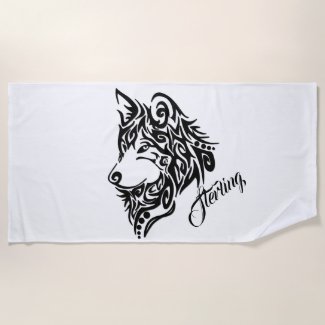
It does not always show when logged out. I found that out when buyer couldn’t edit an item. I just check the current culprit item and it is not showing the edit button. Here is the design that is not showing, I just found it on a design with white wolf. - https://www.zazzle.com/white_wolf_head_on_black_drawstring_bag-256624223130147504
It seems like this design is not showing the button and it has a lot of views I resubmitted it after Increasing the text size a tiny bit. I sure hope they put it at the same link.
OK… it might have something to do with using the transfer design. I come to this conclusion because it used to happen with items made through the bulk edit when it was a thing, I am not positive but it seems to be happening to items during transfer. Just FYI Zazzle techs. I am sorry this is making me mad and I am done posting. I am out to fix now, just wish I would have noticed before the Xmas sales.
 I resubmitted it after Increasing the text size a tiny bit. I sure hope they put it at the same link.