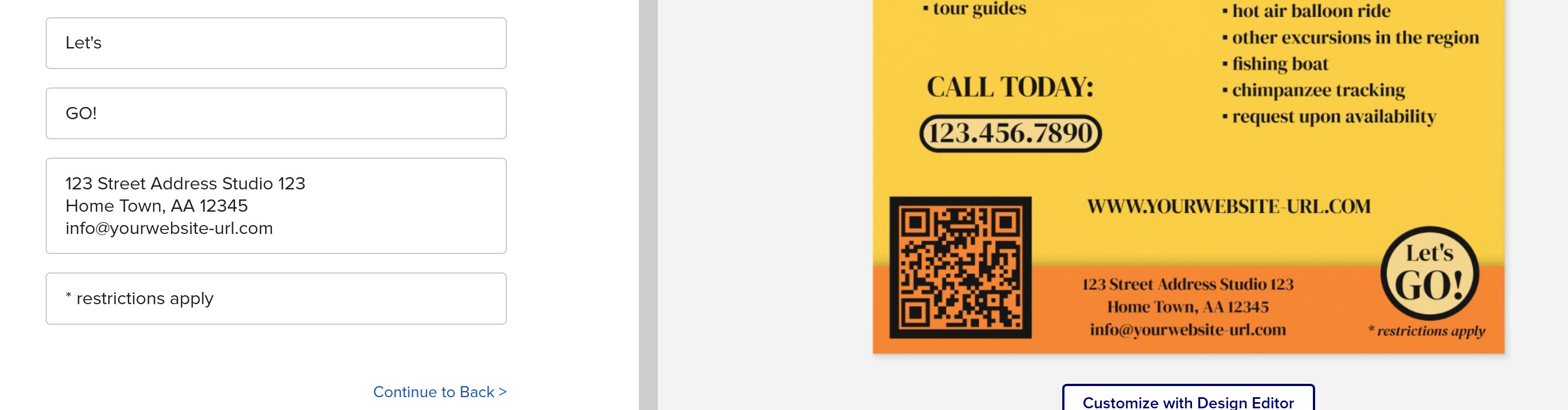
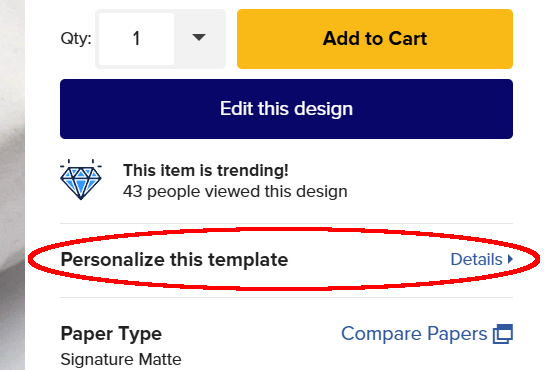
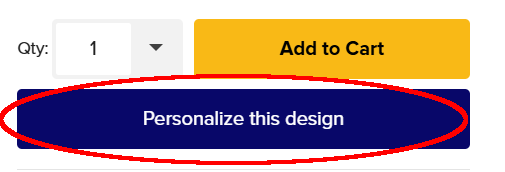
I checked this in Brave and Firefox, both the same: customers have NO IDEA there might even be an option to change the image. Also the logo image can’t be changed.
On Chrome the page options still look the same (and functional) to me, but then I’m logged in.
I’m getting so tired of wasting hours and hours reporting bugs (especially since they rarely get fixed). Please check these things before you decide to change the editing options. Thank you.
@LMGildersleeve I don’t follow you. How else would you do it? I do add the image (or more images if it’s a grid) and then after I’ve done that, I make it a template.
OK, so it seems to have been a beta-test.
I think for it to be an improvement, all templates need to be “hoverable” and not just the images. Also it would still be nice to have a list of ALL templates to check if all has been customized (or for designers to make sure all is turned to template).
Another thing I was thinking about it whether something is left or right on the screen. The way it was shown yesterday would make it good for people that are left-handed or on a Mac, but not so much for anyone being on Windows and/or right-handed. Especially if there is a long list of text templates. For a long list of image templates it would be the reverse.
In other words, it is not so easy to improve the existing design and maybe not so much necessary either?