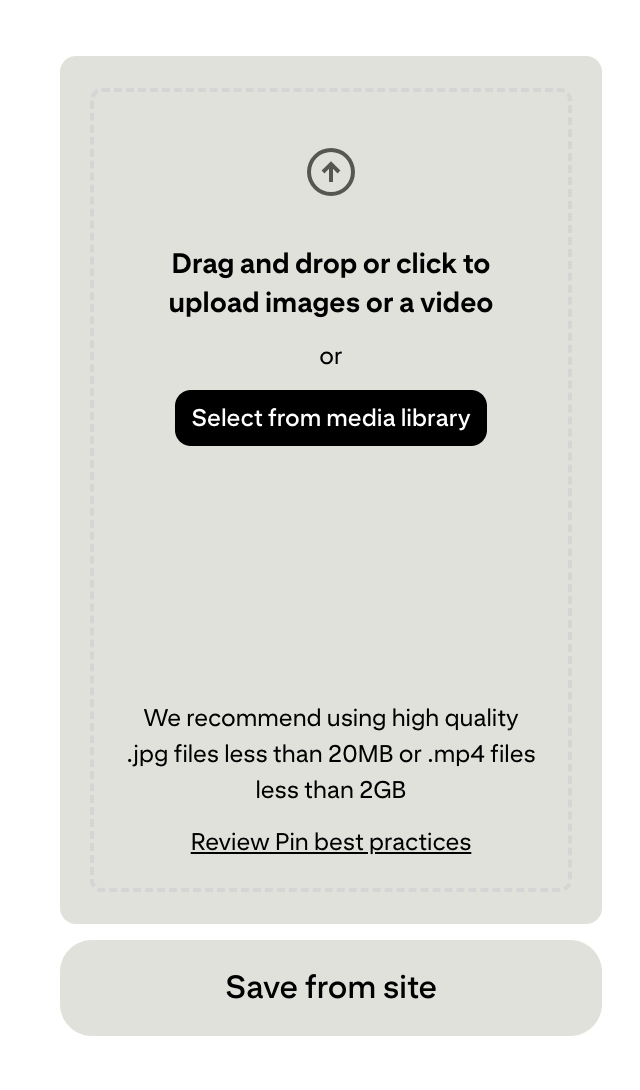
The last couple of days when I go to schedule a pin on Pinterest the option to schedule disappears when I load an image; it also won’t tab to put in the link. If I put in the link first it works, but still the schedule option dissappears when I load the image. Anyone else having this issue with Pinterest?
I haven’t had that happen, and I’m on Pinterest a lot. What browser are you using? Sometimes changing that can help, but a lot of the time it’s just a matter of waiting until Pinterest finishes messing around with whatever they’re messing around with. I just noticed they added something to the “create a pin” option, so what you’re seeing might have something to do with them adding things to the system.
I just scheduled one to be sure for myself. I’m using Chrome and a Mac. I have several more to manually pin like this, that’s why I was a bit curious. Of course, as soon as I uploaded my image, I immediately headed for the “switch” tab to schedule it, to be sure.
I’m thinking that this has happened to me before, but I can’t remember if I ‘triggered’ something by the order I filled in their blanks, or it’s in the timing somehow of how long I took to fill them in. Idk. But, you can watch the ‘switch’ tab go from gray to active, after uploading your image. That’s when I’d schedule it, and then go back to filling in the rest. To see if that helps.
Thanks, my schedule option is there when I first go to create, so I tried clicking that first, but as soon as I upload the image it dissappears. I sent Pinterest a message; maybe they will get back to me.
I’m using Mac and Chrome, it just started doing that a couple of days ago. I’ll give it some time.