I created a few planners today and no matter the background colour I chose or the order I inserted my image and solid background colour there is a square-ish shape a few shades darker than the background colour. I tried this today on a pc using Chrome and tonight on an iPad with same result.
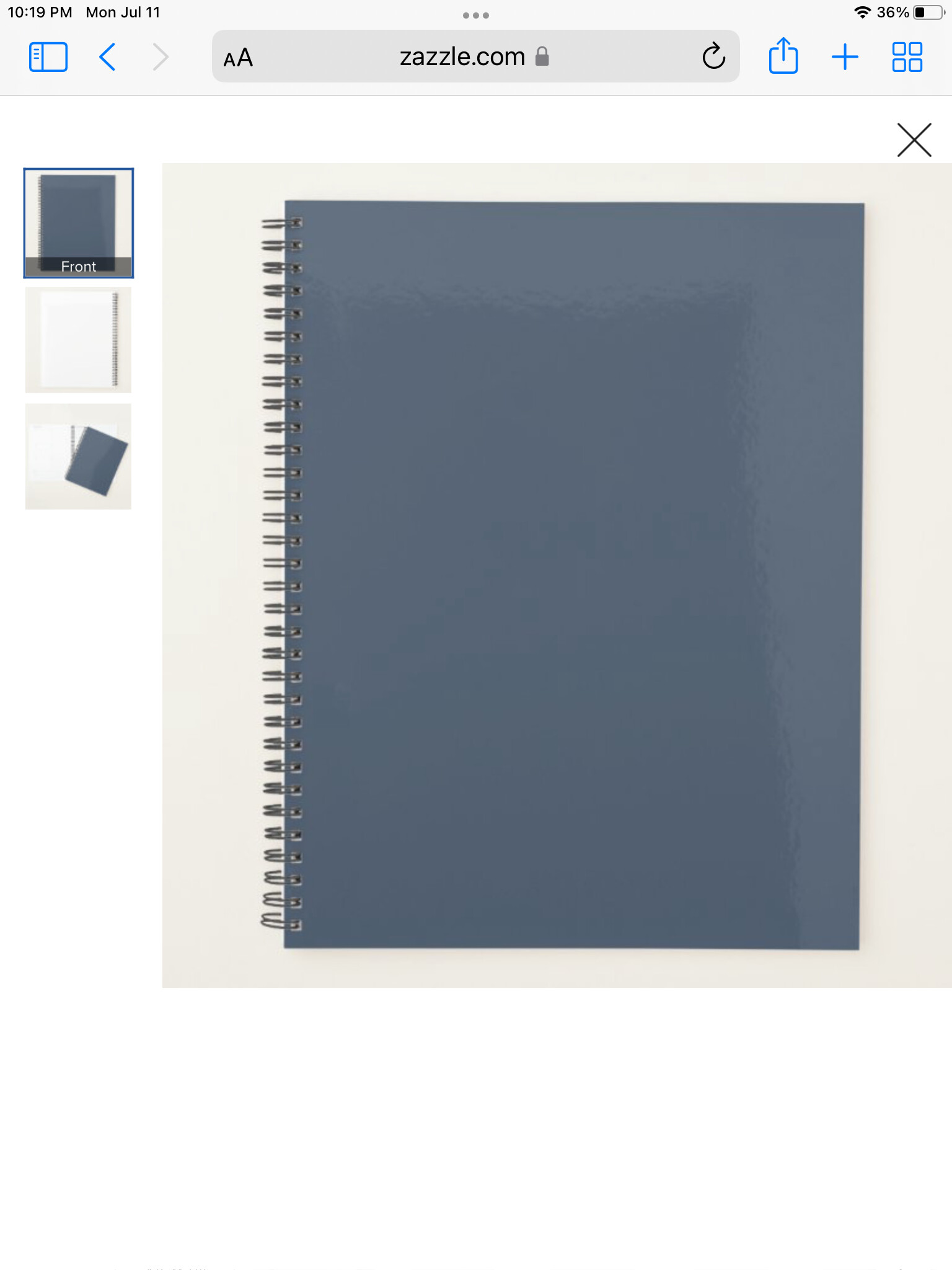
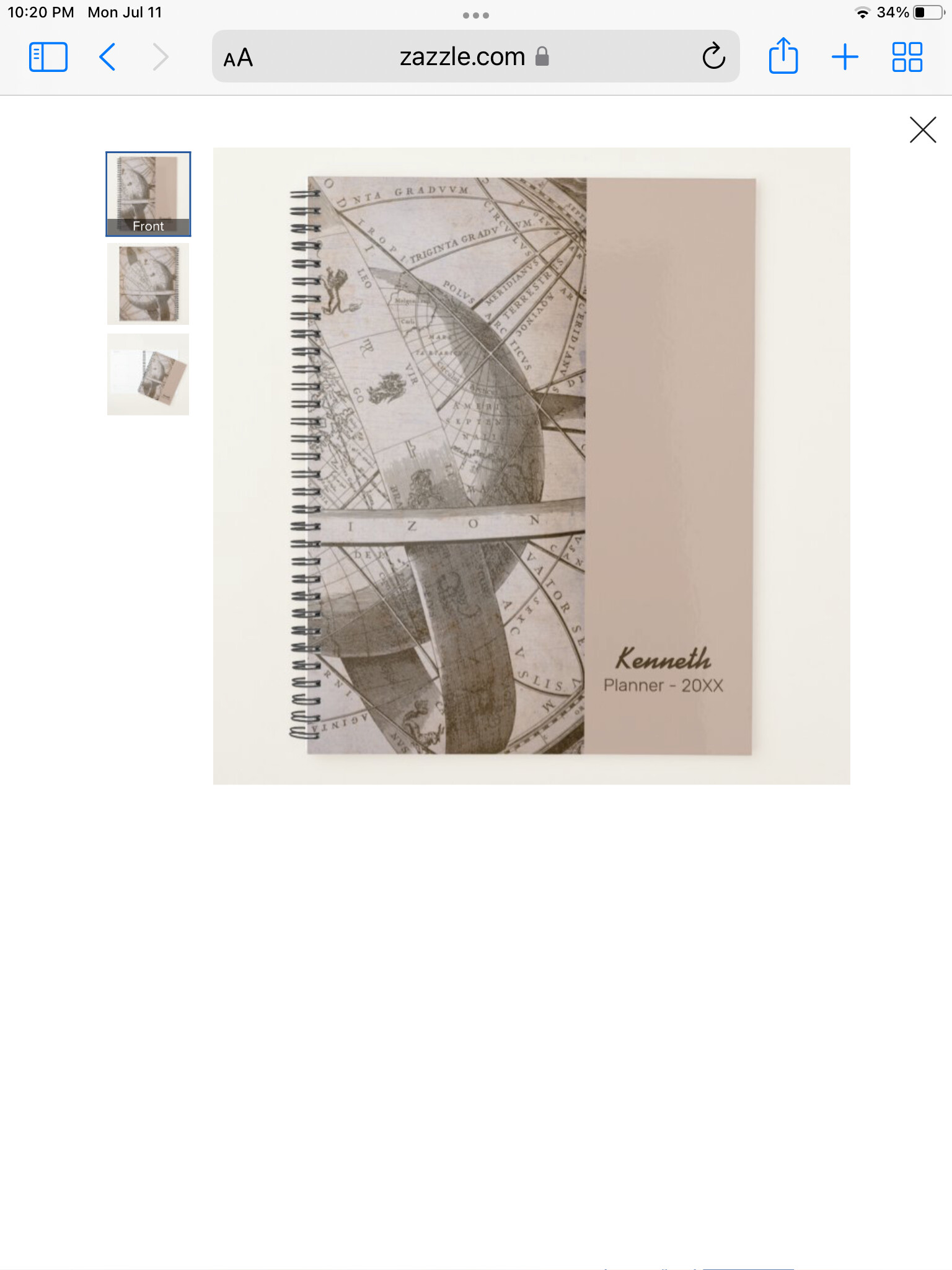
Pretty sure they are just showing that the surface of the planner is glossy..
1 Like
I believe it’s the gloss on the hard cover option. That sort of cover actually does that reflect-y thing in real life, which is probably what they are trying to show.
Hi all,
Just going to move this as there is no tech issue present. Thank you!
It’s a total fail at showing glossiness. It looks either like a big stain or like something off-camera throwing a shadow.
Exactly what I thought. Where there is a pattern across the whole cover the gloss reflection does not show up but I have noticed a few others with a plain colour that it looks like a mistake.