So I was working this morning on designing bowling themed birthday invitations on postcards. But I noticed the front of the invitation I can change the view from horizontal to vertical, but not on the back side.
It’s hard to design sideways and the customers also don’t get a great view looking at it sideways.
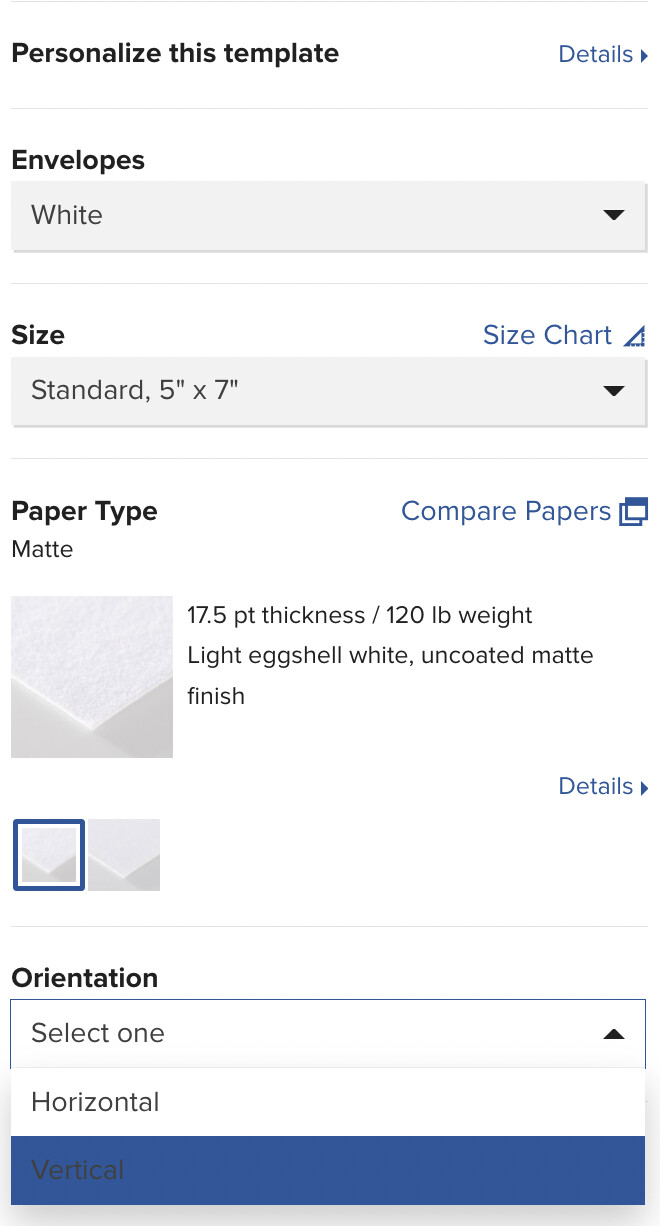
I think you may need to go to the product link (out of the design tool) to change it. At the bottom of this screen shot image you’ll see the _ Orientation _ options. It took some exploring a while back for me to figure it out.
I may be wrong but I think the reverse of a postcard (where the address is) has to be horizontal for posting via USPS so if you’re re-purposing postcard stock for invitations, that’s where the problem lies.
Using the designated birthday invitations stock (although more expensive) will provided the vertical layout on reverse - unless other designers know a cheaper stock to use
Okay, I just checked your link and see what the issue is. I assumed you were talking about a greeting card. DUH, on me for not reading and clicking the link initially. Sorry.
In the design tool, click the little gear _ Design Placement _ and it will offer you the two orientations.
The design placement is there for the front of the card but unfortunately not the back. But I do appreciate your help. I think Sara H below is right that it’s just not offered on the back of the postcards.
I think you’re right. I wish they would change that though, since postcards now give the options of being sold with envelopes in which case we don’t need the back to have the to and from. But thank you for the help.
What is so strange is that sometimes I see the orientation option and other times I don’t. I would like to have that option when I first am creating a postcard. Today, that option is not appearing for me.
And what happened to you (no orientation bar) is exactly why I am here now. The option to go vertical on the postcard is not there, and my photo is definitely a vertical shot.
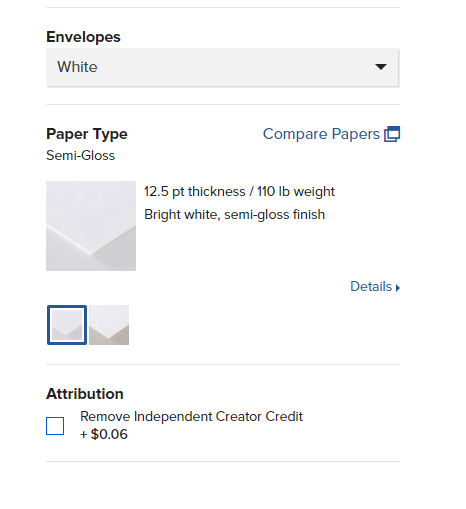

 I think Sara H below is right that it’s just not offered on the back of the postcards.
