I would really like to hear other sellers’ opinions on this.
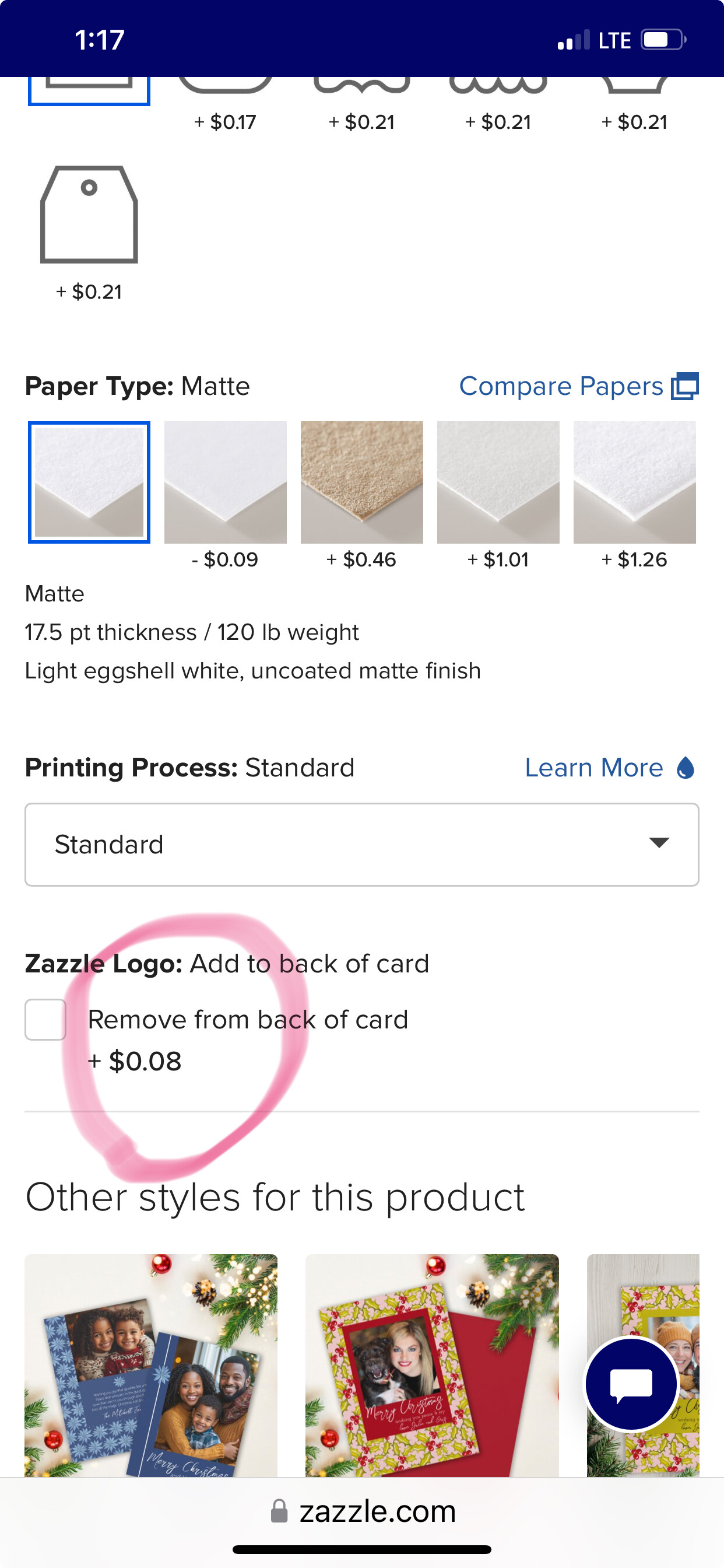
Zazzle Logo on the back shouldn’t be the default setting, or at least you should let us remove it and sell it that way. If some customers really want it, they’ll put it on the back themselves. It happened to me many times: customers reached out to tell me they wanted the Zazzle logo removed on the back, that they didn’t know they had to check it, that they got it printed with the logo even though they’ve selected it to be removed, etc. There are many situations where it led to unsatisfied customers.
Also, the logo very often interferes with the design on the back and it would be better if I could uncheck it and sell it that way.
It won’t give you the sell it button without the logo, but you can change the setting in the product merchandising settings either when you post it for sale or by using “edit details” after it’s posted. Then it will be off by default for your customers unless they choose to turn it on.
I did that just two days ago, deliberately removing the logo on a postcard because it’s inevitably far too large, in the way, and inappropriate. Out there in the world, the maker of a postcard is usually seen in very small print and on the top left of a card where it doesn’t interfere. On the back of a greeting card, I wish the logo was a bit less black and bold but more decorative. Sometimes I leave it there, sometimes not.
I can’t think of any circumstances in which a buyer would want to turn the logo ON. If it’s already there, and will cost them to remove it, it’s more likely to remain.
You’re absolutely correct. What can be confusing is, for instance, what I saw with the postcard where I recently removed the logo. The box was checked, and beneath this it said “-$0.06” as if the removal reduced the price by 6 cents. Nope, it added 6 cents. The question is why. Does the printer have to do an extra something to remove the logo?
That’s what I meant to say - it costs less if you leave the logo, costs more if you remove it. Guess I got my double negatives reversed or something! 😜
I think Zazzle sees the logo as advertising, so if you remove the logo they’re no longer getting that advertising - hence the higher price. That’s my assumption anyhow!
There’s no logo on invitations as far as I can tell, which is a blessing.
@Cat : For sure, it’s advertising, which every greeting card company does, as they ought to. Placement and size, though, can be an issue. And @almdrs came up with a fine suggestion of having it in a light gray, which I could swear it once was. That way, it doesn’t pop off the paper like a big zit.
I’d mind it a lot less if we could easily combine it with our own logo or text, perhaps resizing it to fit nicely. I just now sailed over to VistaPrint and found that they have a small, tasteful logo on the back down on the bottom. If Zazzle did this, I wouldn’t bother removing it.