On my Zazzle product “Custom Cacti Floral Baby Blanket – Blue” ( Custom Cacti Floral Baby Blanket – Blue | Zazzle ), the thumbnail column on the left shows Zazzle’s automatic mockup images and videos first. How can I make my own designer mockups, including my video, appear before Zazzle’s auto-generated product mockups in that column? Is there a setting in the product editor or a way to reorder the thumbnails?
There is no way to reorder Zazzle’s own auto generated product mockups. If you add more mockups - you can rearrange those
Thank you for your reply. However, I don’t think this matches what I see on my product page:
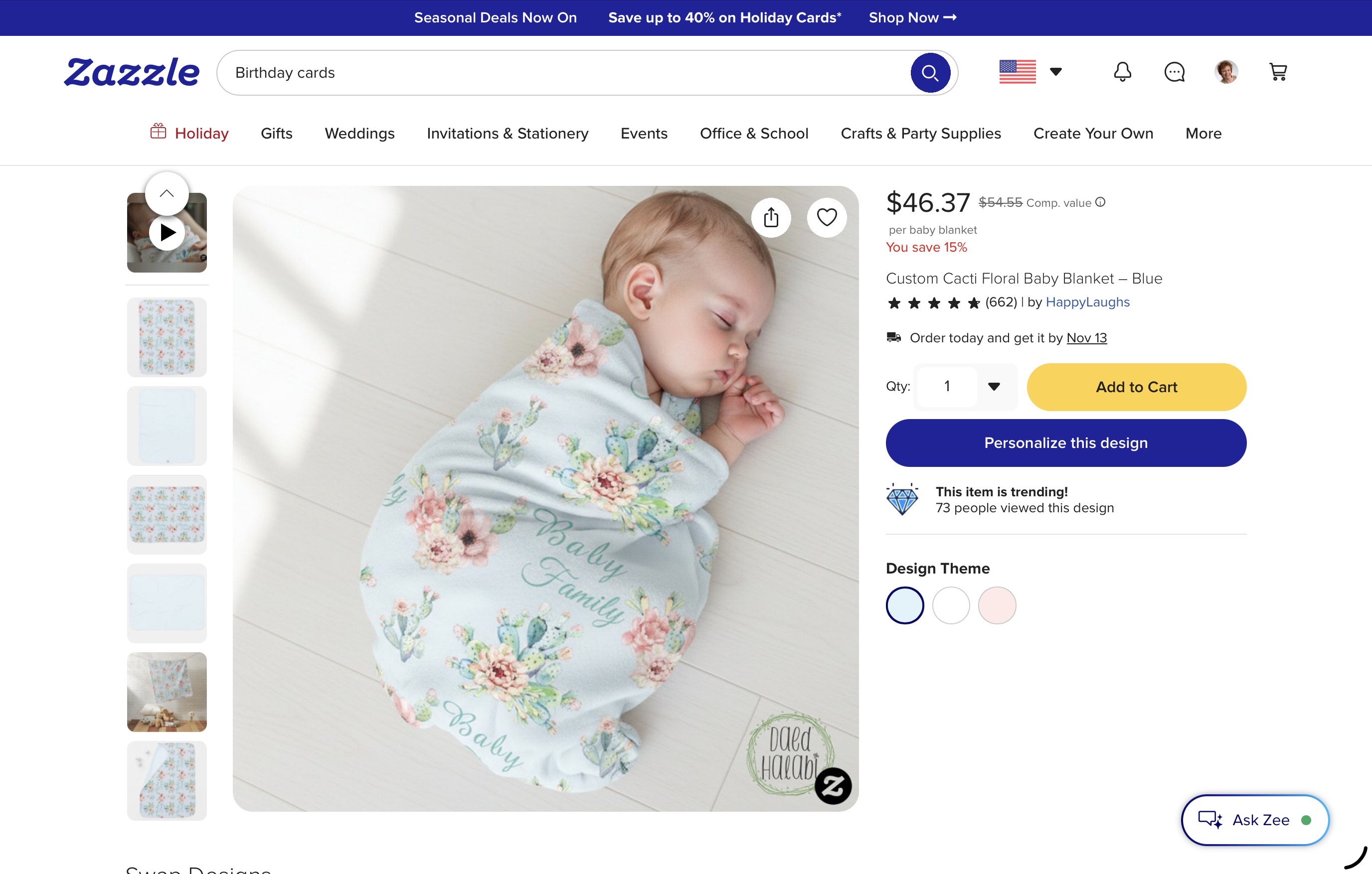
When the page opens, the main viewer displays a static baby photo mockup. The video appears only as the second thumbnail in the left column and must be clicked to play.
I would prefer the video to appear first, as it demonstrates the product better than a static image. Ideally, designers should be able to control the display order of their images and videos rather than having it automatically determined by Zazzle.
I’ve also noticed that the display order is inconsistent across products. Having a consistent, designer-controlled order would be a great improvement.
Thank you for your consideration.
Sorry to say, but you can. Zazzle has many features hidden behind the scenes, and I’ve discovered some of them myself. Zazzle isn’t always consistent, which is understandable given the size of the platform and the differences between product features.
To answer your question, look above the product image for the Product Media Manager. It previously allowed designers to organize and change the order of product images as they wished, including products in this category. However, as of October 30, 2026, this option is no longer available.
I hope this clarifies what I mean.
@DaadHalabi I disagree - you can reorder your own mockups using the Product Media Manager. (source me - just tried) You drag one image (or video) and change order. You need to upload more than one mockup to change the order
You can not move zazzle’s order of their images - only your own.
I agree that what you described is true, and it has worked that way for me too, as I mentioned in my recent update. However, things seem to have changed, particularly with the introduction of AI.
Just to clarify, I’m not asking to change the order of Zazzle’s mockups. Those are primarily intended for customers, and I have no issue with their default order. What I would like is for designers’ uploaded media (mockups and videos) to have higher priority and appear earlier in the overall product listing. That’s the point I was trying to make.
@DaadHalabi When you add your own mockups - they appear in the top slots of the product listing above zazzle’s auto generated mockups.
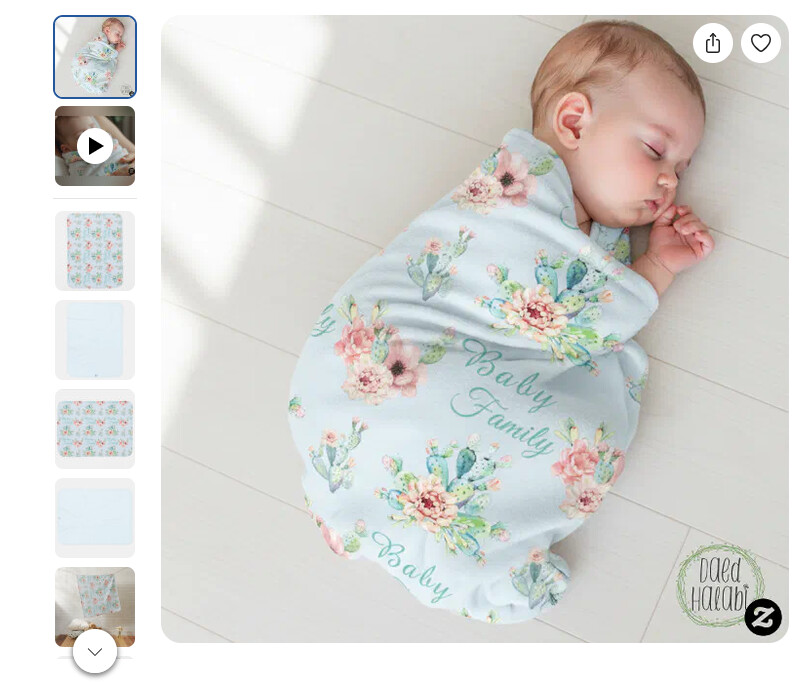
Your mockup appears in the first slot and your video appears in the 2nd slot - to me they already hold a “higher priority and appear earlier in the overall product listing”
Unless I am missing the point you are trying to make
I want the video to appear first, then the image.
I am guessing that if the video were positioned in the first slot, thus appearing as the image in your storefront and the Zazzle marketplace, it would not look consistent with other Zazzle products. It would be a darkened square with an arrow in the middle of it which would require someone to click on it to view it. The other mockups look better in the storefront and marketplace than a video.
I understand your point, but it raises a question for me: if Zazzle gives designers control over mockup order and explicitly allows video uploads, why offer this flexibility if videos aren’t intended to be placed first when appropriate?
I’m still trying to understand how Zazzle intends this feature to work. Video processing is a new topic for me, and I’m still learning. I’m already behind with my store’s progress, and exploring video is one of the things I want to catch up on.
I’m simply trying to understand the available options and make the best use of them.
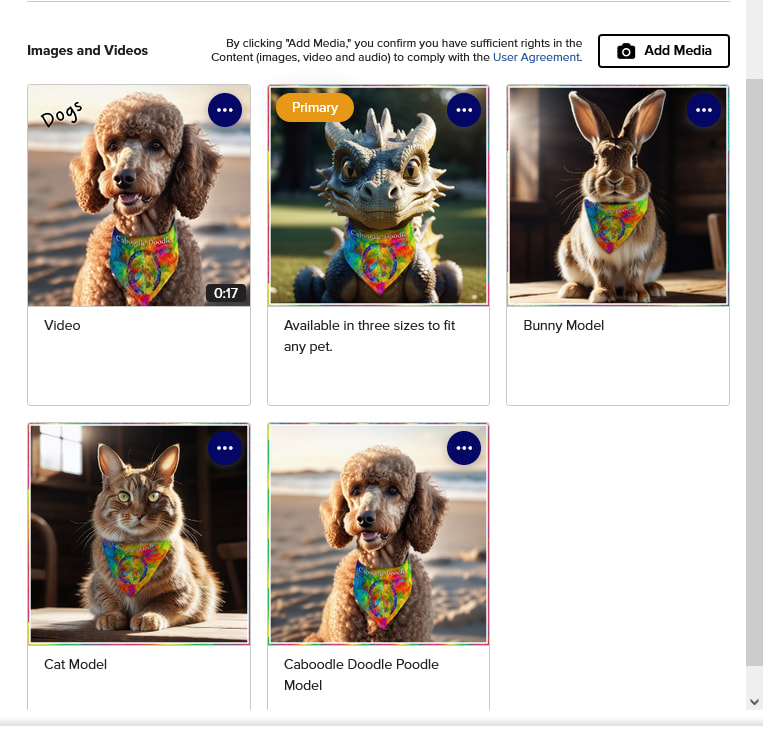
This product of mine has 4 personal cover images plus a video.
On the product page, on the list of thumbnails on the left, my video appears first, then my 4 covers, then Zazzle’s in-house previews.
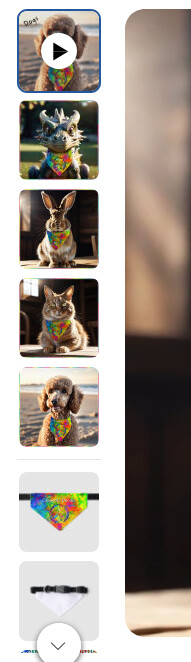
I have them ordered like this in Media Manager
In search results, it’s the video thumb that appears and if you mouse over it, the vid plays.
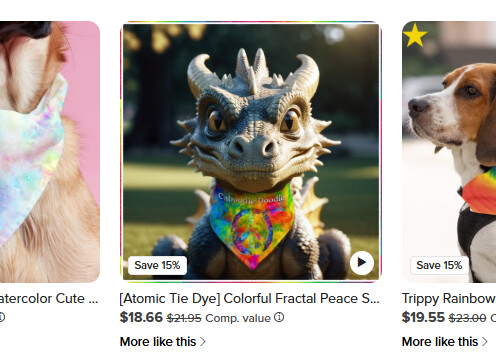
As I recall, you can’t specify a video as the “Primary”, instead just drop it in the first spot.
If every product displayed a video (especially self-running videos) as the first image, imagine the visual overwhelm that would create for customers on a page that contains 30-40 thumbnails all playing videos at the same time. I think videos belong in the second spot. Not everything new thing is a good thing….
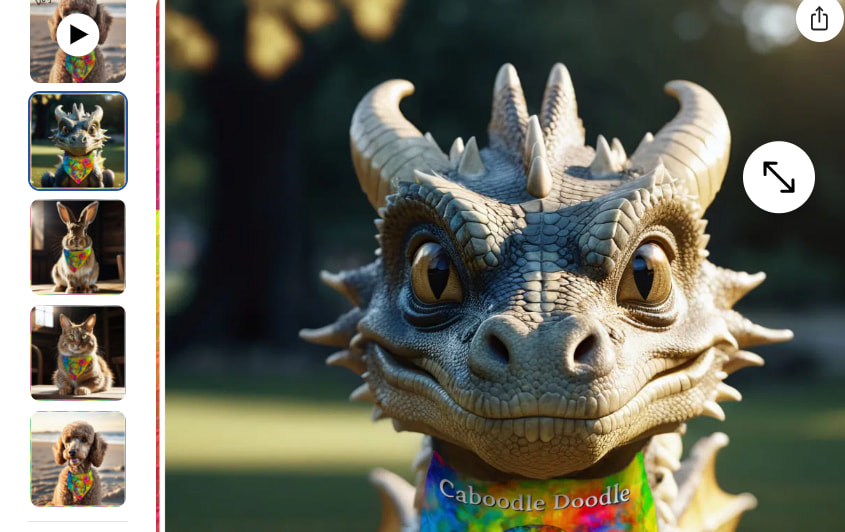
Thank you for sharing. From my side, the video appears first in the thumbnail list, followed by the four cover images and then Zazzle’s previews. As you can see in my screenshot, the blue outline highlights the currently selected image, which is the second thumbnail.
I suspect this may be related to updates not being fully synchronized across Zazzle’s distributed servers. Since I’m accessing the site from the Middle East rather than the US, there could also be some regional differences in how the updated content is displayed.
You may be correct. Time will tell. I, personally, would not create four separate cover images plus a video on every product that you create (I don’t know if you do; I’m just speculating) since typically only 10 percent of products that designers create actually sell, and that time spent would be more productive creating additional products. I would only expend that amount of extra effort on products that are already proven sellers.
I agree that self-playing videos as the default first image could become overwhelming, and honestly, I wouldn’t want that either. I dislike this feature on YouTube, so I certainly wouldn’t want to waste my customers’ time with it.
However, I see videos as another form of visual entertainment and a useful selling tool for POD products. A short, engaging video can help customers quickly understand the design and product, decide whether it’s worth exploring further, consider it as a gift, or simply imagine having it themselves.
Even if a customer doesn’t buy anything on their visit, an entertaining and visually appealing store gives them a reason to come back and explore other products.
I’ve learned from my own sales history that customers do return. That’s why I care about creating an enjoyable browsing experience, not just displaying products.
I’m still learning design and video production, and my store isn’t as organized as I’d like it to be. So I’m exploring different ways to catch customers’ attention and make their experience more engaging. Videos are one solution I’ve found worth exploring. With AI tools, creating them is becoming more accessible, even for designers who are still learning.
For me, it’s not about making everything move; it’s about giving customers another reason to stop, look, enjoy, and perhaps buy.
I guess it depends on your customer base. If your products are designed with video game players in mind then, yes, videos would be the way to go. But if your customers are brides-to-be, they’d prefer static cover photos where they can view minute details of a design to see if it fits their dream wedding aesthetic. And if the average age of your customers is 20-year-old men, then they might love videos. However, the typical Zazzle buyers are 40-year-old women, so you need to cater to them and their needs. First, determine who your customer base will be, and then decide if creating videos will yield you more customers and sales.
I see now that videos ARE allowed in the first slot - problem solved!