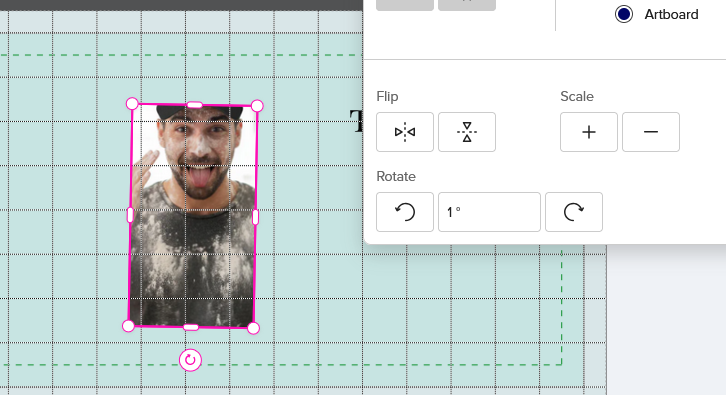
In both the new and old design tools I cannot get a specific rotation, like 1 degree or -1 degree. This seems to be specific to invitations, as I tried it on a couple other items and it didn’t have these issues. I can only use the rotate icon on the artboard, or the rotate icons. Of course those are only in 5 degree increments or more, which does not help. In the old tool, it gives an error screen if I try to either type in a number or use the up/down buttons. In the new tool, you cannot get any number to ‘stick’. Even trying to get anything other than ‘0.03’ written in the box is frustrating, but the number doesn’t do anything even once you get it typed in. When you go back into formatting, it is back to the ‘0.03’ number.
Getting this in the old tool:
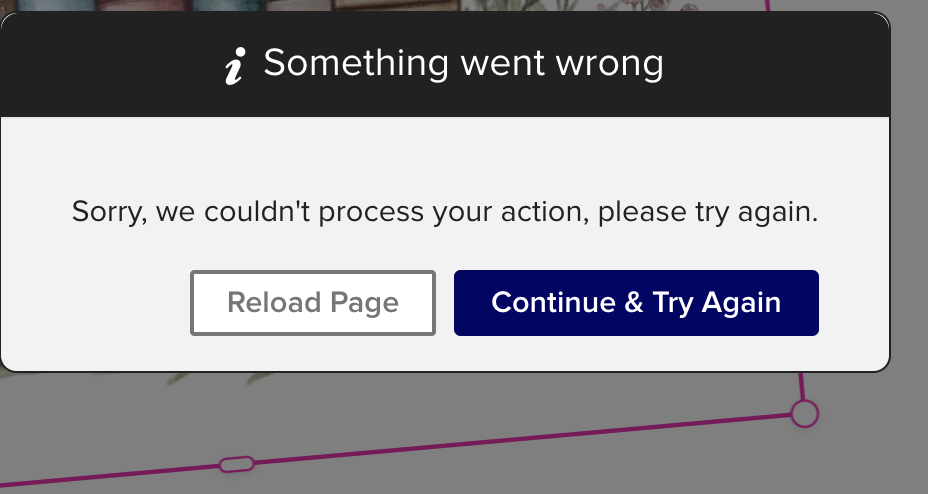
Nothing happens in the new tool, it just doesn’t do anything at all.
I am in a Chrome browser. Been a long time since I’ve seen the ‘something went wrong’ error window. It happens on multiple designs, so it’s not specific to the art.