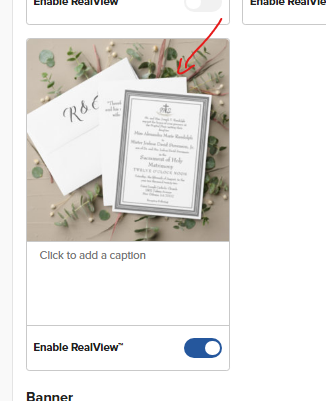
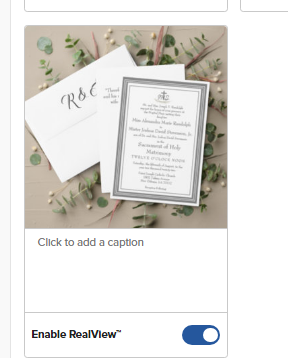
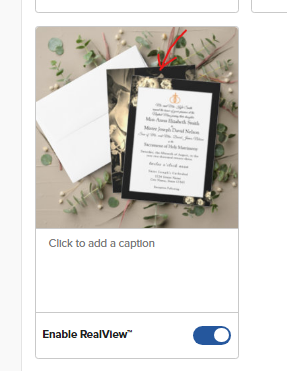
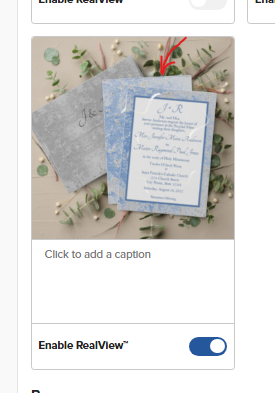
Hi, in one of the RealView windows, my Save the Dates are being displayed showing the back of the card only. Is this how it’s supposed to be?
At first, I wasn’t sure what the middle card in the picture was, but after looking closer I realized that this is the back of my Save-the-Date card. Is there a way for this view to display the front rather than the back?
Lisa-B
June 25, 2024, 7:48pm
2
Hi @ @A_New_View
Could you please provide the PID so that we can take a look.
Lisa 🌺
Not sure what the PID is. These are images showing the problem and the links to the corresponding Save-the-Dates.
All of my Save-the-Dates are displayed backwards.
This is the link to the above Save-the-Date card:
Framed Catholic Bible-Verse Save the Date | Zazzle
This is the link to the above Save-the-Date card:
Elegant Roses Save the Date | Zazzle
Also,
Blue & Gray Marble Save The Date | Zazzle
I have several other collections with the same issue.
Correction on my part - I now see that this is the back of the Invitation. So sorry.