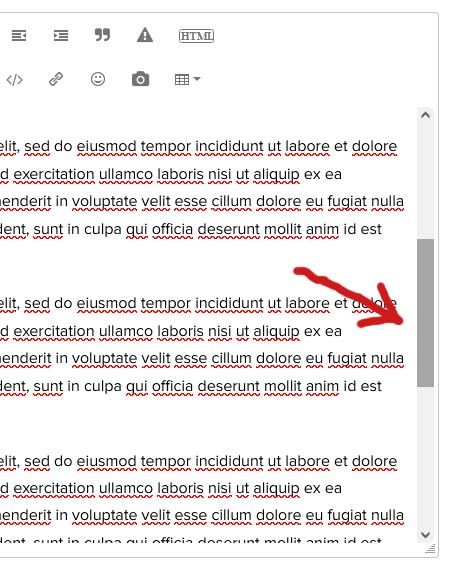
Using Firefox on an Asus laptop with touch-screen. There’s an option to set it to “tablet mode” which I believe disables the keyboard so you can use it folded over flat relying only on the touch screen but I don’t use that, I use it in regular mode. This way I can use the keyboard, my mouse, the touch pad, or the touch screen - whatever is most convenient in the moment so I use a combination of them all.
Because the forum text is so small for me I need to zoom in on every page, every time. The most convenient way for me to zoom is to use the touch screen and do the finger-spread/reverse-pinch thing. When I do this, the scroll bar inside the posting field becomes inoperable. When I move my mouse over it it changes from dull gray to active gray but I can’t click to move it up or down nor does it work via touch. I can only go up/down by clicking/touching the arrows at top/bottom of scroll bar. Interestingly, if I instead zoom by using CTRL+ on the keyboard, the scrollbar does work, both by mouse or by touch. So it’s only using the touch method to zoom that renders the scrollbar inoperable.
Like I said, very specific circumstance but worth reporting I thought since touching to zoom is instinctual for mobile/tablet users so might not be just me experiencing this mild inconvenience.