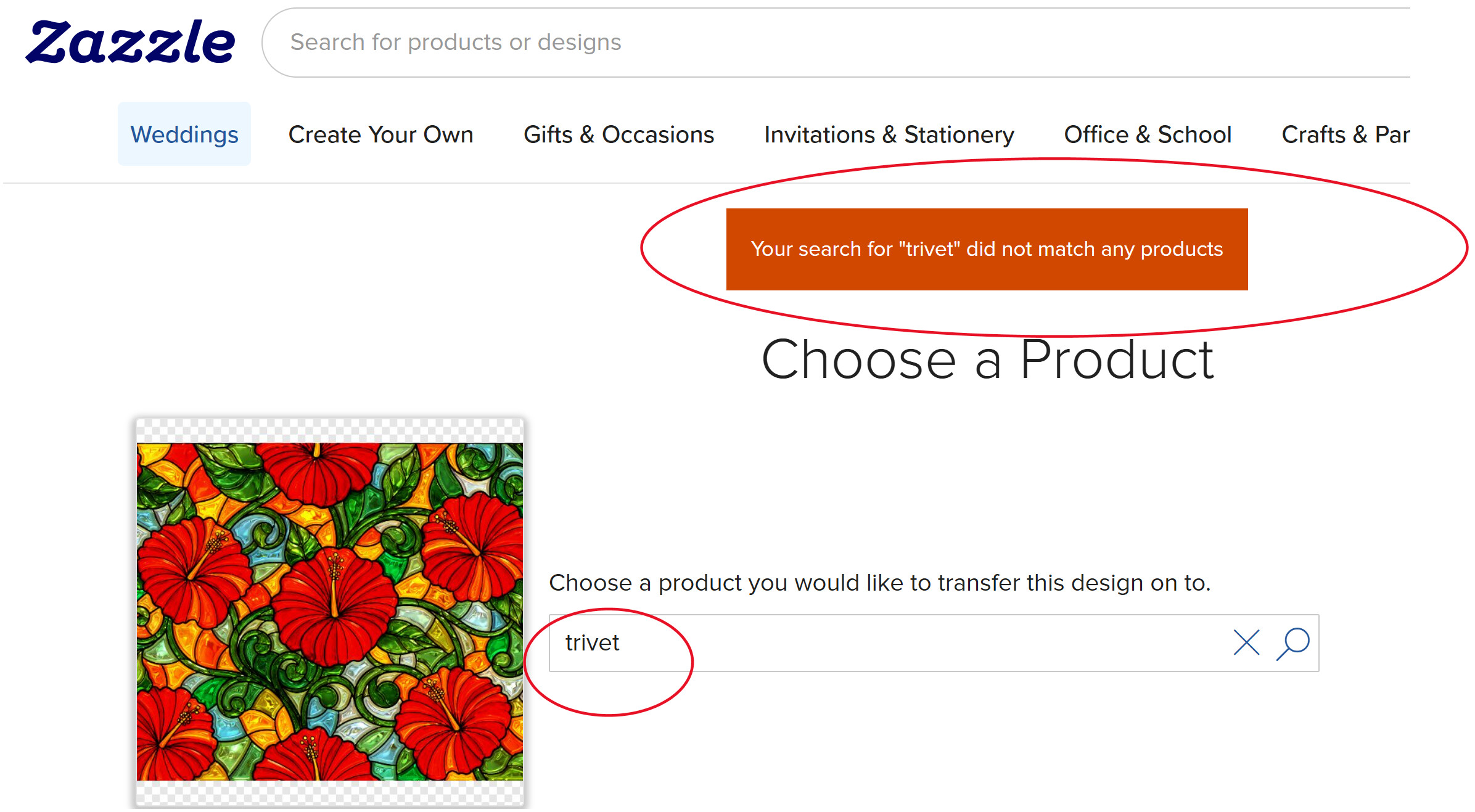
Is anyone else having issues finding some products when transferring a published design? When I try to transfer the product below, I can’t get the product I need to appear in the search results.
The products aren’t an option in the default Transfer design to a product “Make” list, so I’m using More Options>Transfer Design. Then, when I’m searching for the product on the Make a Product Page , the product doesn’t appear. When I type the product’s partial name in the Search for a blank product box, using a keyword that has worked before, the product doesn’t show up. Two examples are hanging tapestry, with either hanging or _tapestry, _and trivet with the term trivet. I can still navigate to those items via their categories from scratch, but my preference is to transfer the design vs. starting over.
I should be able to search for “trivet” for example, but no item is found. Oddly enough, some items can be found, such as postcards and placemats. This issue is messing with the workflow and making it much harder to create certain items via design transfer. Thanks in advance.
I am having a similar issue.
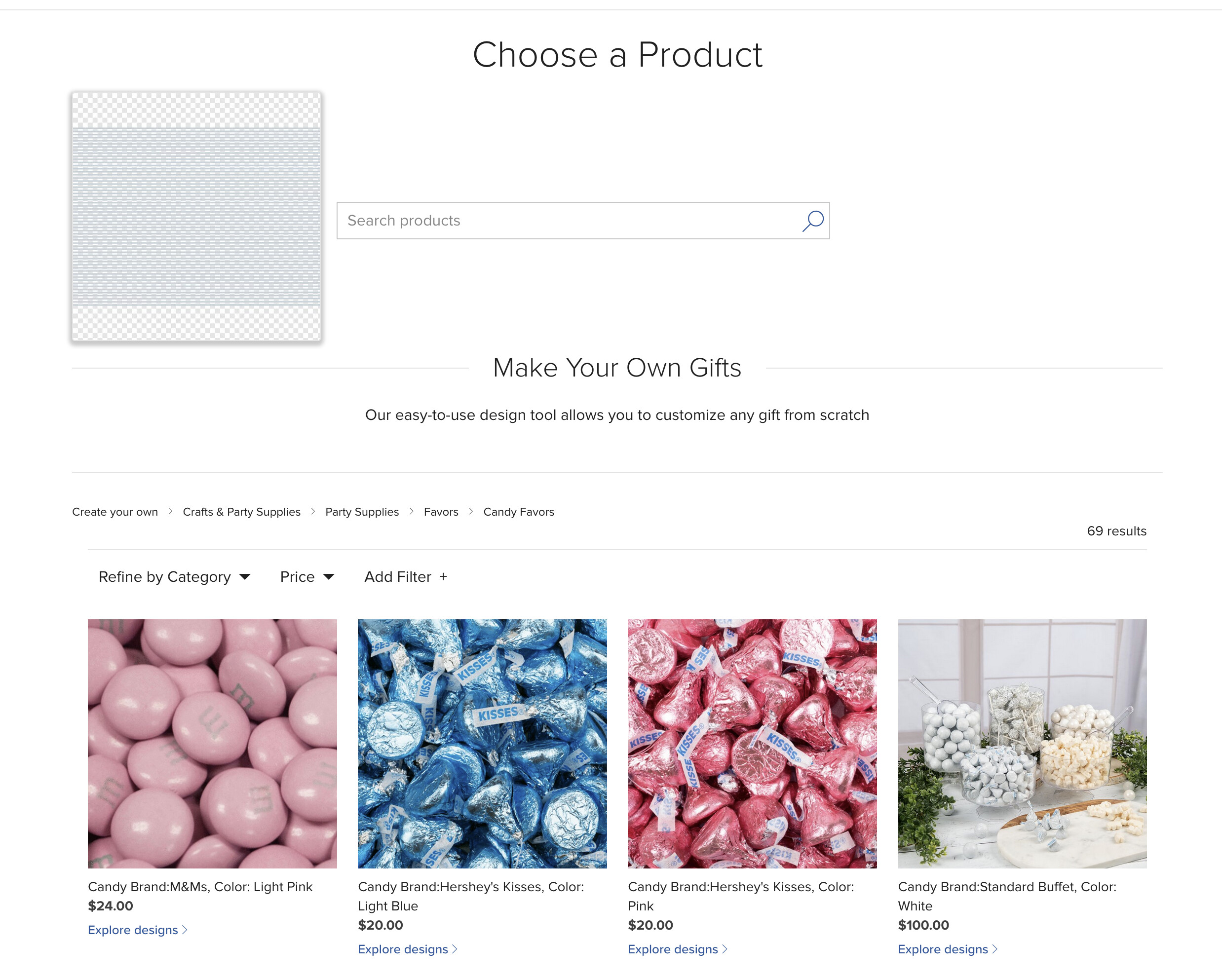
I was working and suddenly, when using the same workflow, I cannot access the regular products …when using transfer design, but a large selection of party goods appear, everything from candy to embossed plates and foil print napkins, silverware etc below each (and there are at least 6 pages FILLED with these items) is a link that says click to see designs…but when clicked it goes to an error page that says OOPS that product doesnt exist
I’m having the same issue but ALL items I try to transfer to come up with the “no product found” reply. Super frustrating. I sure hope they get this one fixed fast.
Same here. I’ve been trying to transfer a design to a pillow. Both “pillow” using the search, and navigating to pillows via “Home & Living”, returns “Your search for ‘pillow’ did not match any products”.
I then tried “postcard”, same result.
Unlike the OP, I can’t even navigate to create the item from scratch. I click on the blank pillow and get the same error.
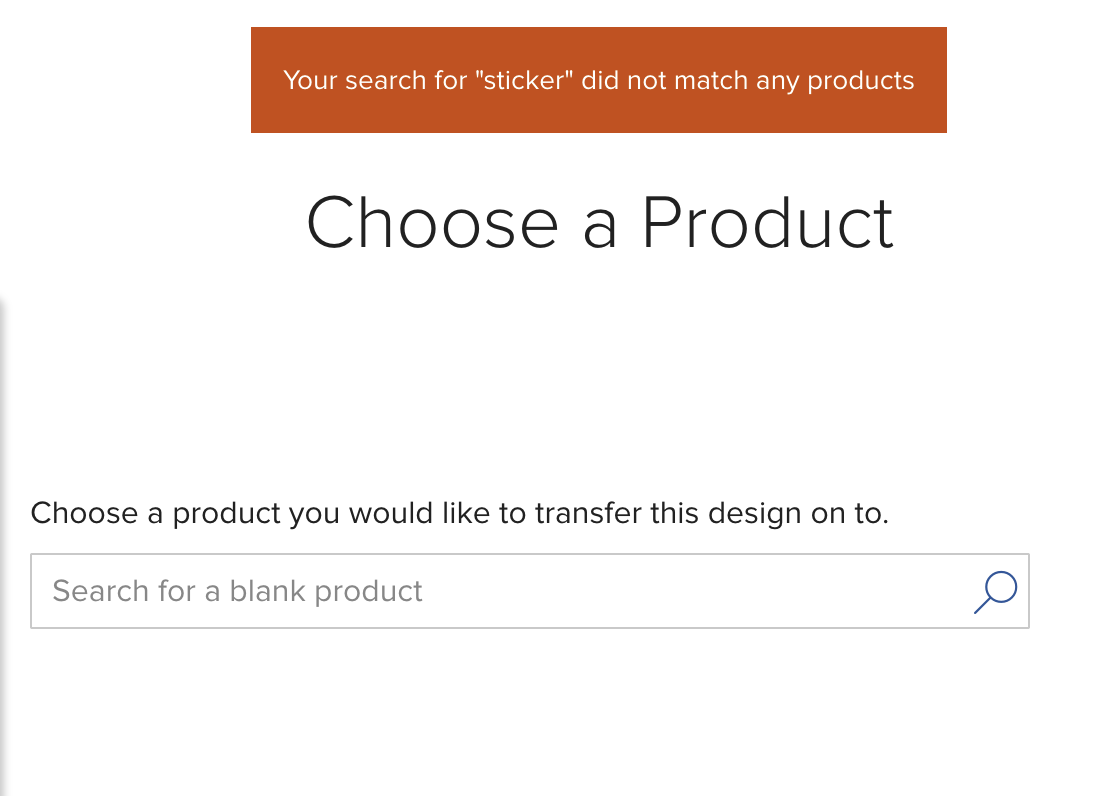
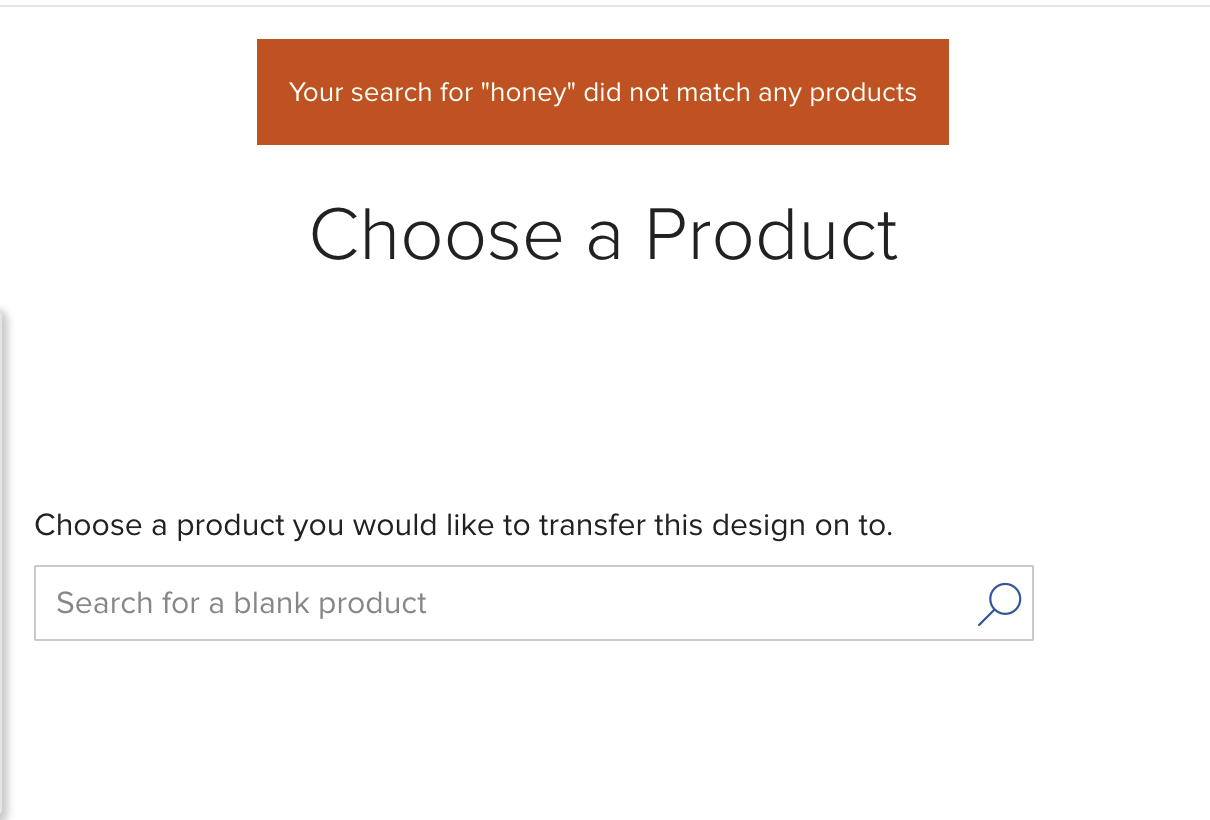
I was just coming to say the same thing! Super frustrating! I was trying to transfer a design to a honey jar and nothing. Also was looking for “sticker” - no results. And then when I searched for candy, the only thing that came up was discontinued candy - not the create your label candy.
yeah this morning it is even worse… it is happening to me now for all products, and not just when trying to transfer, but also by clicking “create a product”, the products appear in the drop down LIST, but when you select the one you want, it says that the product could not be found
I wonder why no one from the moderator or site support community has responded yet
so frustrating
There are two separate issues being reported here:
@Sea-Change is not able to transfer their design to select products. The short answer here that artwork can only be transferred between products that share a similar print process. This is why not all product types are visible in search.
CYO search in general is not working properly. Engineering is aware of the issue and we hope to have a fix for this very soon.
Thanks, @Scott . It’s good to know everyone is aware, and I hope the fix comes soon! My issues occur among products that I’ve always been able to find via search while transferring. This includes items I searched for and transferred as recently as two days ago . Was a change rolled out to search during transfer yesterday? If not, I’m inclined to think the root cause for me is also the CYO search issue.
Note: I’m not referring to the items that appear below by default in the Transfer design to a product list , but the ones I could find via searching after clicking More Options>Transfer Design. And today, no items at all appear via search when attempting to transfer, even similar ones that appear as default transfer suggestions on the product’s page. I have been able to work around the issue _if _I can find a product in my list that has a suggested transfer item, and then clicking the product vs. searching, but I’ve never had to do this before.
Otherwise, I’ve had to copy and paste into a new product. And to create a new product, I’ve had to work around CYO search. Two options I’ve used are drilling down through categories–without search–on the CYO page, e.g. after clicking Create new product in my store, or else finding a pre-made product and clicking Create your own from scratch near the product’s description. This is less than ideal, though.
I am able to search for items both in CYO search to create a product and via searching when transferring a design, e.g., More Options>Transfer Design. Both the creation and transfer processes are now working again like they normally do for me. Thanks to the team for fixing!