Trying to share one of the new collections to Pinterest. Can’t figure out how. For the new store to be 100% complete I have to share 10 collections. When I share to the Pinterest symbol it wants me to create a pin and drag and drop a file. How do you share a collection to Pinterest. It use to be pretty simple.
1 Like
I go to my collection. I click the Pinterest button. Then Pinterest opens and I choose a Pinterest board to save it in and done.
Hi all,
Just moving to Ask A Question as there is no technical issue present.
@Jstonge also bear in mind that if’s it a new collection - in a new store - it can take 72 hours for things to settle and get into place (products appearing in stores/collections etc) The collections even though full may be empty according to an external site until the new products have successfully indexed
That’s what I do but I get a pop up asking me to create a PIN and drag and drop an image. It never gets to Pinterest.
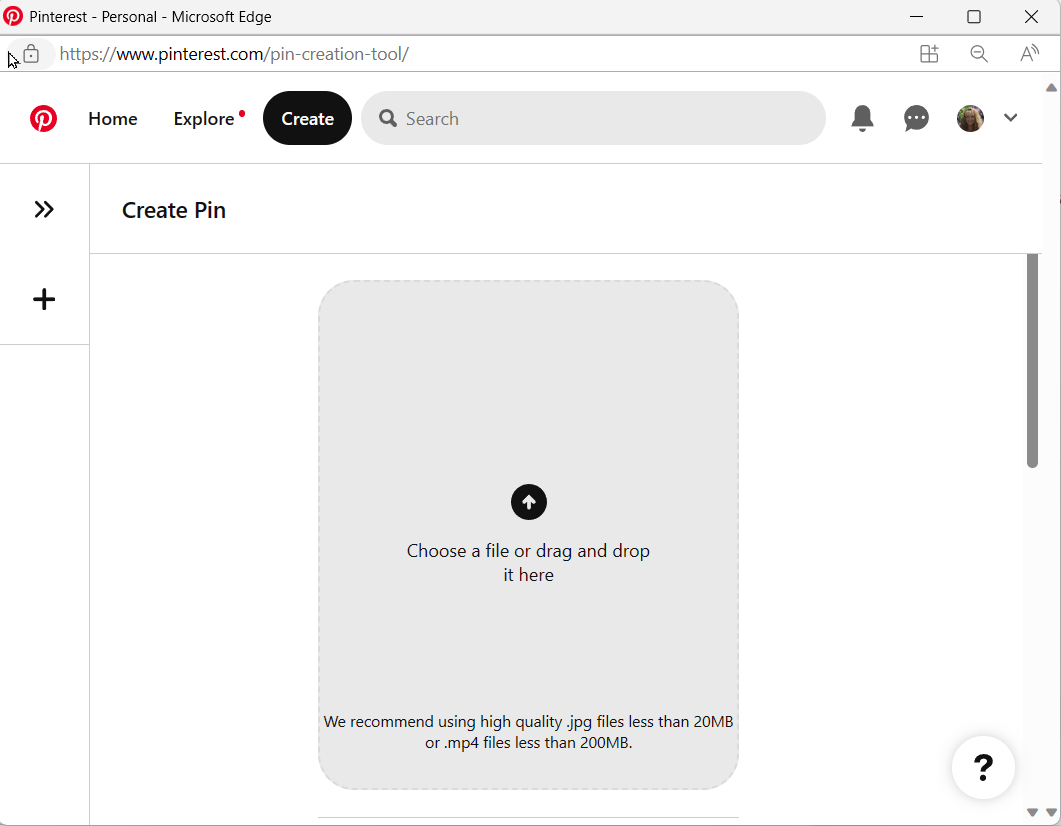
1 Like
Was this solved. I am having the same problem from the pc, but I can share a collection from the iPad. What gives
I’ve been having this problem for quite a while. Pinterest changed something and now the collections can’t be pinned easily. I don’t pin them anymore. I just share at other places. Can someone from Zazzle please look into this problem?