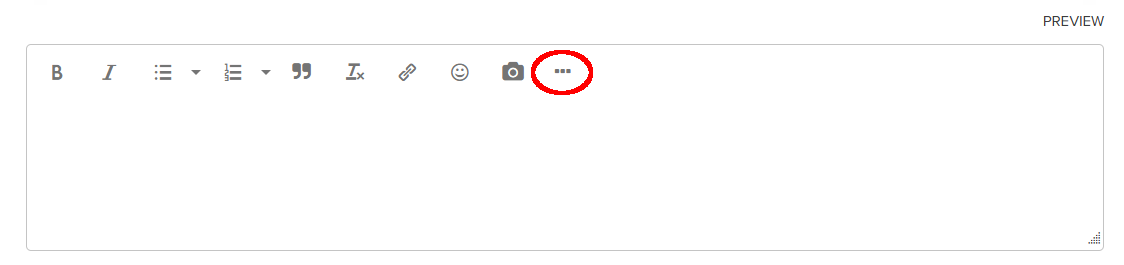
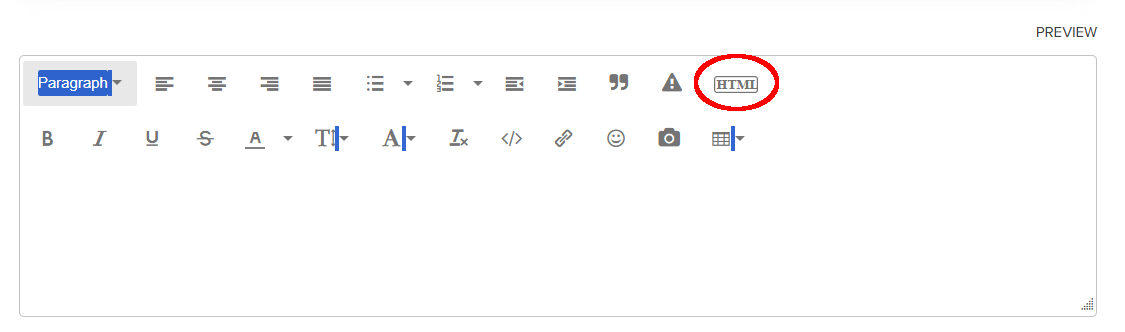
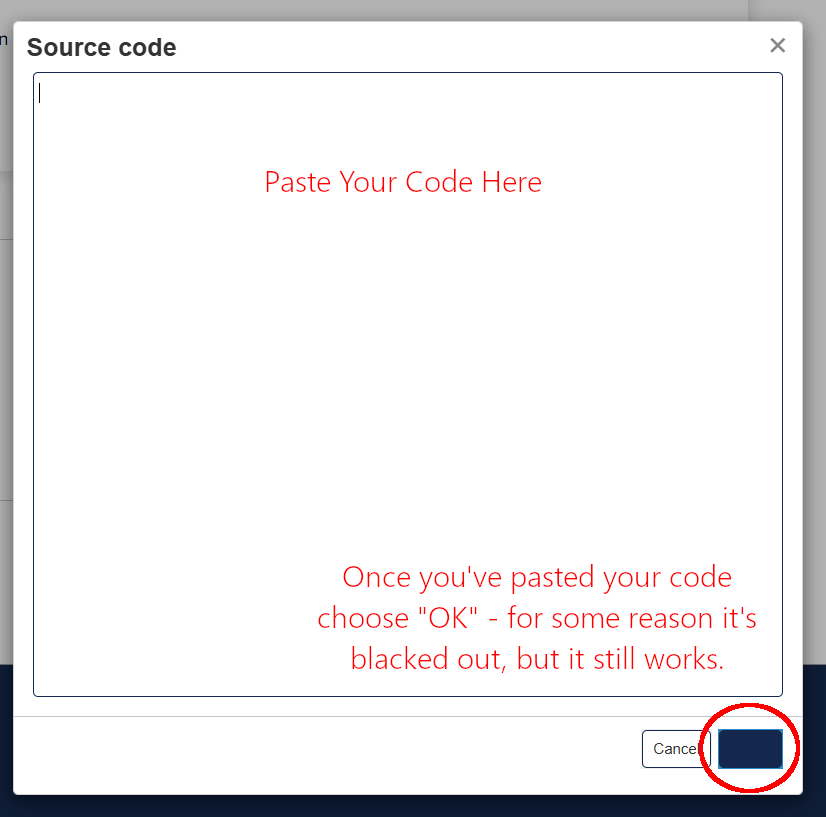
Well I am still not posting my product correctly on show me I know the steps you showed me BUT when I go to show me do I click “Start a Conversation” and them post the HTML which is what I did and I see it did not work , sorry to be a bother guess I’ll just let this show me go since I can’t figure it out .
You will get an error message saying that something is wrong with your HTML code, but just ignore it and hit the reply button (or the post button if you’re starting a new thread instead of replying to an existing one.)
 I know the steps you showed me BUT when I go to show me do I click “Start a Conversation” and them post the HTML which is what I did and I see it did not work , sorry to be a bother guess I’ll just let this show me go since I can’t figure it out .