Hi Creators,
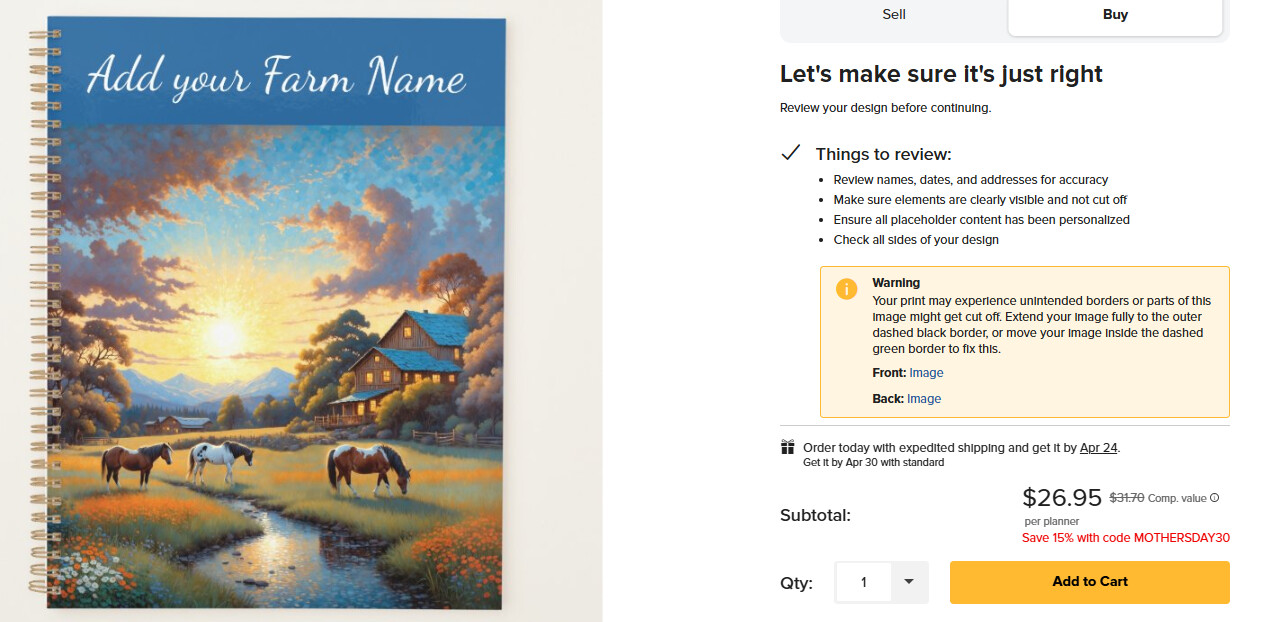
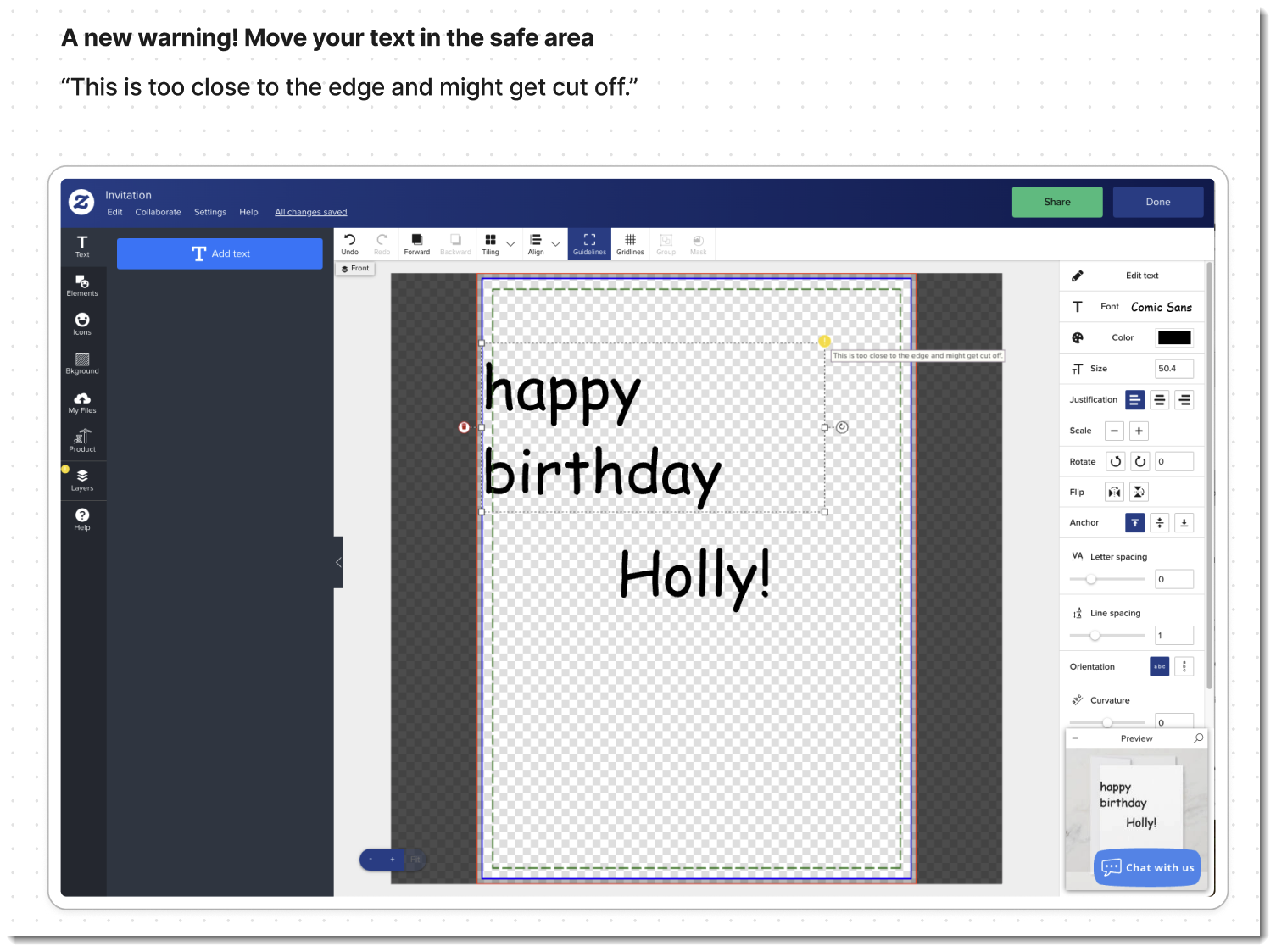
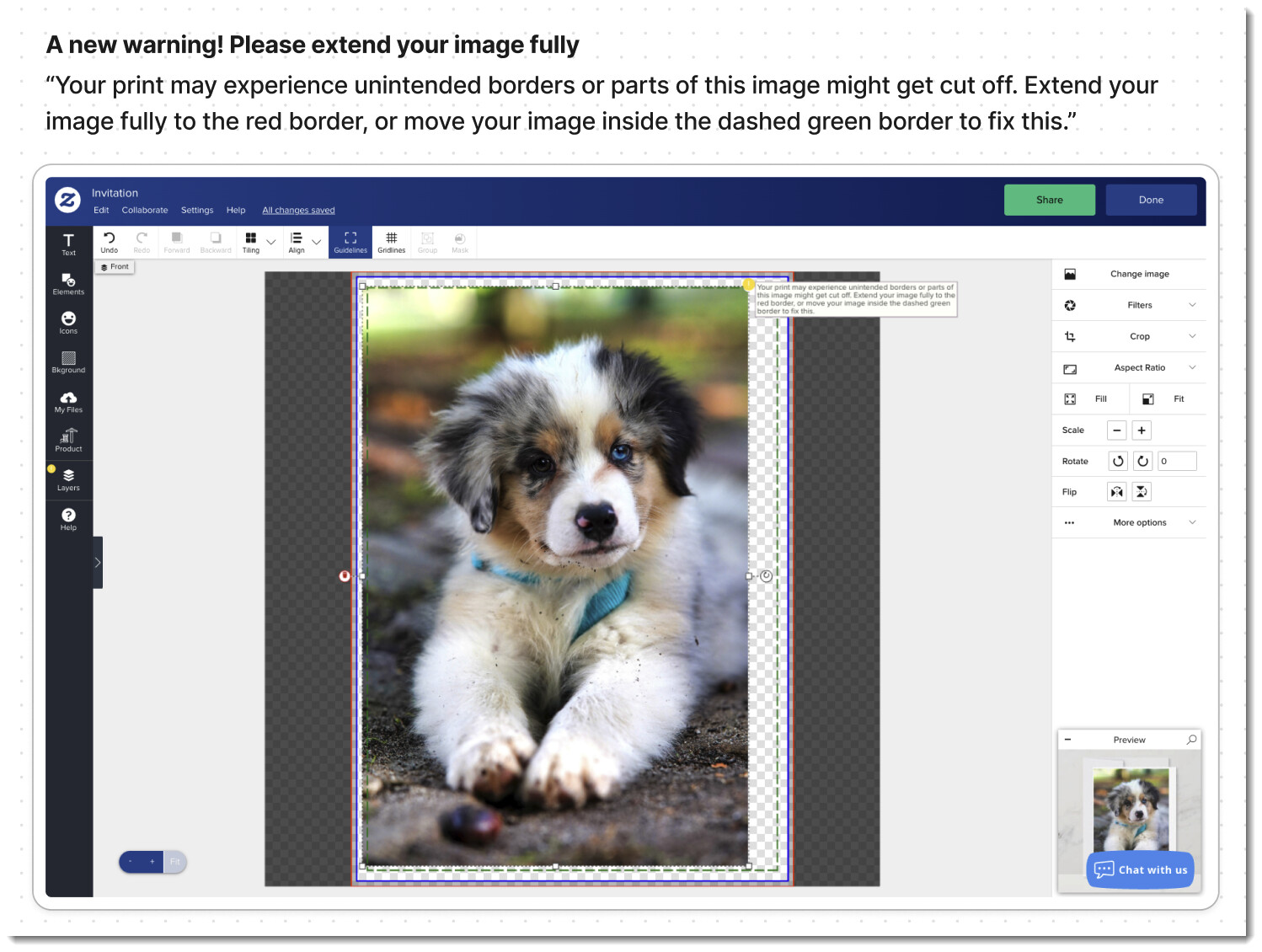
We have released a small update to the Design Tool for “Create your own” paper products. We have introduced warning messages to help users prevent unwanted unprinted borders, or important text or images from getting cut off. We added this because these issues are very common and cause printing and quality issues down the line.
This change is mainly directed toward users who wish to customize their own products, but creators designing templates will also see these messages.
Here are some clarifications for creators:
- If a design object’s placement is intentional but still has a warning, please ignore the warning. We trust that experienced creators know the best way to design templates.
- These warnings only appear for designs that “can be published”, this is why the original designer can always see them.
- Your customers, or anyone editing a published template, will NOT see them when customizing your template. *\ *Exception here for Envelopes as when you go past the edge it will wrap to the other side of the products. Envelopes are folded, not cut.**
- Orders will NOT be canceled for having a warning. (order cancellations due to unintentional border issue will result in product review and possible removal)
- The product’s ranking in search results will NOT be affected by these warnings.
New warnings introduced:
Thank you,
Best,
The Creator Team.