I’m having a problem lining up box/elements with a tiled-pattern. It’s a ‘Gift Wine box’ with a tiled-pattern that covers the entire box. I’m trying to line up box/elements with the tiled pattern on the ‘allover’ layer. They look perfectly aligned in the design area, but the Zazzle preview shows the pattern shifted right. I hoped it was just a preview glitch, but after publishing, the same issue appears in the ‘Downloads’>‘Download Artwork’>‘Unfolded’ view. _ Will the design print as it’s shown on the design area or as it’s shown in the preview and ‘Download Artwork’ view? _ Is this a technical issue that’s shifting tiled-patterns?
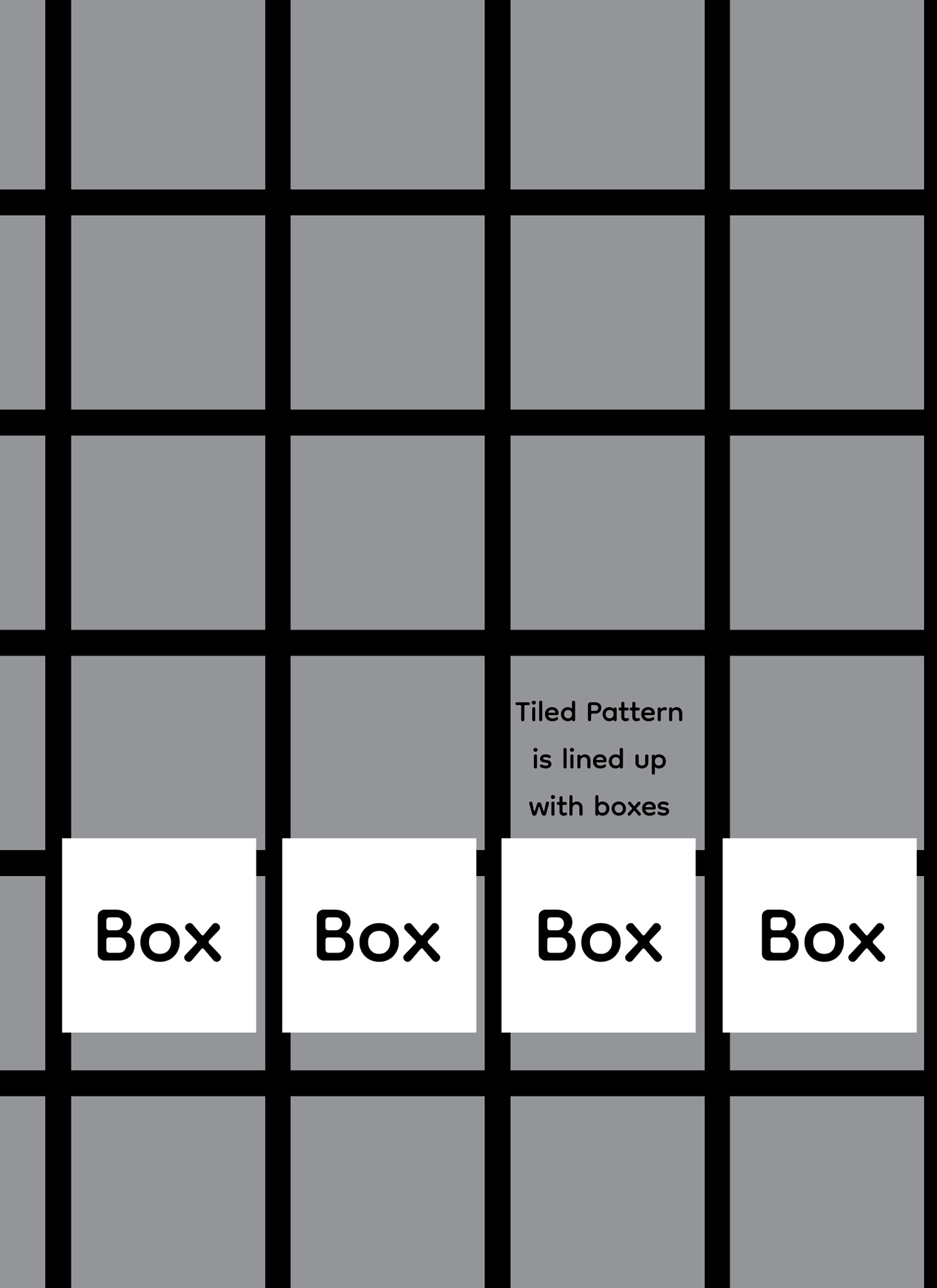
I’ve created an example to show the problem. The white boxes should line up with the gray box tiled-pattern.
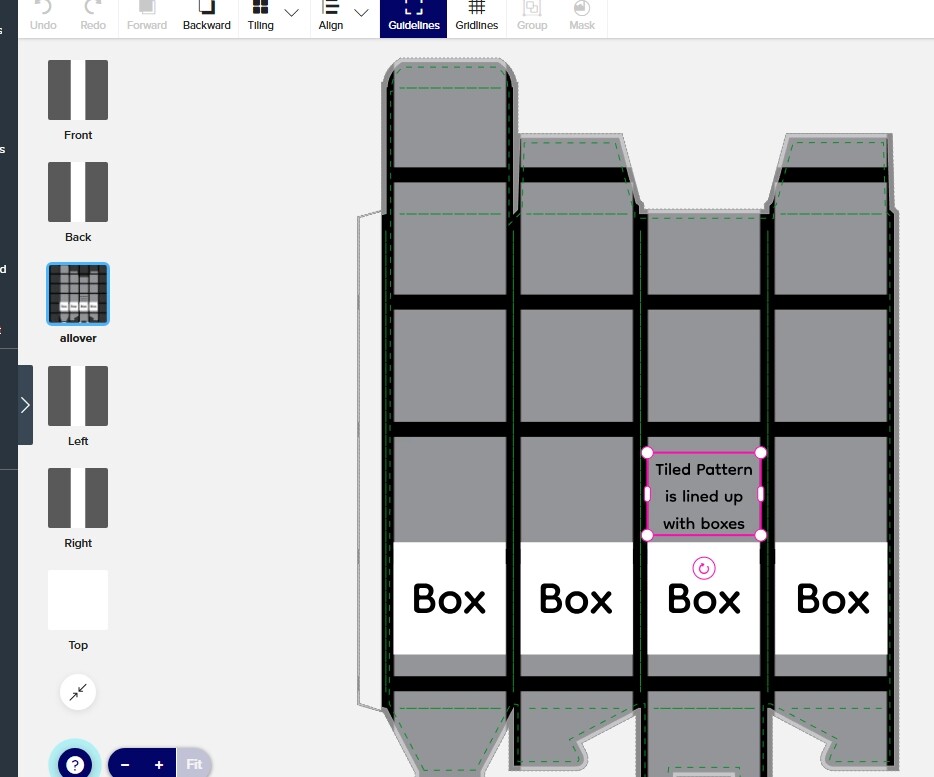
Design area: it looks correct.
Zazzle preview: the tiled pattern has shifted right.
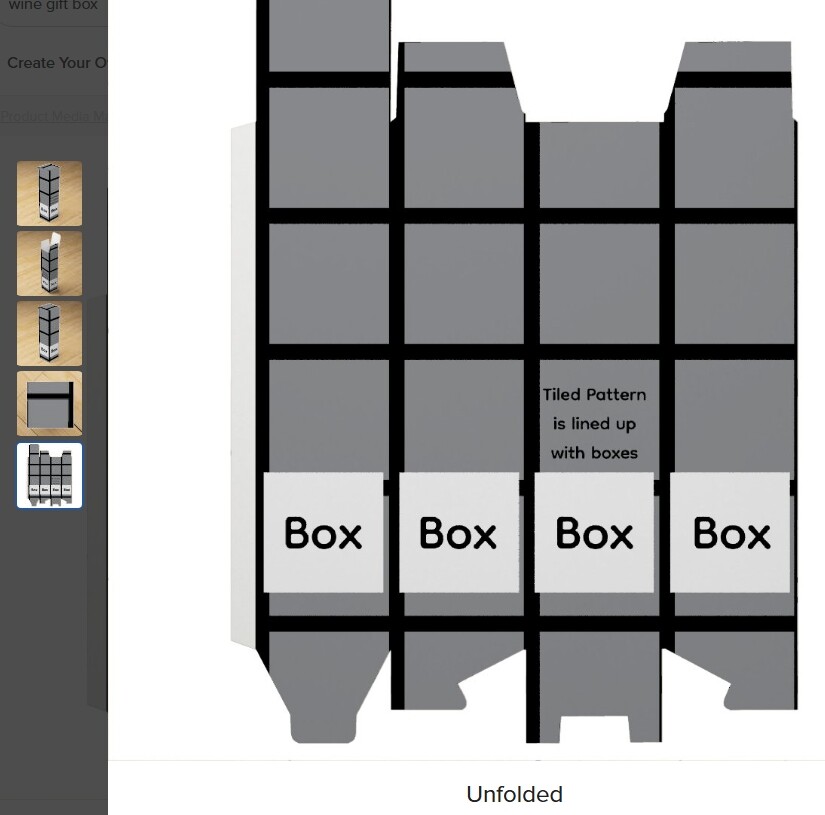
Zazzle ‘Download Artwork’ >‘unfolded’ view: it has the same problem as the preview.