I have a question: I am trying to create customizable totes, pillow etc. But, I don’t see a “personalized” option anywhere in Zazzle? I do see a blue personalize this button that appears on other totes, but when I list my tote for sale, there is no option that I can see to make it a personalized product? Frustrated that I haven’t been able to figure this out…hoping to get an answer.
I was going to point you to some tutorials posted in Zazzle help… but then I went and looked and they are so outdated that I’m not sure of their utility… so here you are - how to add a text template, quick and dirty
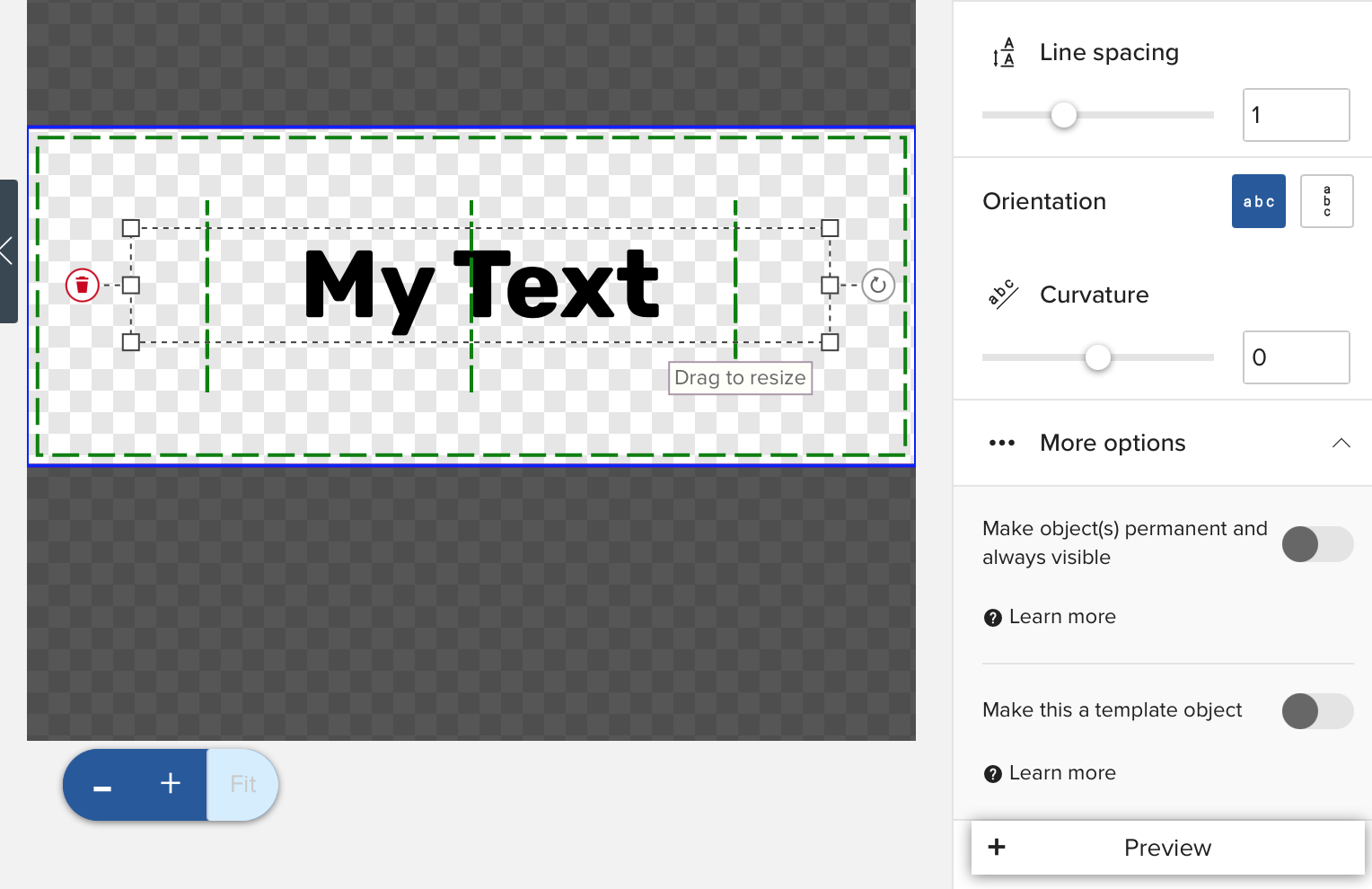
Add some text and select it
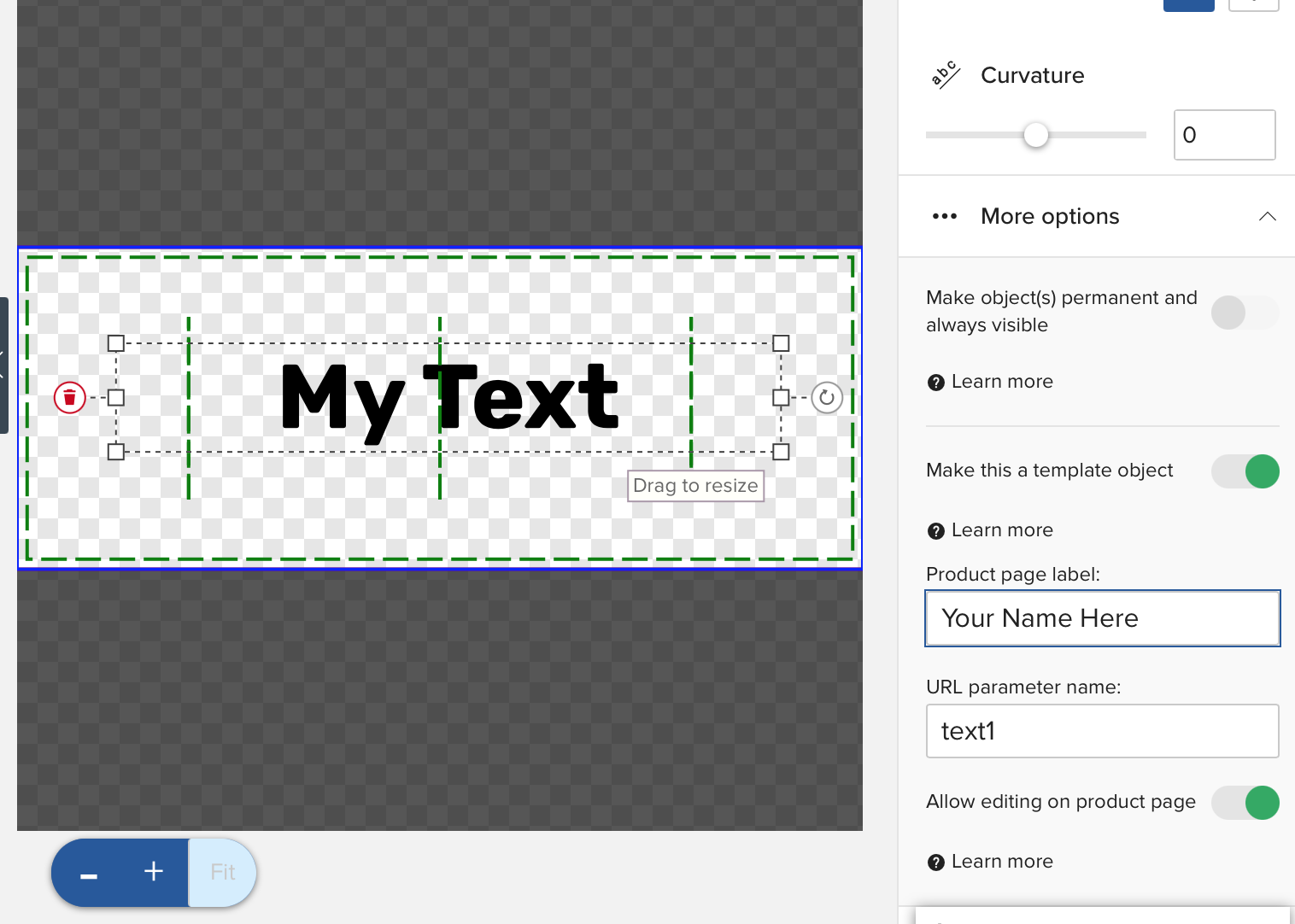
Scroll down on the right side menu until you see “make this a template object”
Slide the template button (it will turn green and open more options)
Choose a label - anything you like “your name here” “your text here” “add your text” etc.
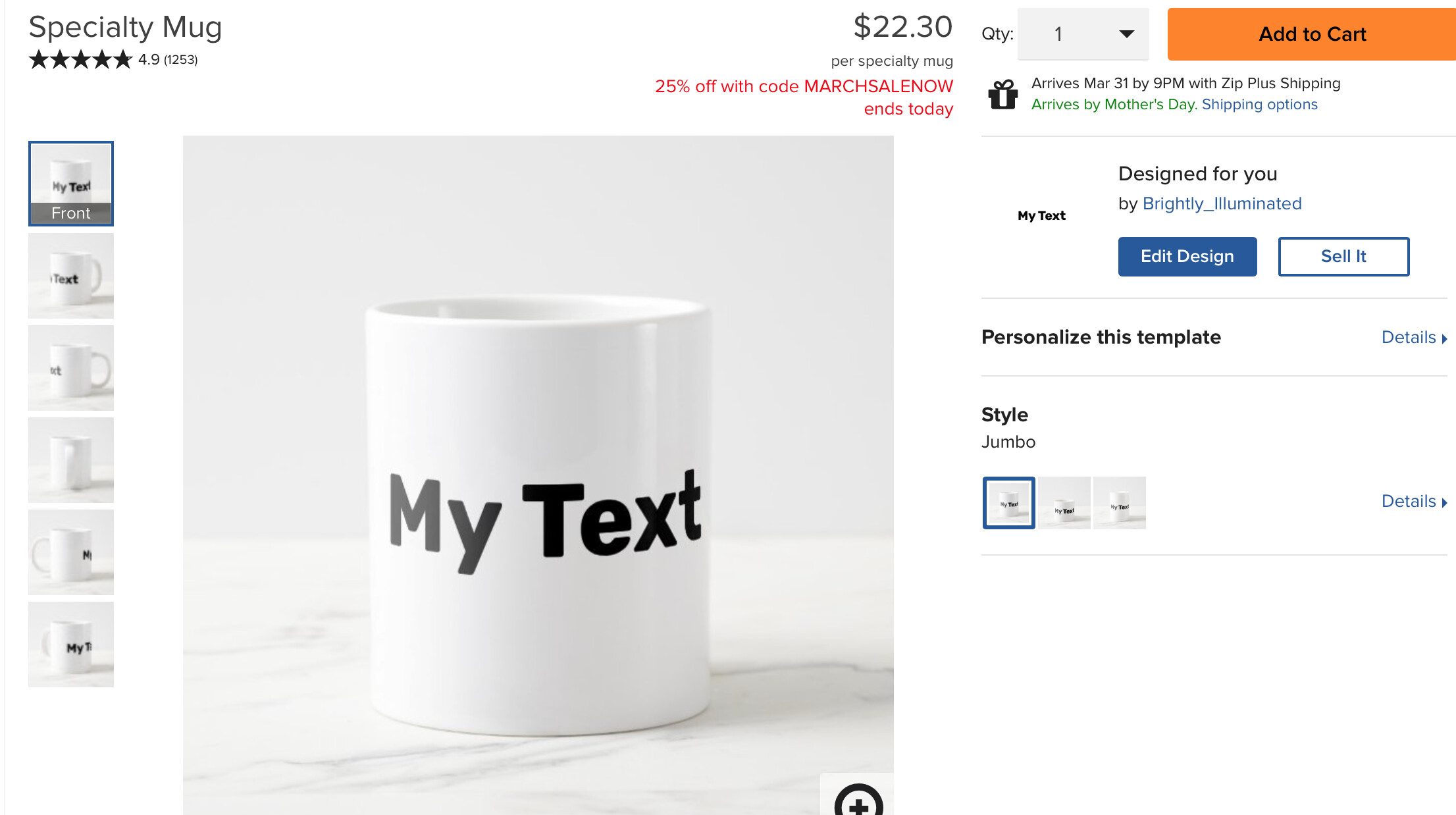
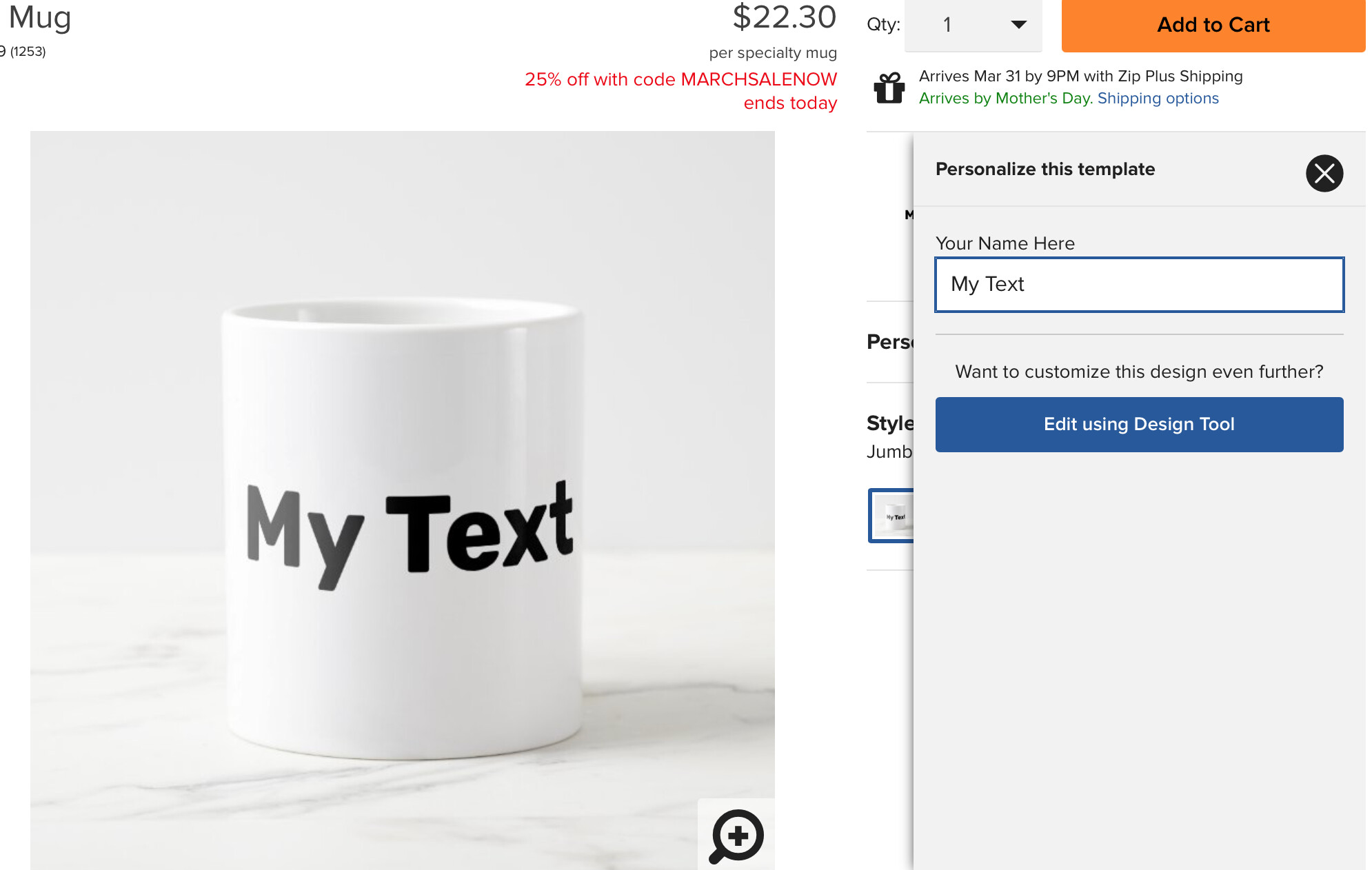
When you go to the customer page for you product it will look like this - Note that it now says “Personalize this template” under the Edit Design button
P.S. Zazzle folks… Unless I somehow missed them (I looked here in the forum and in the Help pages) you really need some new tutorials that show the current iteration of the design tool… the version in the YouTube tutorial I found looks like it’s probably 5 years old… the tool has gone through so much change since then.