On some of my products, even ones from years ago, I am not able to delete the image, to replace it with another one. The bounding box doesn’t have the little red trash can. I checked to see if it was locked and it isn’t. Thanks for any help.
Have you made sure you’ve selected it in the layers. Make sure it’s turned blue then the trash can should appear.
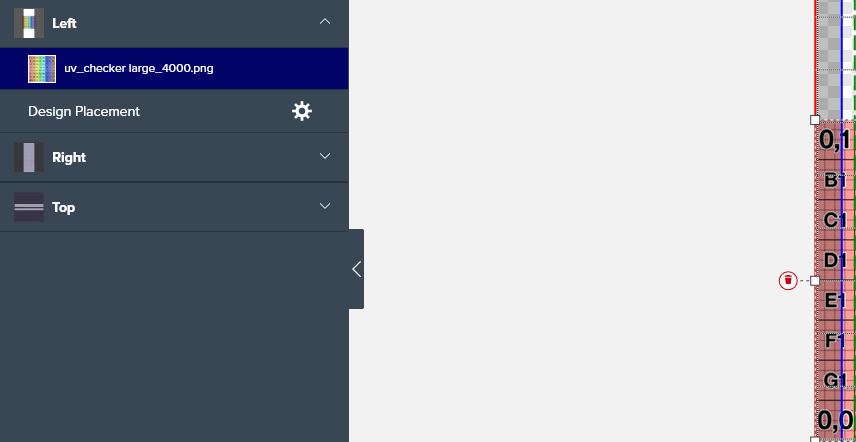
When not selected - it’s a different color
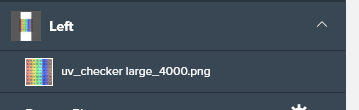
if you are still unable to delete - post it in the Tech Forum with a link to the product that’s misbehaving
1 Like
Thank You.
1 Like
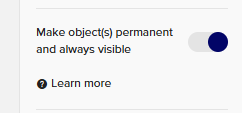
Also – even if you don’t have an image (or text field or any design element) locked – if you have the “Make object(s) permanent and always visible” option toggled on, you will not be able to delete or replace that element. Remember to toggle it off (make the blue circle move from right to left) as well.
1 Like