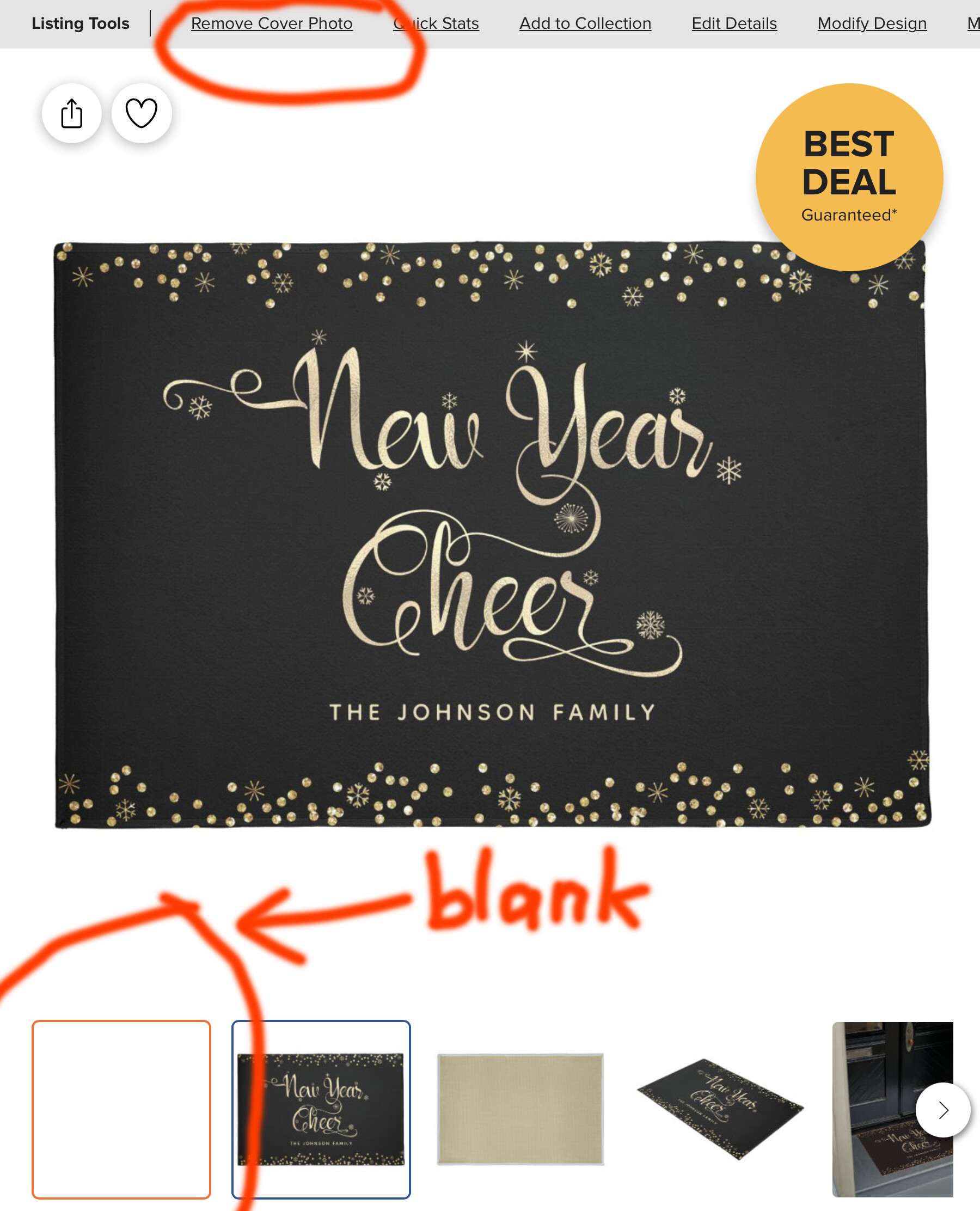
After making at least around 15 product mockups in the last 2 days & successfully uploading them to their products, yesterday afternoon (pst), “upload cover photo” stopped working. I often have go through the motions twice to get it to stick, but after the 1st attempt, I would get a blank space where the new photo is supposed to be & my only option is to “remove cover photo”, not try again. And if I go into product merchandising & choose the blank space option, I see no photo at all in my thumbnail on the backend. Repeated removing cover photo & starting over produce the same results.
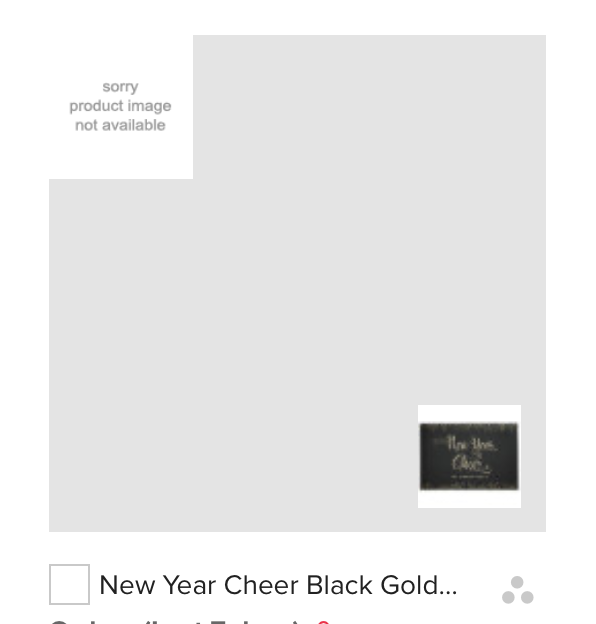
I’m having the same problem @Marcia . One of my blanks did change to the proper image with indexing overnight, but another one I added around the same time still says ‘sorry product image not available’.
@Baylee Glad it’s not just me. I left one of them overnight but since it still hadn’t changed this morning, I removed the cover photo to try again later.
BTW, moderators, I’m on a mac & tried on both Safari & Chrome, with the same results.
As a test, I thought I’d try to re-upload this cover photo & 2 others that I made. 1 of the others, I uploaded & removed, uploaded & removed 4 times & then it finally worked. The product shown above took me about 8 tries, although the thumbnail in the back end is still blank. But it shows correctly in the collection it’s in. But the 3rd image, I’ve tried 25 times, just to see if I could get it to work. It won’t take.
I’m also having the same exact problem and it’s quite frustrating. I’ve even deleted the product. re-posted the product and added the cover photo but that didn’t work either. It looks really terrible to see “Sorry Product Image not available”. Please Zazzle, address this, we spend a lot of time creating cover photos and it’s pointless if it displays a blank and “sorry” message. Thanks in advance.
@Marcia@Roberta the same problem here. It’s quite frustrating to see the blank product image "sorry product Image not available” though the uploaded cover photo. I hope, the issue will be solved as soon as possible as it’s very unpleasant experience for creators and customers.
This morning I was able to upload my mockup to the last remaining image, no problem. But when I go into “edit details” & “product merchandising”, the change I make to the view shown won’t stick. I’ve tried both from my backend as well as from the product page. True, it might still have to index, but that was never a problem in the past – view shown changes in product merchandising were always immediate. So in my opinion, it’s still not fixed.
It sounds like the issue here is that it isn’t working as quickly as you’re expecting. We’re hoping to tidy things up a bit here in the near future.
Please keep in mind that with the holidays already upon us that we’re seeing a LOT more traffic to the site. This means that tasks such as this one may take a bit longer than normal to complete.
Having the same problem here. I added a group or cover photos yesterday and today only a handful show the cover image once selected. Two products keep showing “sorry product image not available” and the others don’t show the cover image even after selecting it as main image several times…hmmm, why is it that some products take the cover image immediately and others not at all, even after waiting a whole day?
Ok, I am not insane. This is driving me crazy and on my last nerve. I already have to upload it two times to get it to stick in the first place, but not showing the cover image is a deal breaker when trying to get your product to stand out. I knew something was off. I hope this is fixed asap, as we are all trying to get items uploaded.
Hi Zazzle, as many other designers here, I still have many cover images that were uploaded but they are not sticking once I selected the image from “edit details”-then- “product merchandising”. I made these changes four days ago and still the images are not showing as the main image selected. I would like to know what is Zazzle’s recommendation for this? Should we try removing the cover image and upload it again? Should we keep changing the image on product merchandising hoping one of these attempts will work? or is it best to leave it as is, and Zazzle will upload it later? although I already tried that for four days without results! … I’m wondering if by trying these different options I’m just messing the whole thing even more! … Perhaps Zazzle can step in and let us know if there is any workaround or what is the best thing to do at this point?
 Hope it will be fixed soon.