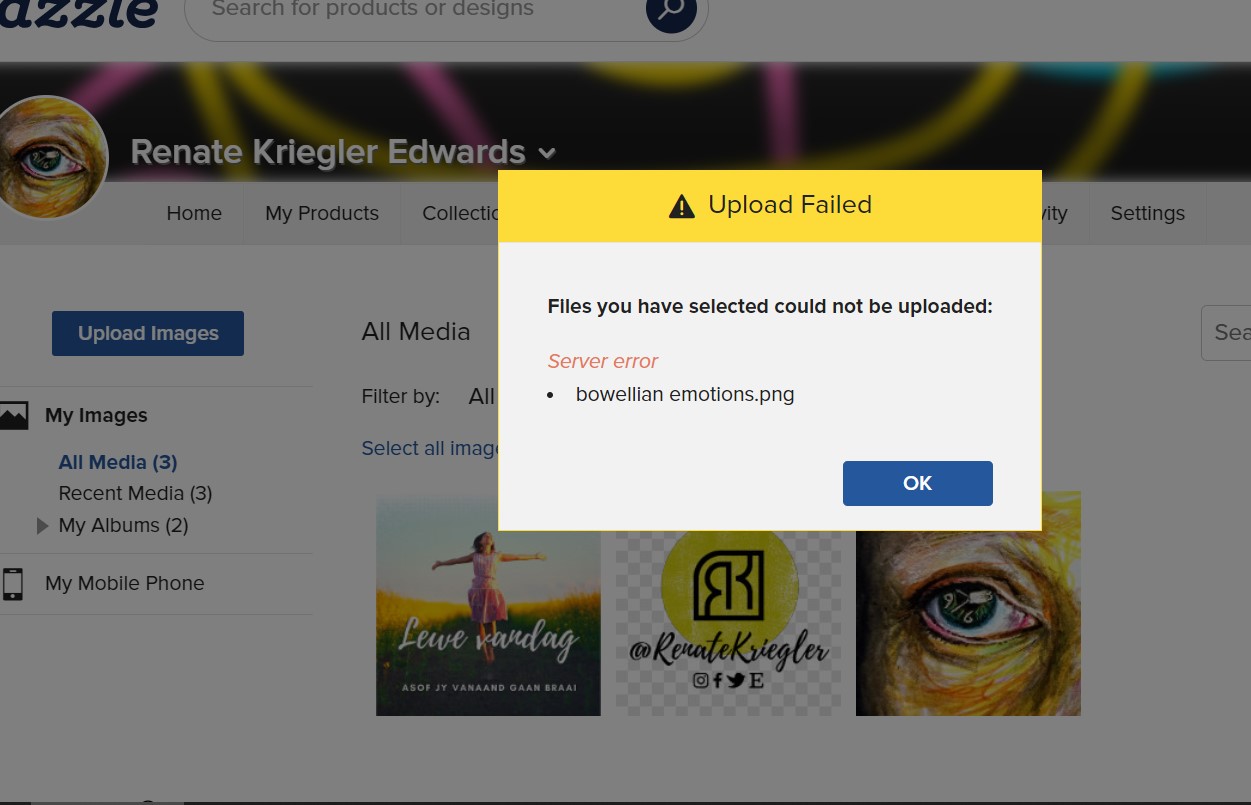
I am now on day 4 of not being able to upload PNG and SVG graphic files to my Image Files in the Design Tool. Below is step by step what I have been experiencing.
I started by opening a new blank product to design on.
I click on the Upload Images button in the left side of the Design Tool.
The file on my computer where I store my images I want to upload opens.
I click open on the image I want to upload.
A white box opens in the area where my previous uploaded images are.
The orange line and a very faint likeness of the desired image shows up.
The orange line continues to move slowly across the top of the above mentioned white box.
When it reaches the opposite side as if it has completely uploaded the white box where my graphic would be is gone. An Error Box opens with the following message:
Upload Failed
Files you have selected could not be uploaded:
Server error
border2.png
So far I can upload new JPG graphic files but I still can not upload PNG and SVG graphic files.
I posted in an old post from May 2023 and created a new post yesterday and have not had any replies. The May 2023 post was exactly the issue I am having now but did not see any fix in the replies.
Please help I need to upload so I can create new designs.
Sorry that nobody has answered your question. I’m not a computer or software expert by any means, but a server error can occur in Zazzle’s server (the server that hosts Zazzle’s huge site) OR it can happen on the server that hosts your web browser, or the server that hosts software that you use (Adobe Illustrator, Canva, etc.).
@TerryLynn double check that in your images you’ve not already got a file name already called border2.png . The error could also be caused by a duplicated file name perhaps
I’ve also had server errors when my internet went out and tried to upload via my phone’s hotspot and as @Jadendreamer13 said - it can happen at various locations.
Dumb question, but are you on a Mac and using the cloud? I noticed that sometimes the download symbol doesn’t show and it’s difficult to tell what images are actually local and which are on the cloud.
Oof - that’s gotta be frustrating!! I get this error when my file is too large - maybe try resizing and see what happens? I think 50mb is the limit, but that’s anecdotal based on my experience.
Good luck! Maybe also reach out to Z directly via the help page.
I’m asking because I’ve been having the very same error for several days recently and it’s been quite frustrating, but I noticed it always happened when my connection was slower then usual. Then, on the same days, I managed to upload those same designs, when the connection was in a better state.
I still think it’s a Zazzle problem because I ever had the issue before (and my connection isn’t always stable), and I could still upload everywhere else even like that…
Still, maybe try and upload from a different and faster connection and see if it works. Keep us updated
My connection has been fine. I’ve tried everything but nothing works for those two file types. I’m just changing them to JPEG and going on my way. I know it’s not my computer as I can upload those file types on other sites.
Not even JPEG? I have emailed customer service but haven’t heard back since giving them the info they asked for. Will let you all know when I hear back from them.