I’ve had a few enquires recently from customers wanting to purchase my invitation designs as a digital version for distribution. I’m aware that this is currently not available.
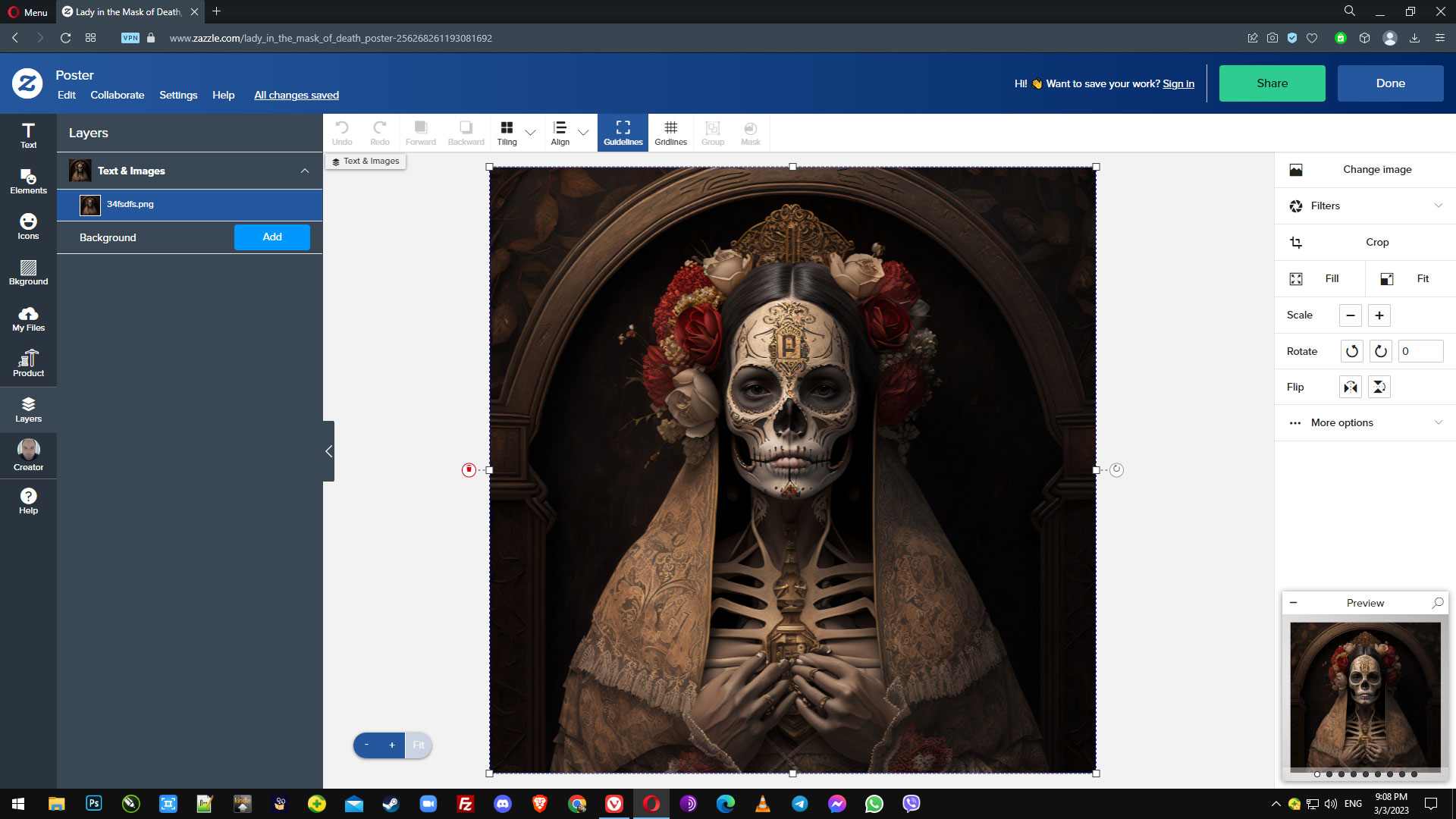
One customer mentioned screen shotting the product, and this led me to realise that once a potential customer inputs their unique event details, our design previews are not protected by a watermark cover, and could easily be screen shotted and circulated without a purchase been made.
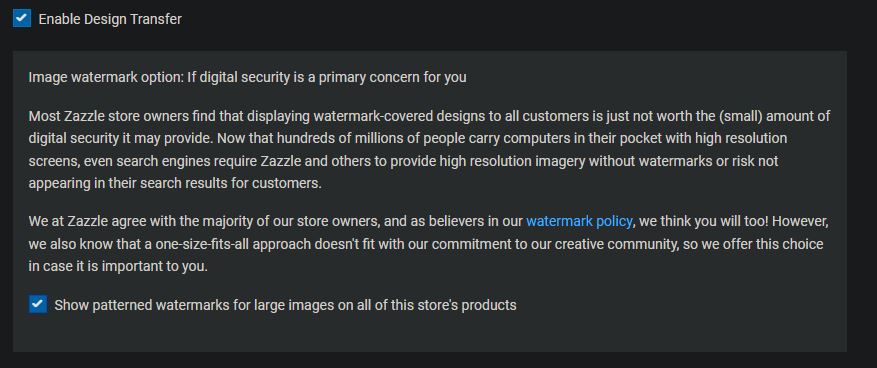
Under your store’s Advanced Settings, scroll down to the last third of the page and click on the _ Learn more … _ link that’s in the box that discusses the Image watermark option. This box is found between the Transfer Design and Tracking Analytics sections.
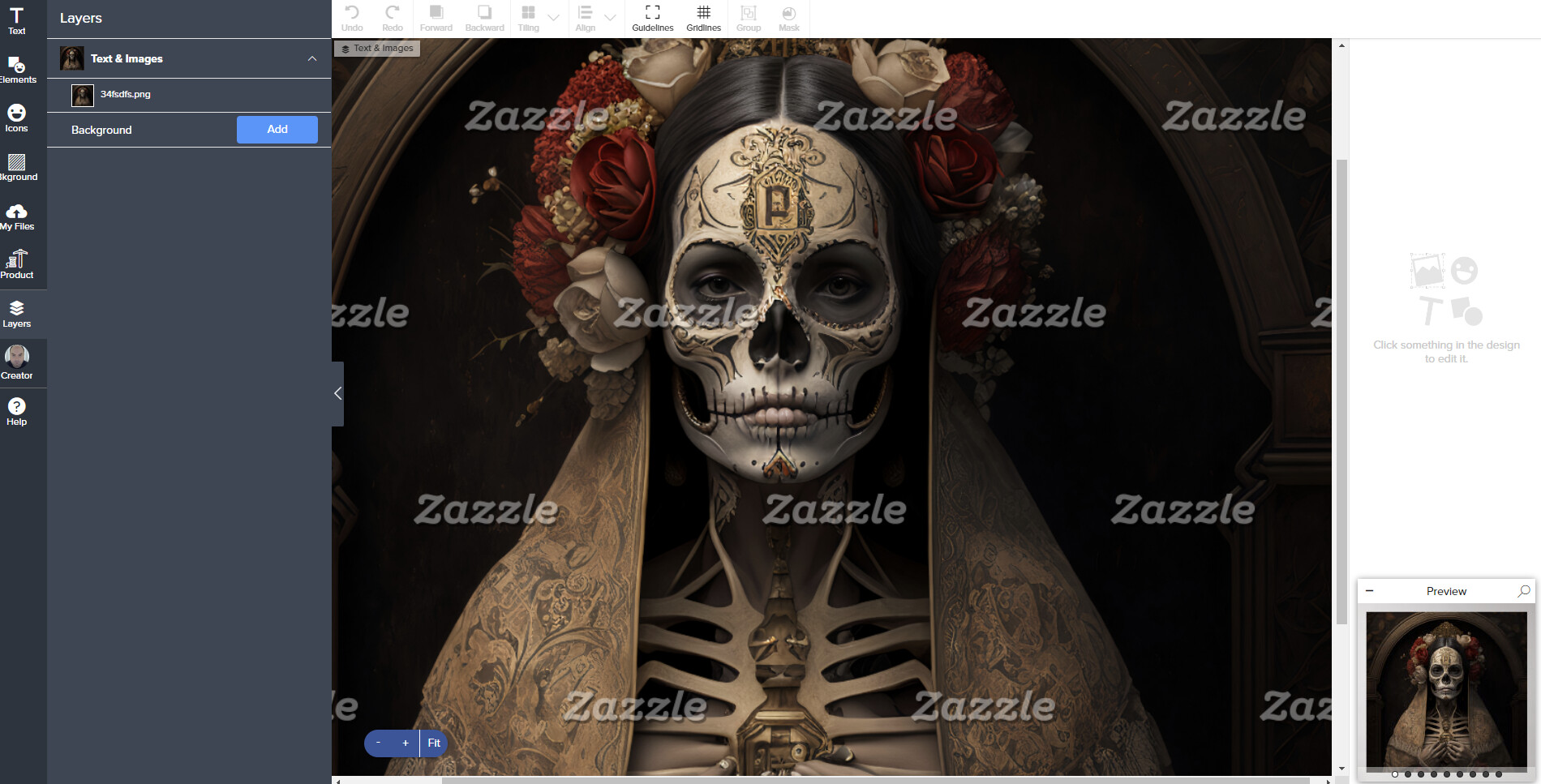
Thank you so much for that! I’ve managed to get it part working. For example the Zazzle text watermark is now visible on the ‘back’ and ‘front back in situ’ views but not the ‘front’ ‘standing front’ or ‘front/back’, any ideas?
I finally found it when I followed your directions: “Under your store’s Advanced Settings, scroll down to the last third of the page and click on the _ Learn more … _ link that’s in the box that discusses the Image watermark option. This box is found between the Transfer Design and Tracking Analytics sections.”
I have had my designs set with watermarks (via the advanced settings) for the last 7-8 years. Currently (as of early August) Zazzle turned off all watermarks whether you want them turned off or not. My box is checked, but the watermarks aren’t appearing. Several complaints have been made to Zazzle’s Tehnical Support, but no one at Zazzle has responded to this problem. Obviously, they don’t plan on changing this.
I am so disturbed by this. Where we need the watermark the most it’s simply not there! I have seen a sudden increase in stolen designs, two of mine (that I am aware of) included. There should be NO WAY that Zazzle allows this, a watermark on site should without question be automatic. I am not sure what changes have been made but they are failing big time in security and sadly we all pay the price. Then have to jump through hoops to defend our work. Anyhow, I think your artwork is spectacular and I hope Zazzle provides us all the protection we deserve sooner than later.
Having your designs stolen is intimidating, and makes one feel vulnerable and angry.
Not all of us want to watermark our designs. There are various reasons for this. However, if you go to your store’s Settings tab, then click on the Advanced Settings.
Between the Design Transfer section and the Tracking and Analytics section is the section about Watermarks. You can set your store settings in here to automatically watermark all of your images in that store if you choose to.
You might find some of the threads on this url useful regarding your stolen designs.
Watermarks (or more precisely, the disappearance of them) was a hot topic last summer and in August, Mod James issued an explanation here.
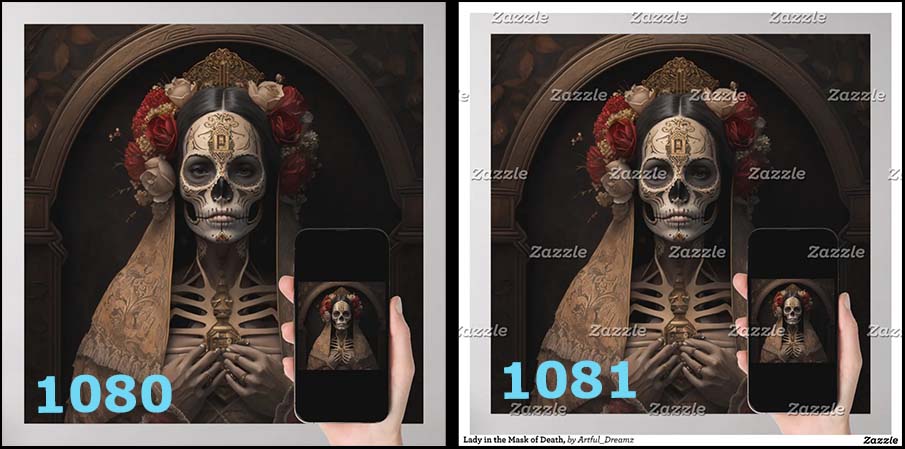
Watermarks are still being used (if you have the option turned on) but they changed the “threshold” for what triggers them to appear. Before, watermarks would appear on images displayed at 705px and up. Now, it’s 1081px and up.
I don’t have watermarks turned on in my account so I grabbed a behind-the-scenes URL for @Arful_Dreamz 's image and changed the size specification in it to make it display at 1081 and the watermarking popped right on. Also it adds the extra border with the attribution line on it. This is the way it used to work only now the trigger-size is 1081 instead of 705.
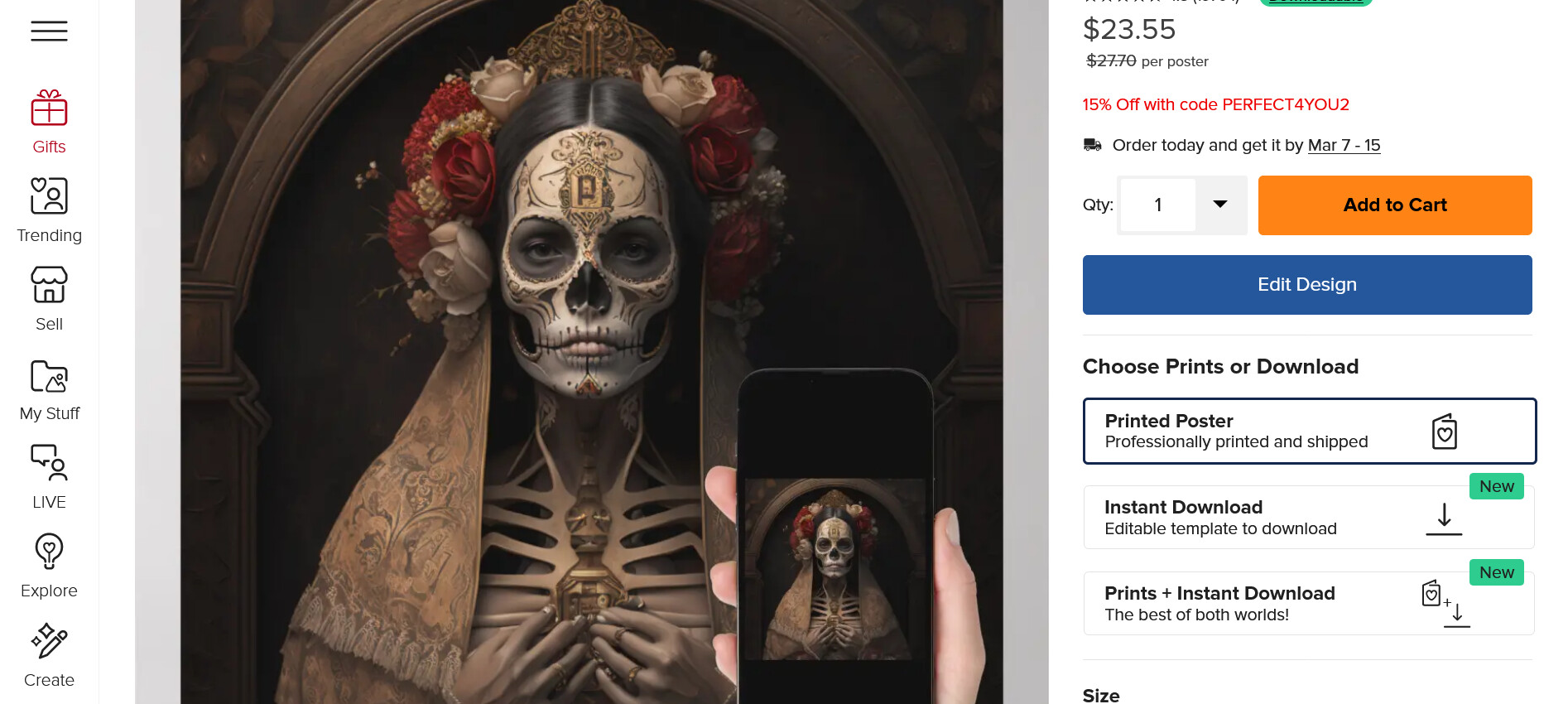
If I go to the product page, I do not see the watermarking, because even when I click for the large size preview view I am still only seeing it at approx 970px on my laptop (1920 x 1080 res setting). I have no idea how high your res needs to be to see the watermarks natively, but apparently Mod Mark’s is high enough to see them.