First of all, thank you for stopping by! We hope that you enjoy this new community as much as we’ve enjoyed putting it together for you!
I wanted to start this new discussion thread to share a bit of information, so please read on:
Firstly, things are pretty different around here, so I’ve outlined some of the key new features in the Intro guide linked below. Please read this first. This platform is immensely powerful and it may take some time to get settled in completely. Change can always be a little hard, but we hope that you’ll find it worthwhile.
After reading the Intro guide below, you’re welcome to ask any questions in the Community Help and Feedback section found in the top navigational bar. We will do our best to answer questions as they arise, but we’d encourage you to help your fellow community members if you’re able to.
This site is not fully built out just yet , so we’re missing a few things. The notable omissions are that we’re lacking private discussion areas, and the Show Me forum is empty. We hope to roll out new private forums very soon (there’s technical limitations), but with the Show Me forum we opted to start fresh because of the way SEO works in the new community. Let’s fill it up! There’s a few other features that we’ll be adding in as they become available.
Due to the complexities of this new community, we have not migrated over any old posts from our previous discussion boards. Our old forum has been taken offline, but the internal team will still have access to the older posts for future reference.
I tried to fill up the Show Me forum with many product posts. I worked hard on it most of the night. There is still more to be done, though. Thanks for the nice forum. I love it!
Thanks so much, Scott, it’s great that we have a new forum!
I was wondering if there is a brief update of the changes in the new user agreement compared to the previous version? It’s quite a daunting document … Thank you!
It’s a nice fresh look, but I really hope we will soon have our private forums back. I’m also not sure how easy this is going to be to navigate to find information threads.
I left for vacation for 2 weeks and come back to find my old content in the forums gone! We need access to the older posts for our future reference as well. Please make the archive available to us as well!!
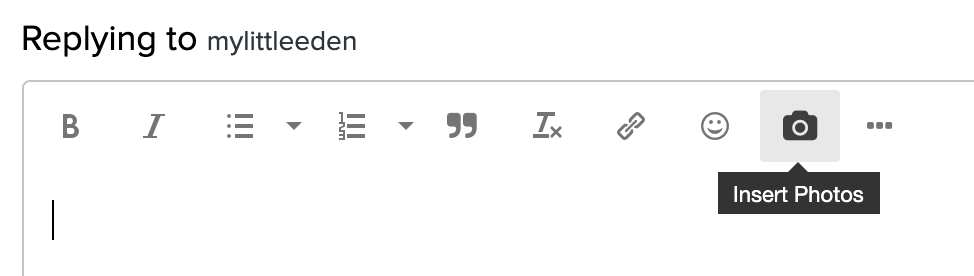
Wow, this forum sure has a lot of bells and whistles. You can upload a photo, All these cool emojis. Much improved. I will miss the old one though, but, looking forward to anything that helps Zazzle become bigger and better for all. I love Zazzle and thank you for all your hard work, vision and effort to give all of us artists a way to earn money from home!!! You guys and gals are awesome.
This is the thing that shocked me. I felt like I had been cut off in mid conversation, and I feel almost bereaved to have entire conversations vanish. I would really like at least the last six months from our old forums restored within this format.
Can someone please help me how to post a product photo and link I used to be able to just drop the code in but that doesn’t work now. I have tried the html tag but get an error. I want to share my products for promotion but I am struggling on how I do it?
Looks cool but going to take awhile to figure everything out, much more complex than the simpler old version.
To share a product in the forums, we used to copy the BBCode from the product page and paste that into our post. In the new forum now, you don’t want that, you want to copy the HTML code instead. And instead of posting it directly on the compose page, you need to click the HTML icon to open the HTML box and paste your code there. Hit OK. You’ll see the result on your compose screen. If that’s all you want to put in your post you don’t even need to preview, just click Reply. Then you’ll get the alert that
Your post has been changed because invalid HTML was found in the message body. The invalid HTML has been removed. Please review the message and submit the message when you are satisfied.
* Note that this isn’t telling you you have to do/change anything to make the post go through, it’s just letting you know some of the HTML was automatically changed behind the scenes and if you’re OK with how things look (it looks fine without you changing anything) then proceed with replying. So just hit Reply a second time and it will post.
Zazzle just needs to tweak the html code that is generated on the product page to get rid of whatever part of the code the forum thinks is invalid.