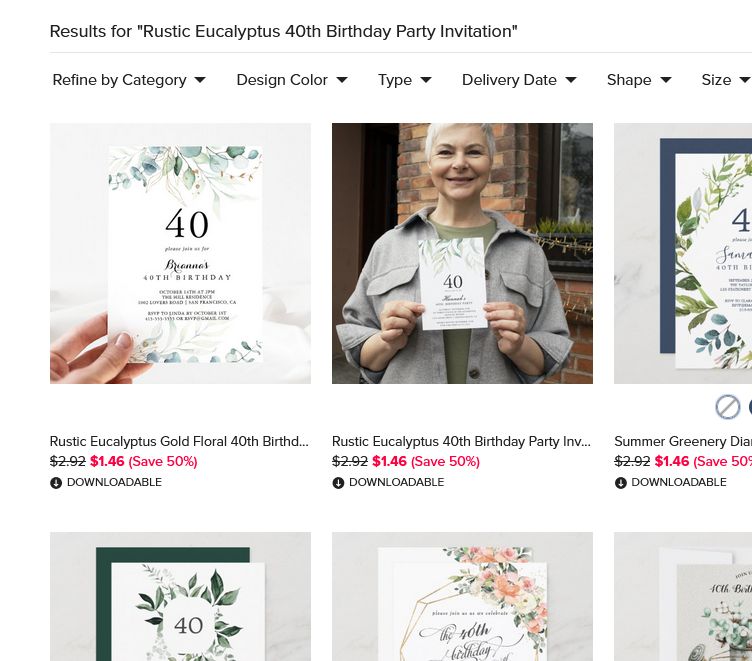
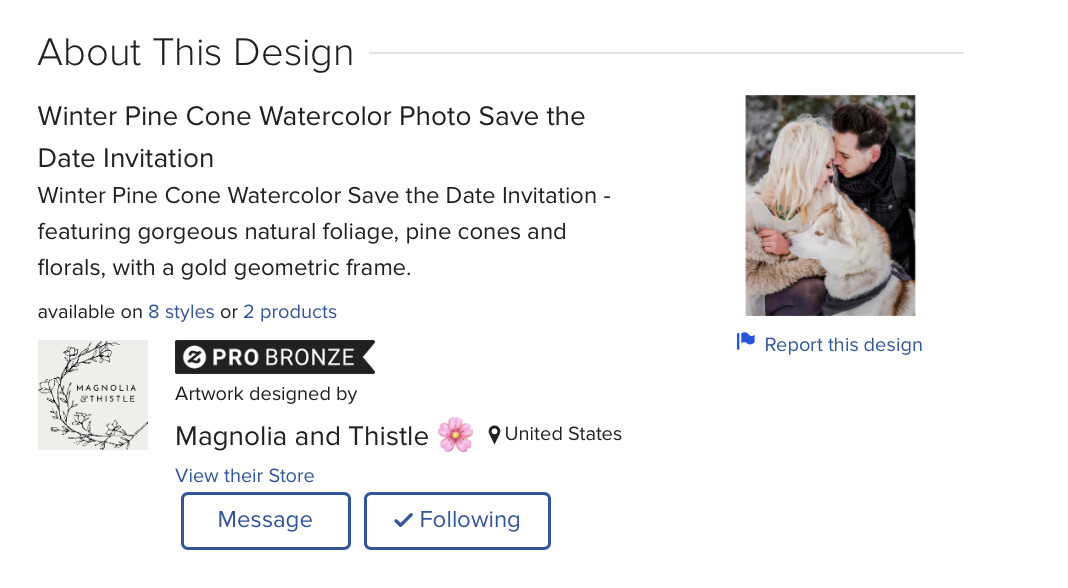
So now when I add a cover photo, in the thumbnail view it shows the back of the invitation which is really not a good think since a lot of customers shop on their phones and they go by the thumbnails. I tried adding a second photo hoping to bump it down but that doesn’t help. I don’t want to be discouraged from adding mock ups but this is not. good thing for sales. Any suggestions?
https://www.zazzle.com/rustic_eucalyptus_40th_birthday_party_invitation-256013580607374147
I’m not sure where you mean you’re seeing the back of the invite as the thumb. When I click on your link above your self-made cover is the default image, same as I see viewing it in the MP.
I also see your cover image. Maybe it was just a temporary blip?
Colorwash's Home
Hi @ColsCreations it was the thumbnail beside the product description. I apologize I should have checked before I bumped the post. It seems to be resolved.
It seems to have been a blip. 
This is what I was posting about before. Maybe it corrects itself? The back of the card is showing as the thumbnail, not the front of the card or the mock up. The back of the design is a photo.