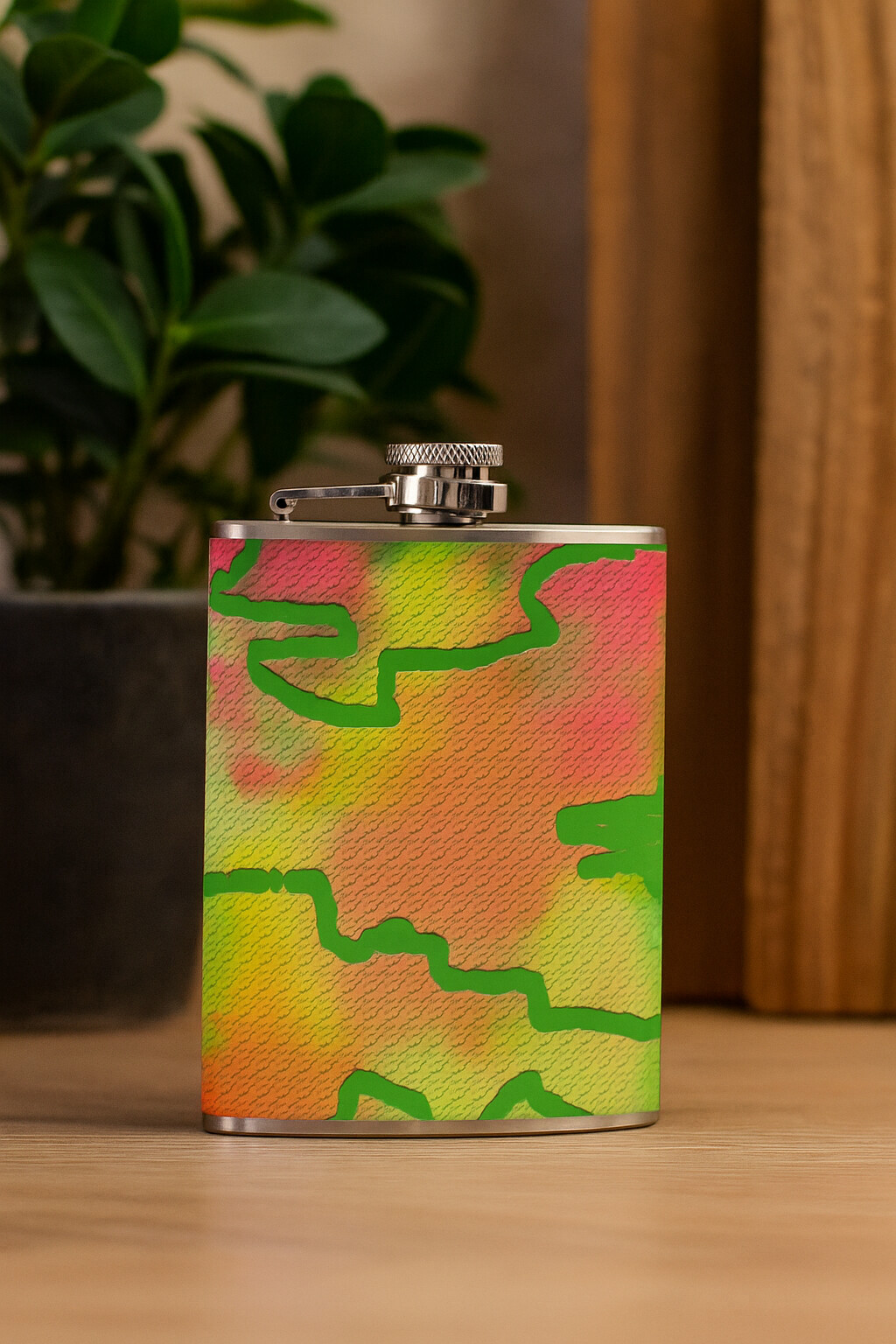
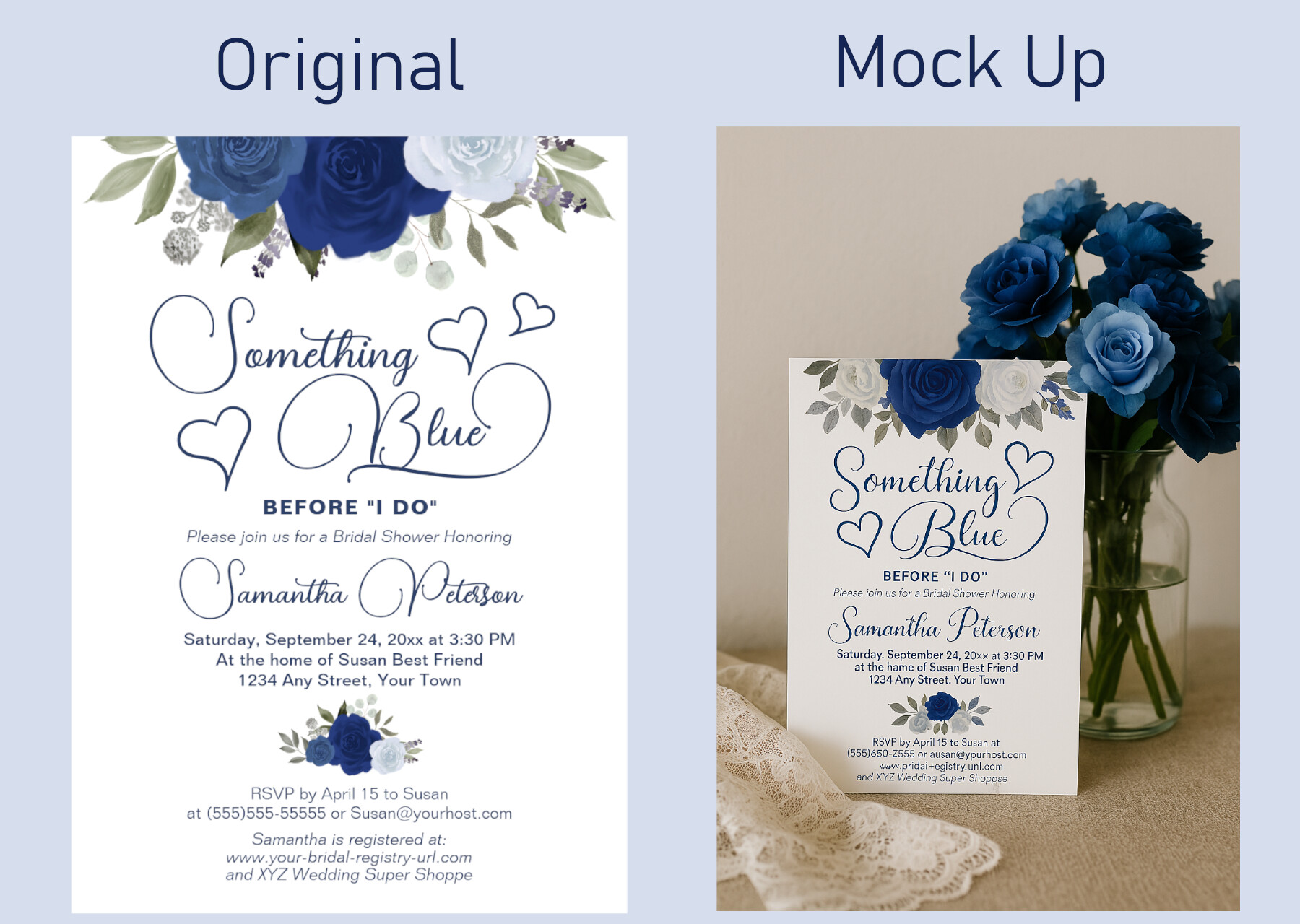
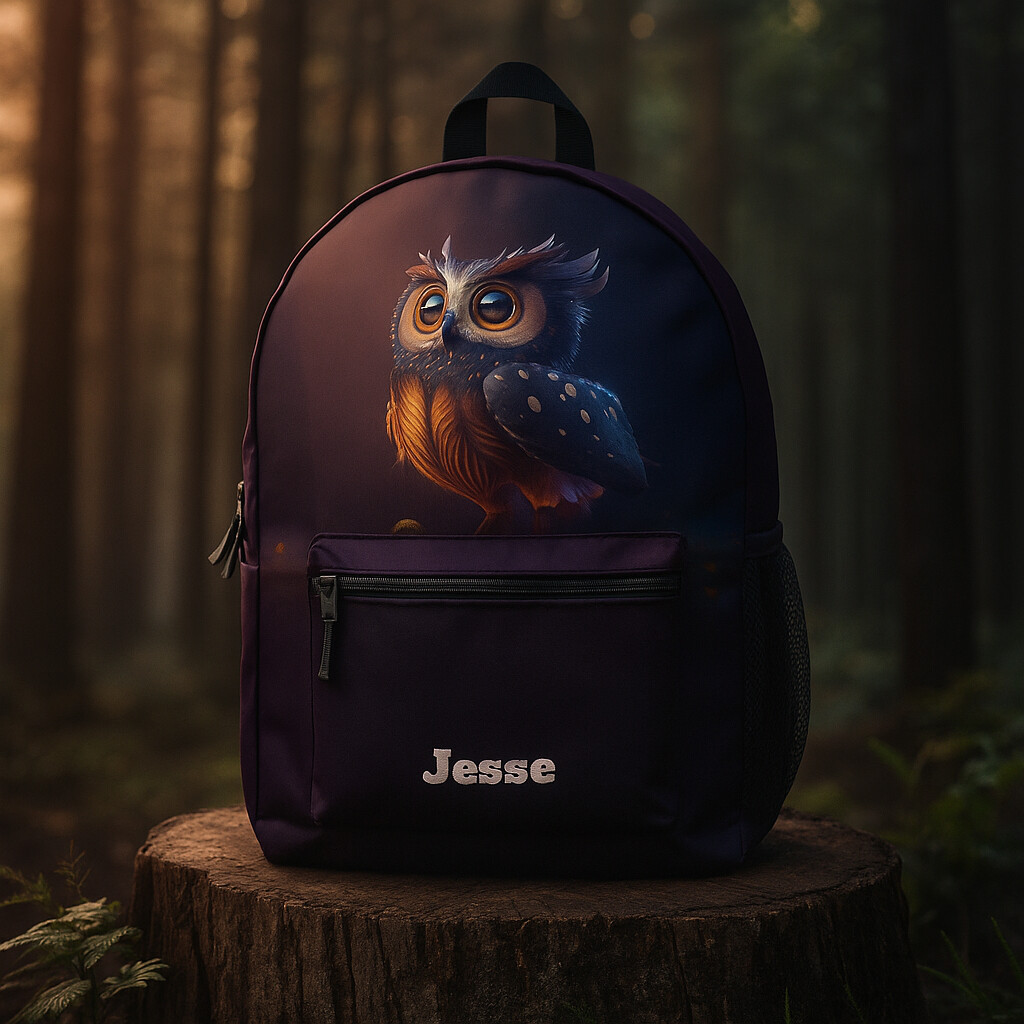
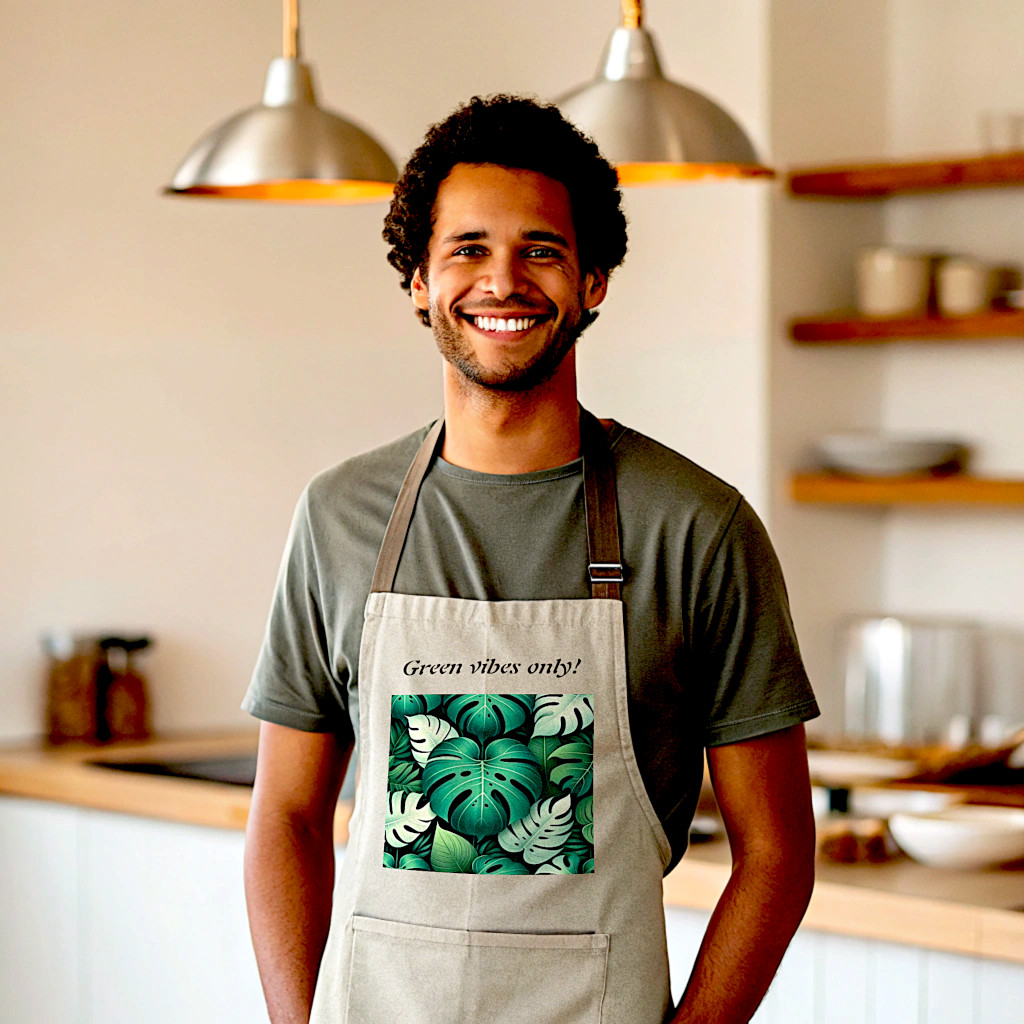
Yesterday I discovered a method to create mockups for Zazzle products. I have some hip flasks in my shop which I need to promote more, so I was looking for mockups online. I only found ones which you have to pay for. I have an account on ChatGPT, so I wondered whether I could create mockups with ChatGPT. And yes, it is possible! I followed these steps:
I went to “Downloads” and downloaded an image of the flask-
I went to ChatGPT and uploaded said image.
I wrote the following text: “Can you create a mockup with the above image? I want to show the flask standing on a table”.
Super cool! Can you tell it to make it in a square aspect, or in the exact dimensions required by the media manager? I have not used ChatGPT very much at all yet.
I haven’t found out that yet. However, when you upload the image using the media manager Zazzle asks you to crop the image. I am also using those images when I tweet my products, and with x/twitter there is no problem with the dimensions…
Wow, that’s interesting! I might try a couple and see how it does. Can you do more specific instructions, like maybe a Christmas table, or a wedding bouquet in the back, or something like that?
I’ll have to try it with Chat GPT. I tried this with Microsoft Copilot, and while it did spit out a nice mockup, it changed my original design significantly.
I have found that too, with some mockups made by AI. My solution is to overlay the original isolated product and then move that layer below the AI image. Then I mask the altered parts, revealing the original underneath in places that were changed. Sometimes color adjustments are needed on the original too, if the AI really changed the lighting.
These mockups look beautiful! Thanks for bringing this up, @ulla_hennig .
How does ChatGPT handle the images you provide? For instance with invitations, when you give it the image, will it then be able to use this for instance for someone who is asking ChatGPT to create an invitation for them? I am assuming it can easily re-size an image?
I guess for other products than 2D this would not occur.
However: I just noticed that you have to carefully compare the results you’re getting from Chatgpt and Copilot regarding the change of the design especially when the design was created with AI. I noticed it when I compared the original image provided by zazzle and the mockup created with Chatgpt. Be careful, then! I didn’t notice it with a design I made with gimp…
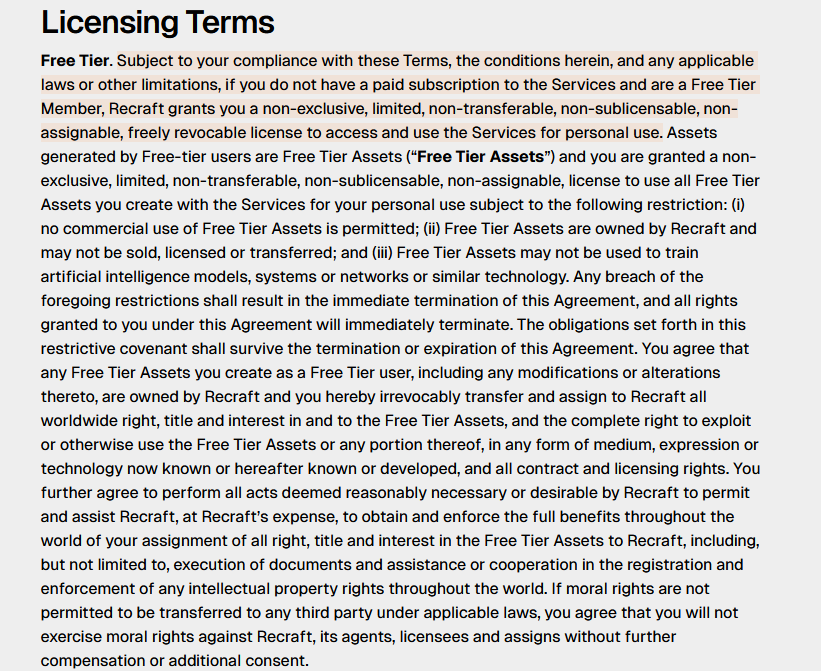
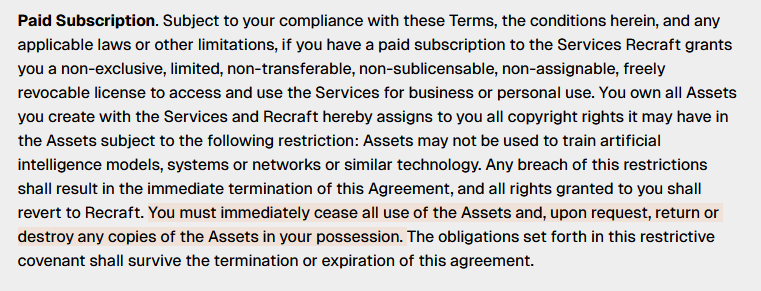
Just a piece of additional information: There is a AI platform called “recraft.com” which allows you to 1. create a mockup image and 2. insert your design. It is a bit tricky and needs a bit getting used to, but it has the big advantage that it does not corrupt your design.
@Fantabuloustef@Cat I found the same with the free version of ChatGPT - it would change my artwork and I asked it why - it’s because I was using the free version and not the paid.
Thats not true ..( not what you are saying, but the info you got from chatgpt) I have a paid subscription and it messes up my text, recreates images , etc etc
@Deb I find all ai mockup makers like to “enhance” your original artwork. Make sure you put in your prompt that they use your exact product design (I’ve lost count how many times I’ve said “yes it’s a lovely mockup - now can you use my artwork” lol
Even the new google image editor swaps out designs so always double check what it spits out