Fantastic! There were always ways to get your previews or composite design images but to be able to do it now in one easy click is just phenomenal.
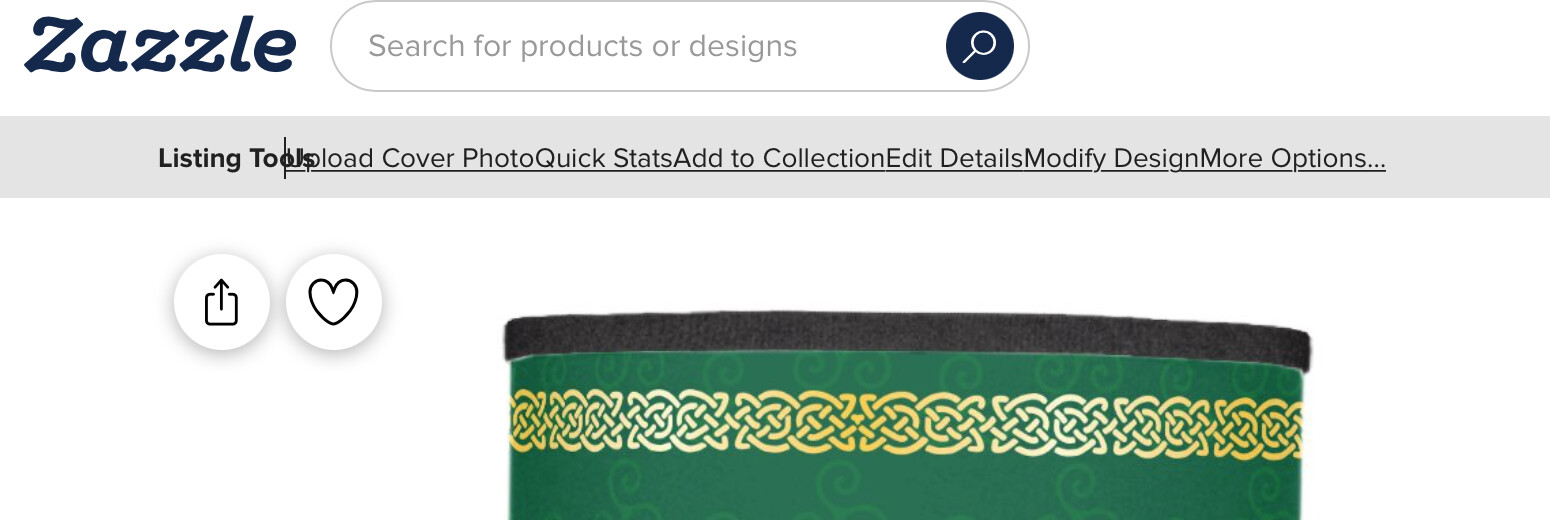
I am a fan of the new condensed toolbar. The page is now less cluttered and closer to what the public sees.
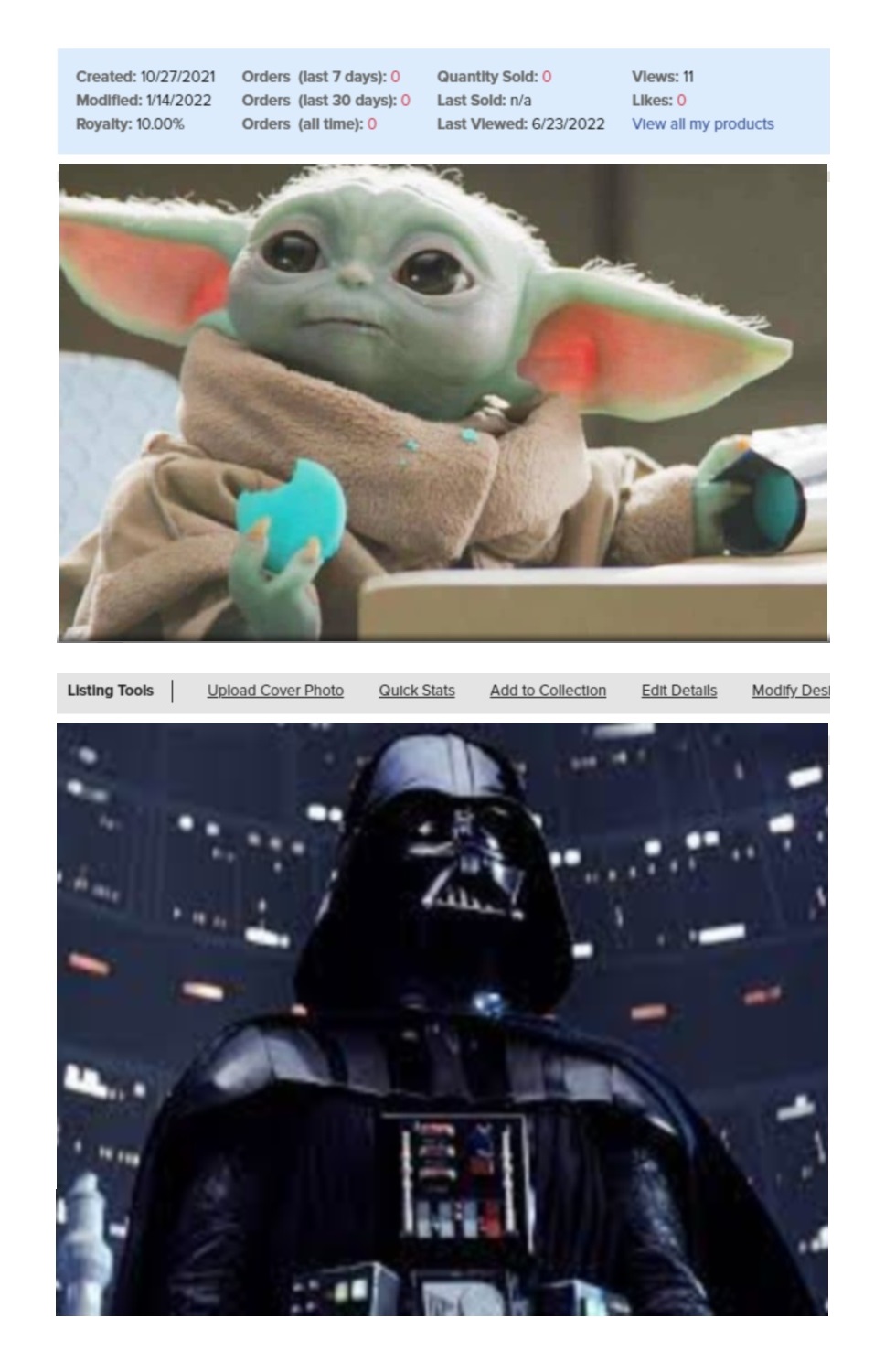
I love that The Quick Stats now show the product type. This is the same product “code” that shows on your earnings pages. I don’t recall that being there before. This is especially useful for cards where it was very difficult to determine what blank you used for it - holiday card? thankyou card? generic card? invite? etc… It’s also a live link so you can go right to that blank if you want to start from scratch. Very helpful.
My one request would be that the Quick Stats show only the same stats you selected to show in your back-end. And one suggestion: Maybe make the mouse-over highlight for Delete Listing red. I don’t have anything I want to delete right now so haven’t clicked it to see if there is a confirm dialog or not before it’s deleted, but the extra visual for not clicking on it accidentally would be good.
Although I do miss seeing my stats at the top of the page without extra clicks, I just tried downloading both a mockup & artwork & am blown away! The quality is amazing! I’m so used to clicking on the product, enlarging the screen view, taking a screen snap, sharpening & rebalancing exposure in photoshop before I could put it in my mockup. The resolution is razor sharp & the colors spot on. This addition is well worth the trade-off. (Although it would be great if the products were silo’d pngs…)
I just used the mockup download for the first time and the cover photo I was able to make was so much better with a nice crisp product. I love this so much there are a few mockups where the product quality was not as sharp as it needed to be and I will be remaking them. This is fantastic for someone like me who is not super saavy with editing digital images!
@Windy I never even noticed that “View all products” was there! I almost always right click and open a product in a new tab, so I still have my All Products already open in the original tab. I also bookmarked my All Products page at the top of my browser (along with Saved Designs, Images, and Collections," so I can go right to it any time I want.
Thank you, Thank you so much Zazzle!!! The new artwork download is SOOOO helpful! Yesterday I re-do a whole collection’s cover photos and now they look so crisp and beautiful! I’m sooo happy, no more blurry text!
Yay!! I appreciate this so much!
A big thank you to all the technical team! Awesome work!
Anyone else experiencing problems downloading artwork? Business cards let me download front and back, but if they are white the design itself is transparent when I pull it into photoshop.
Tshirts on the other hand come down on a big coloured rectangle depending on the colour of the shirt - I’d love those designs to be transparent!
Other products like “sheet of paper” do not let you download the back view.
Also it says they are high res but products like Profile Cards are downloading at such a small size I have had to resort back to screen shots.
Oh Yeah! Much appreciated!!! Was able to download and edit an image to create a text template where I hadn’t in the original. Worked out well. May I ask if there are any limits on what we can use if we download one of our designs that we also inserted Elements from the Zazzle design tool bar? Triangles, Squares, & Lines? Thanks again sooooo much!!!
With the change to the ‘Add to a Collection,’ it looks like I can only make collections containing my own products. I liked that customers and affiliate marketers could add my products to their collections before. Also that I could make a collection of Marvel products, e.g., to promote with my affiliate link.
Looks very wonky on my browser, no spaces between items.. I know, I know, it’s Safari (14.0.3), which doesn’t always follow formatting, but just letting you know.