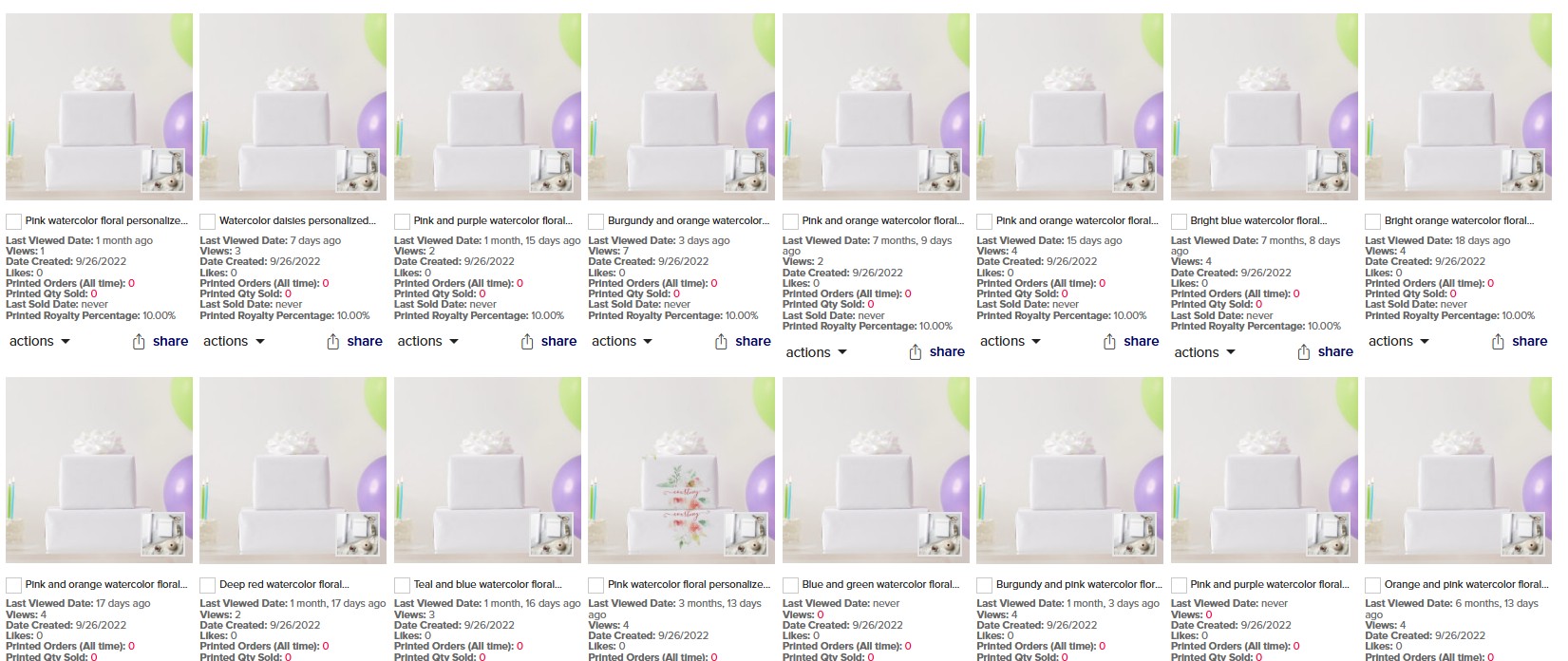
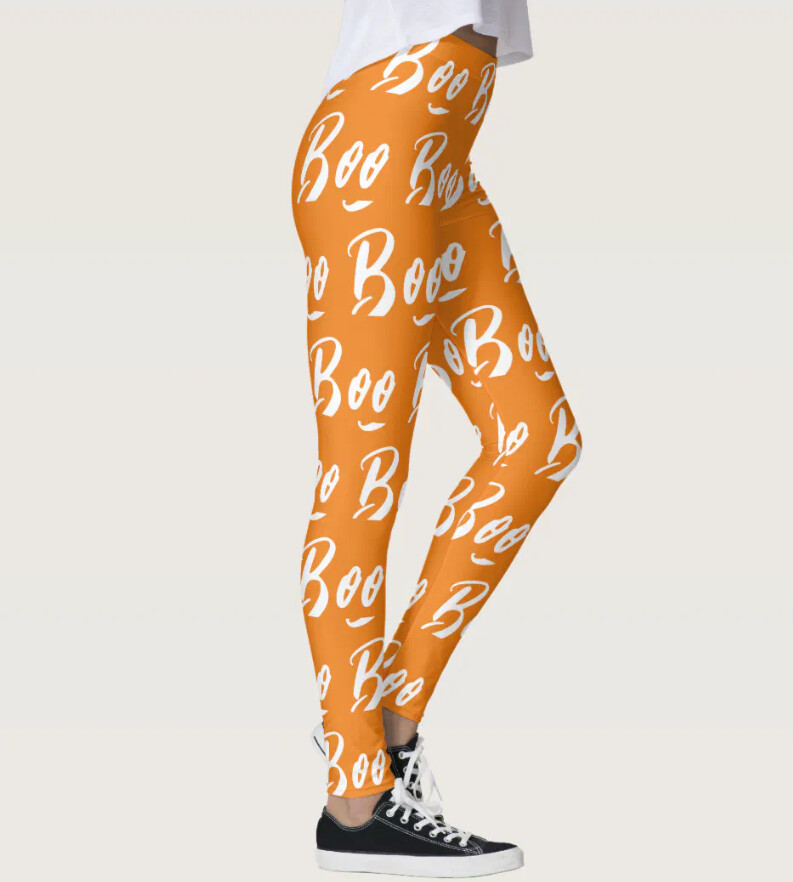
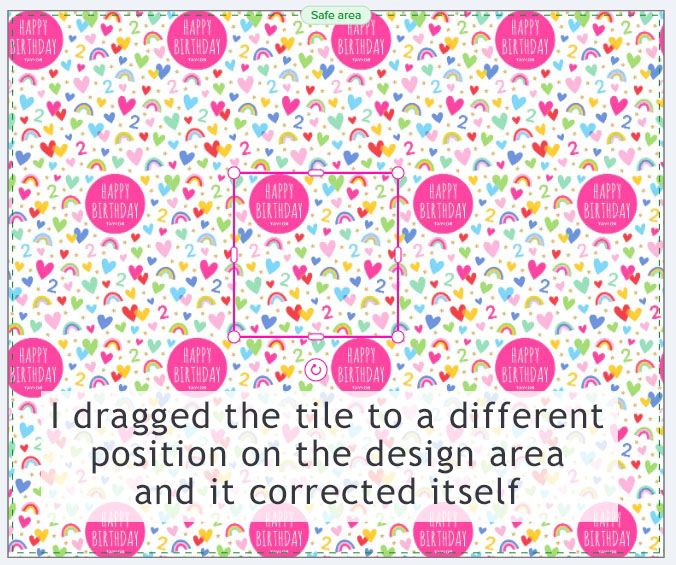
Many of my designs using Horizontal tiling are currently broken. The patterns have shifted out of position. However, this is not happening to all of my products. I’ve looked for why only some are affected, and the only thing I can see is the broken patterns also show an unintended change to their tile shape. I tried dragging one of the affected tiles to a new position on the design area and it corrected itself. I don’t know for sure, but I think this bug specifically targets patterns where the tile shape was previously moved away from its default position.
@PLdesign Yes, it seems to affect designs with “Horizontal” tiling and “Half Drop” or “Half Brick” patterns. However, I also have designs with these features that aren’t affected! It’s just a theory, but I wonder if it’s because some tile shapes were originally repositioned on the product for better alignment, since one of mine corrected itself when I moved it. I really don’t know, but hopefully it gets fixed soon!
People are buying my neck ties and the pattern on the cover photo does not match the actual neck tie now. I LITERALLY HAVE THOUSANDS OF PRODUCTS THIS EFFECTS. Please Help!
I also sold a bunch of ties and I am worried the customers won’t get what’s on the cover photo.
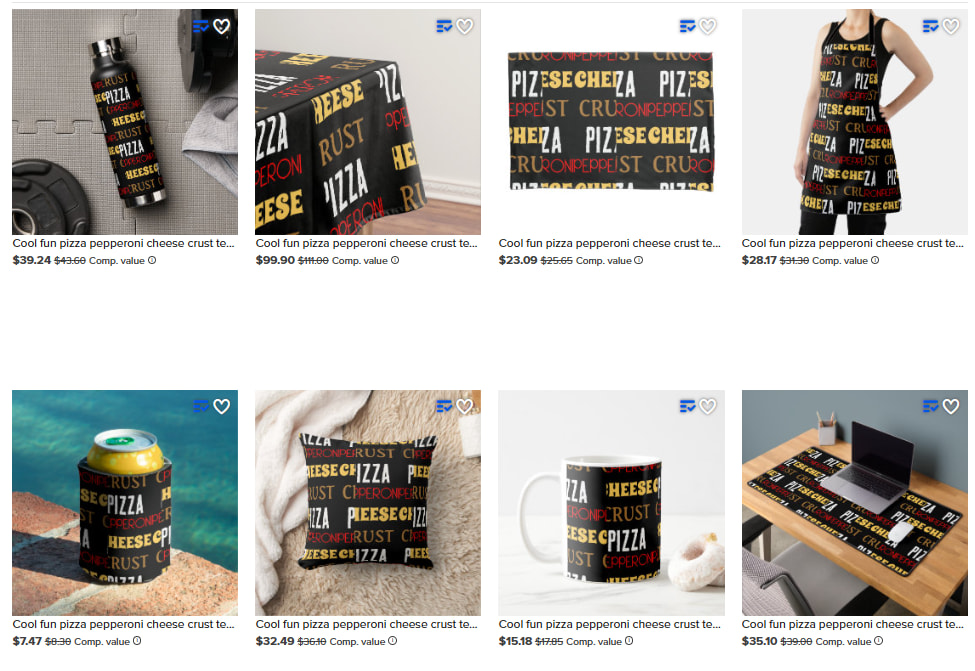
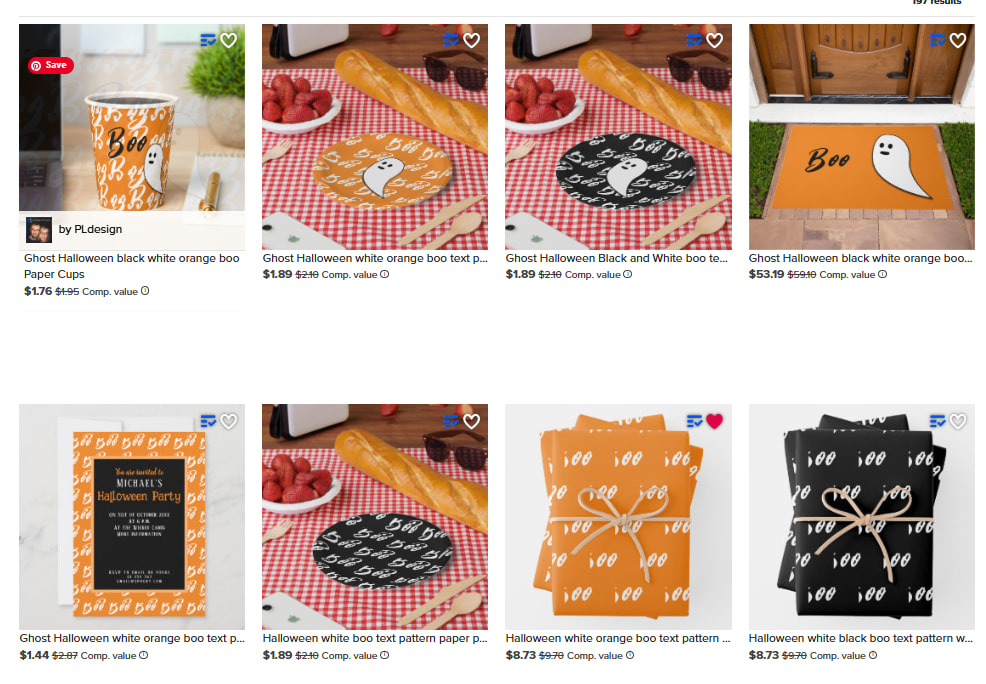
My text collage products are now showing blank solid color items with the custom text missing. You can tell from this one that the cover image shows how it is SUPPOSED to look.
@epicdesigns Yes, I’m seeing it too! It’s affecting all my designs that use the " Horizontal" Tile feature. It’s knocking out both text and images in the tile design. My designs with the 6" square “Tile” option are unaffected.
After checking through more tiled designs, I’ve realized that this issue isn’t affecting all designs using the “Horizontal” Tile feature. A small number of my designs seem unaffected.
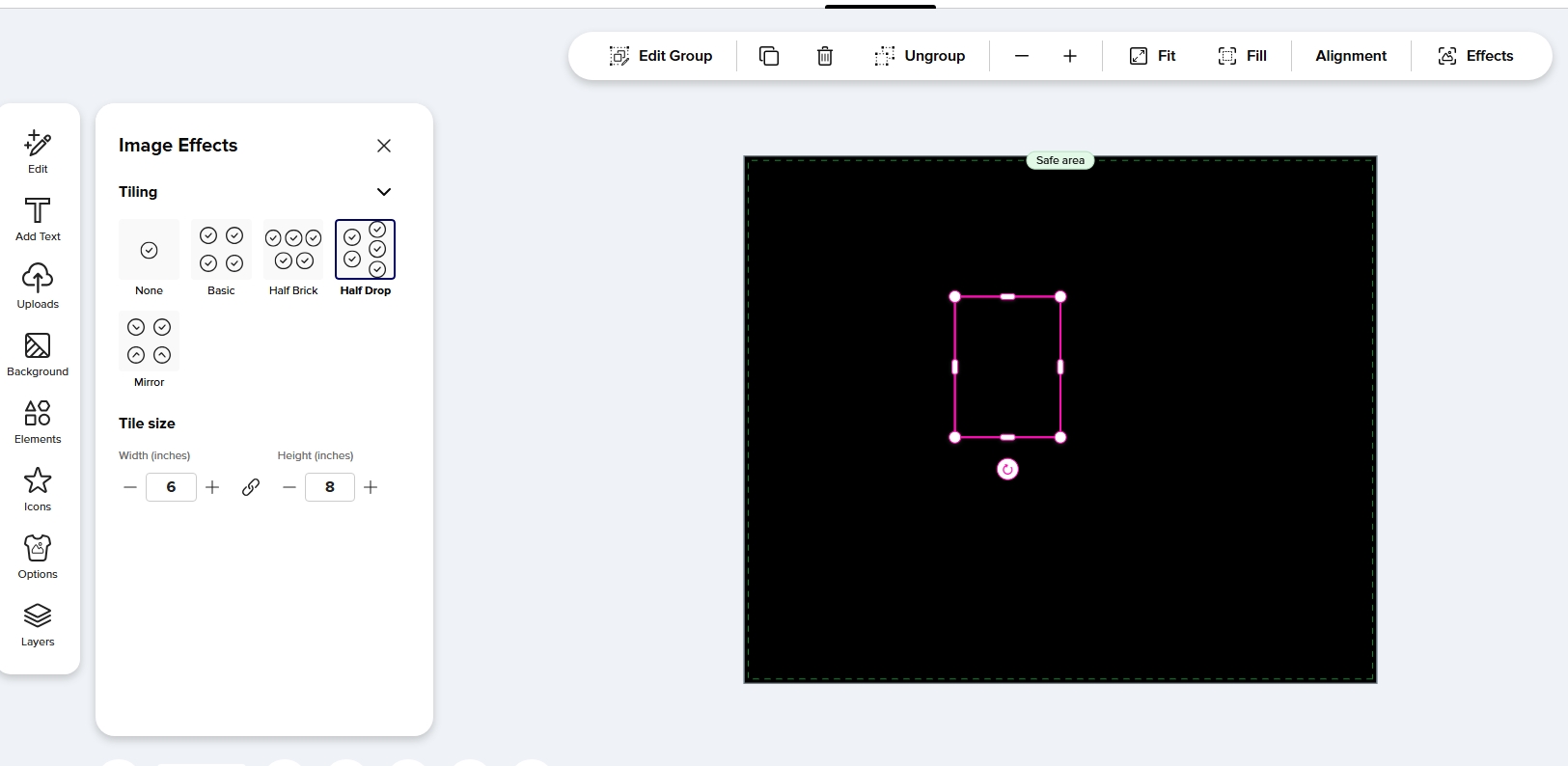
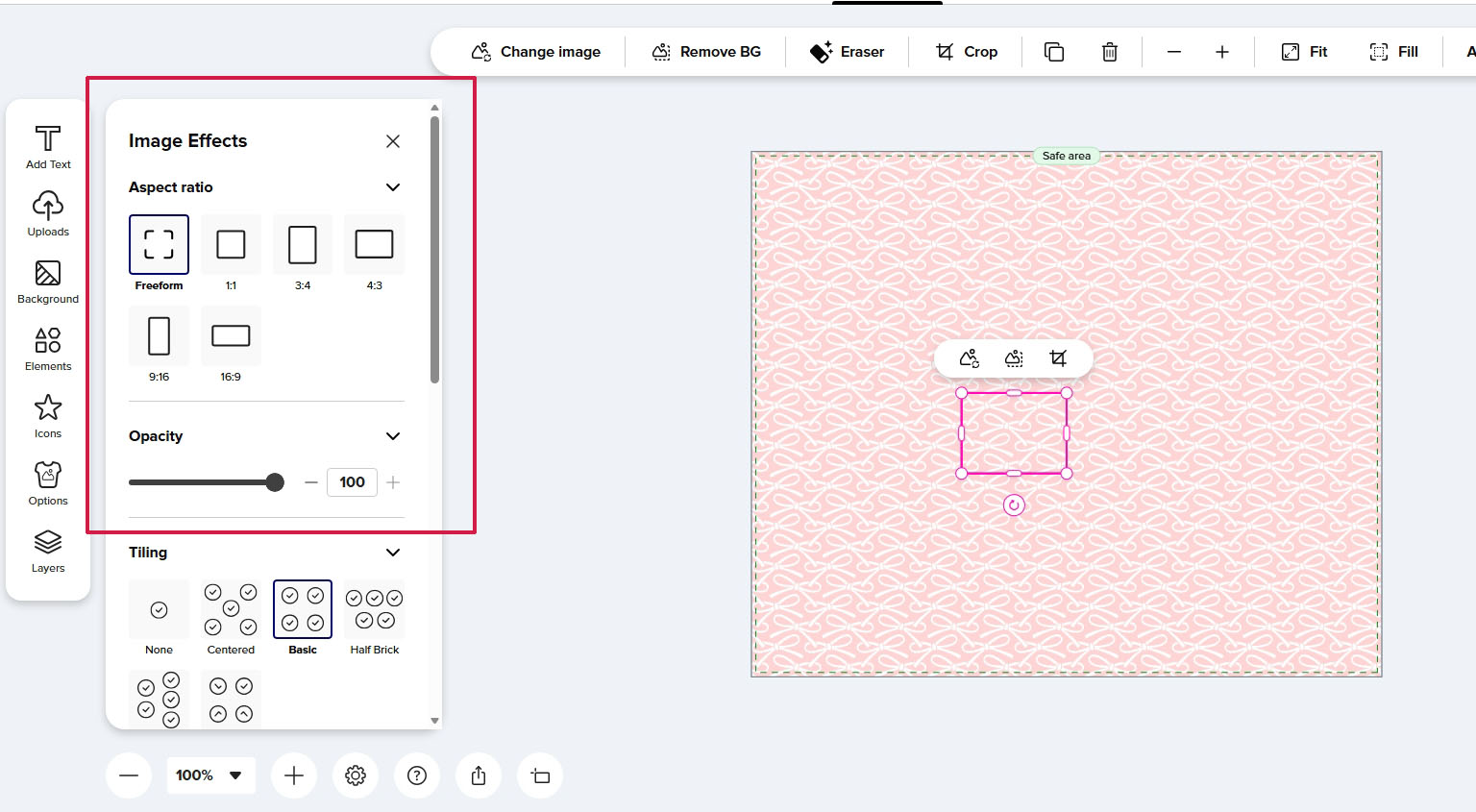
The only difference I can spot is within the “Effects” window when selecting the tiled element on the design area. Designs with the issue only display “Tiling” and “Tile size,” while unaffected designs also show “Aspect Ratio” and “Opacity.” I’m not sure if this is related or why it’s presenting differently.
Since very early this morning I noticed some of my tablecloths are missing my images that I used a tile function for, so when clicked on they appear only as all white. And some other’s where I tiled typography the text is now tiny and on some the words are cut in half. Still happening.
Please disregard my comment about the appearance in the “Effects” window, as that’s just a matter of whether it’s a single or grouped element! The problem lies with tiling text using “Horizontal” tiling.
Yes, some of my tablecloths as mentioned, still have this glitch type problem with images showing blank, and some text is still tiny and cut in half, or missing completely. Also used horizontal tiling, and half brick selected on the designs. Is this going to be fixed soon? Thanks
@Fiona These two threads about tiling issues have been merged. However, I think the issues are a bit different:
The earlier issue affected all tiled patterns with “Horizontal” tiling when text was incorporated within the tile. The design tool area and previews appeared blank. This seems to have been mostly fixed for me, apart from a few previews.
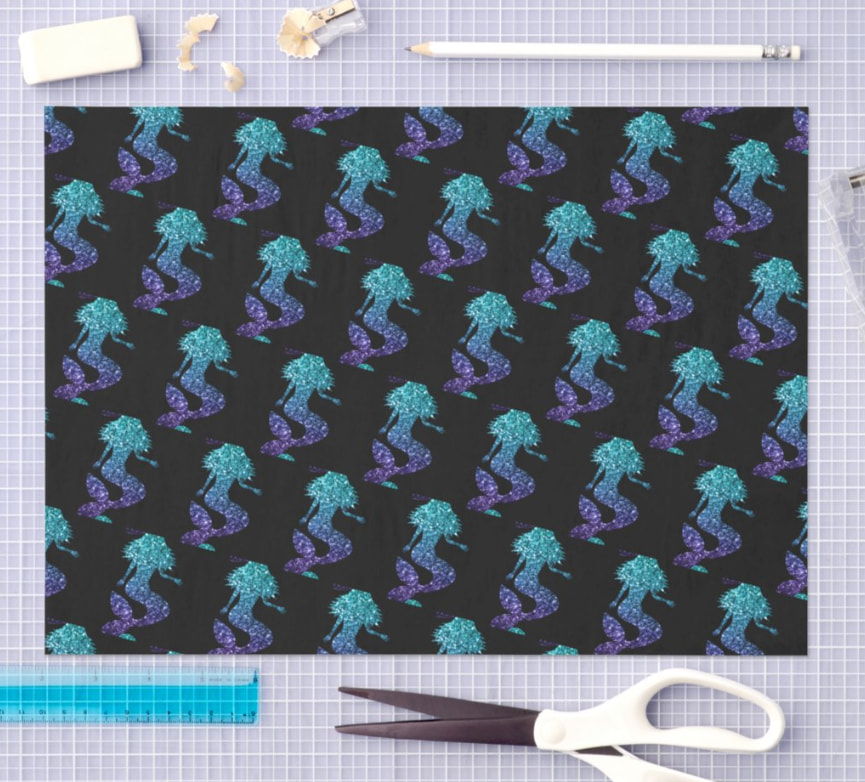
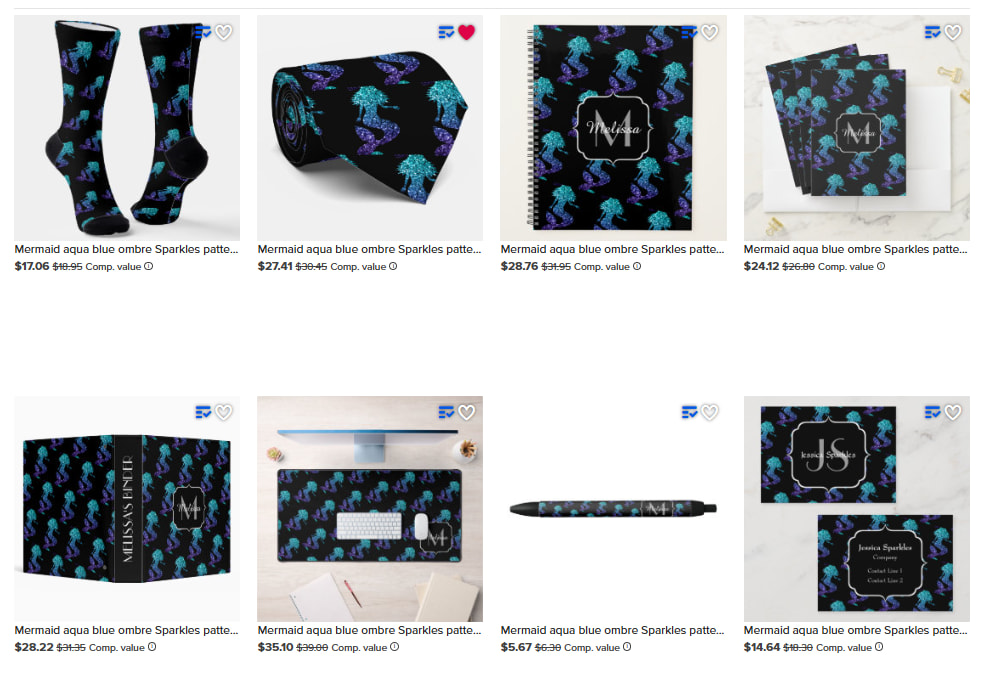
This new issue seems to affect designs with “Horizontal” tiling and either “Half Drop” or “Half Brick” patterns, irrespective of whether they contain text. The tiling appears broken in the design tool area and the previews. However, for some reason not all of my designs with these features are affected.
The two issues might be related, but I wanted to mention this in case it helps with the fix!
@fiona this is really a problem because im having customers buy floral neck ties and the cover photo looks good but the rolled up picture of the ties themselves have messed up patterns. I don’t want unhappy customers

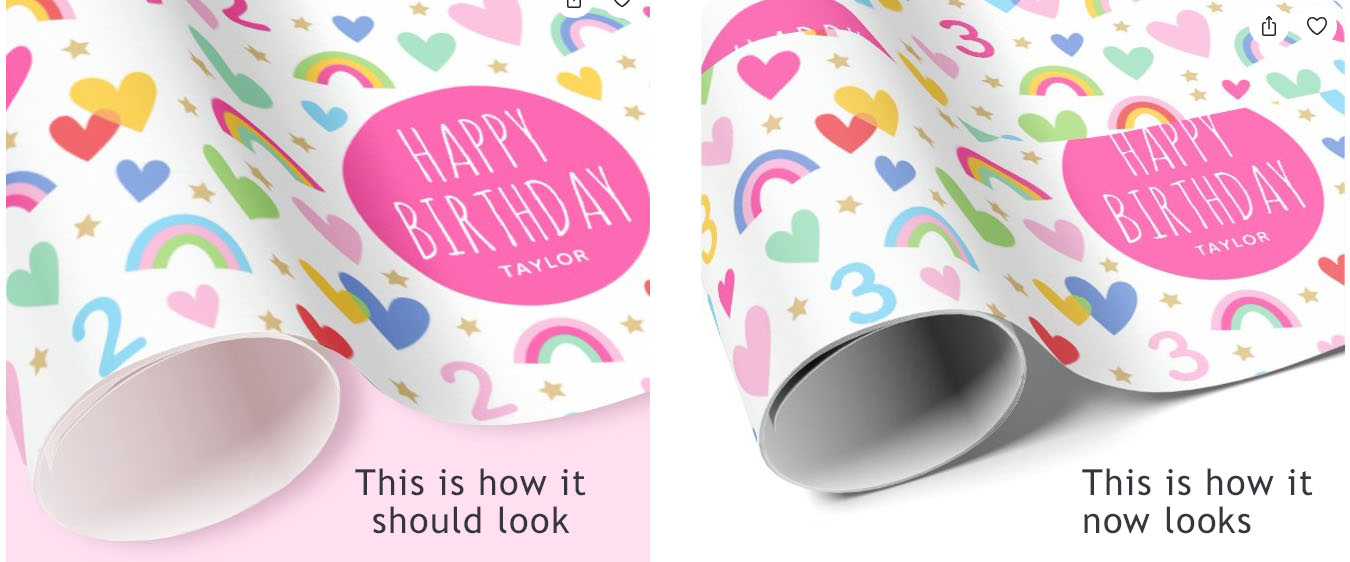
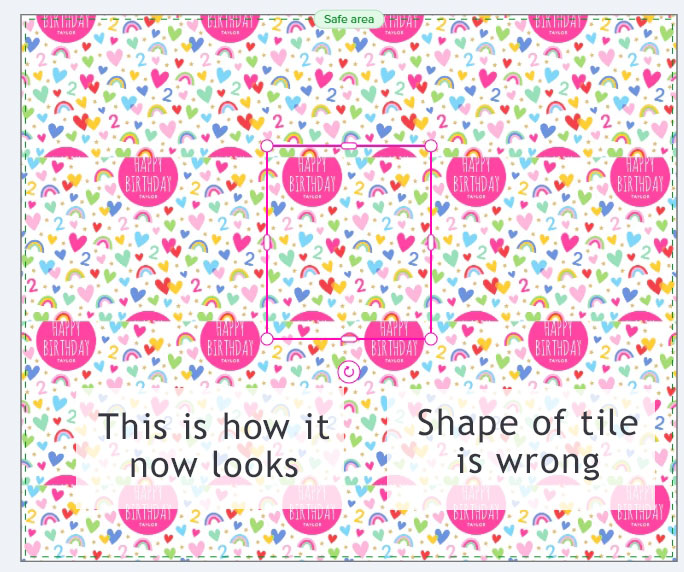
 but hopefully it gets fixed soon!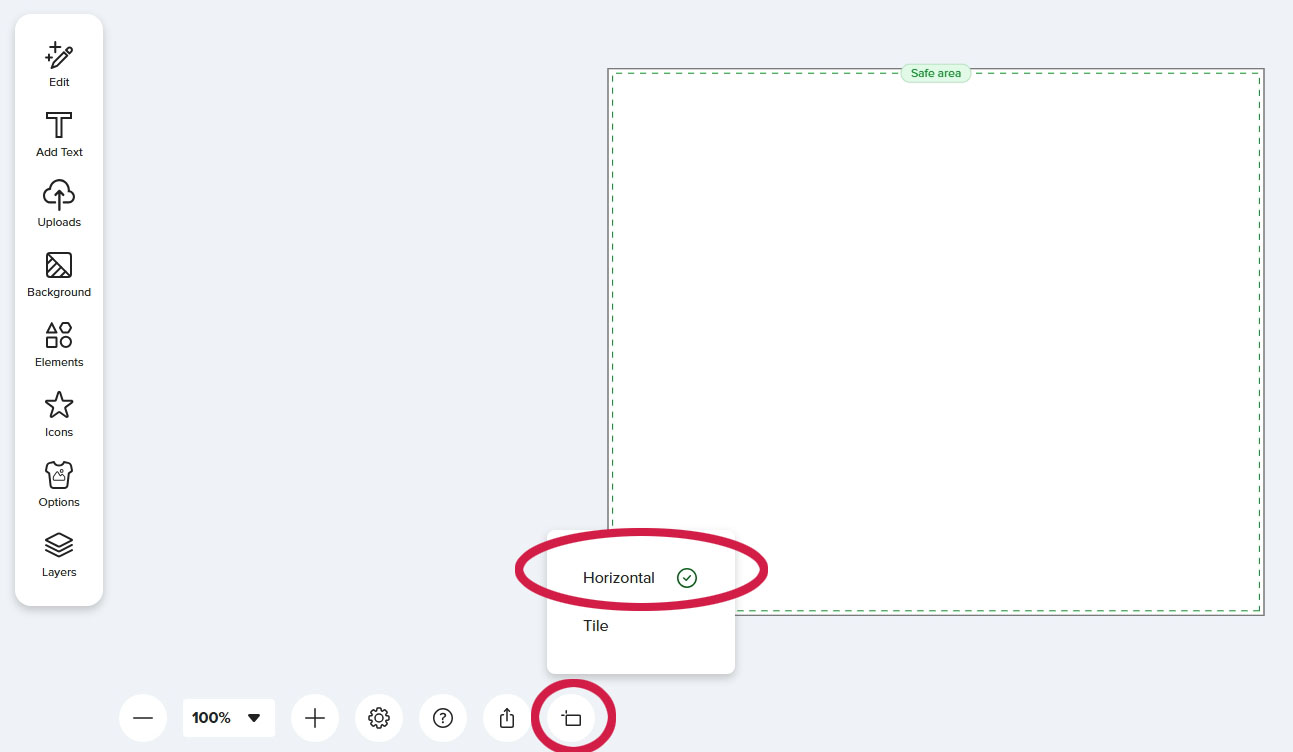
 Please disregard my comment about the appearance in the “Effects” window, as that’s just a matter of whether it’s a single or grouped element! The problem lies with tiling text using “Horizontal” tiling.