@Mariholly Yes - the ‘download’ option is just for downloading artwork or product shots. The Media Manager is where you view and organize all your uploaded cover images.
I may have explained myself wrong. I mean, if a customer chooses the buy digital download option, they don’t see any of our cover photos created by us, they only see Z’s images.
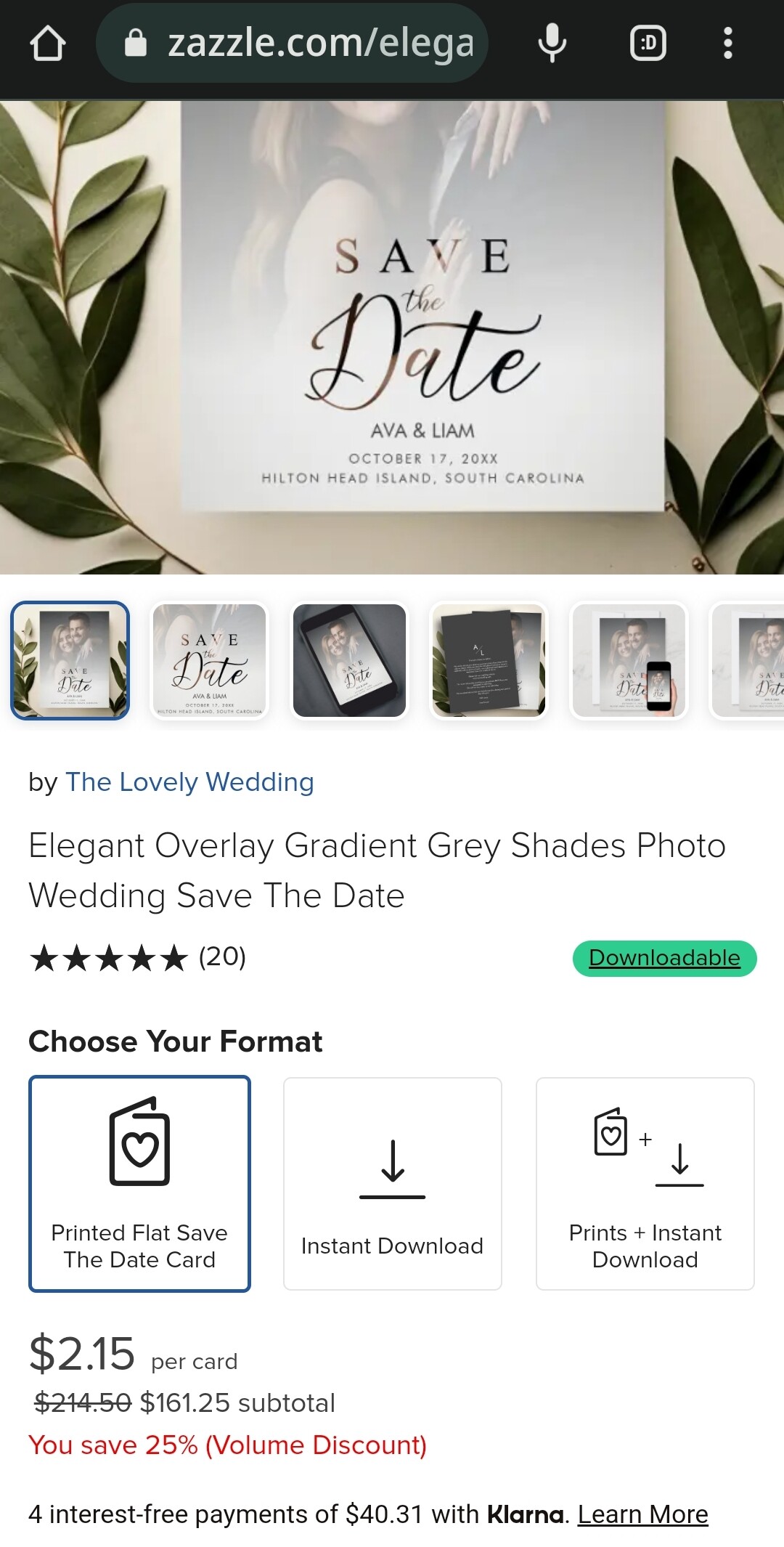
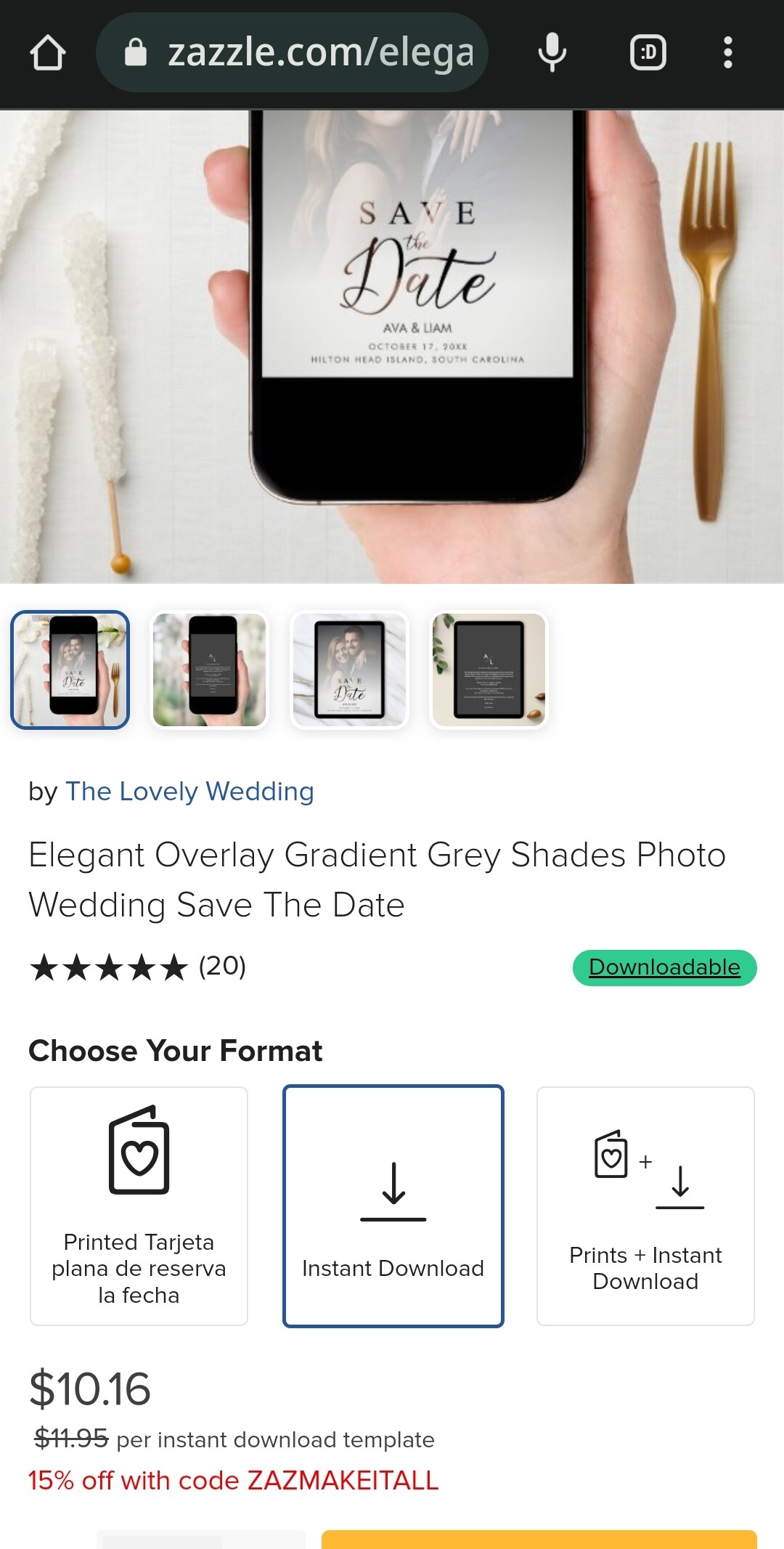
@Mariholly sorry - I didn’t understand 😂 But once you’ve got the sale - the cover photo has done it’s job so maybe that’s why you don’t see it anymore?
1 Like
Thanks Marcia! Yes it did take a while so I’ll definitely have to prioritise just for certain designs for now and see how it goes.
1 Like
That’s fabulous. You did a beautiful job on each one.
Thanks, Sara_H. But it’s not that I can’t find them in my backend store…I can. And when I search there for popularity, or even use their keyword tags, they come up immediately.
I can’t find them in the MP at all when I search the most important keywords in their title or tags. Even when they’ve sold dozens (and in some cases hundreds) of times and there are less than 13 pages of results given when I use those words to search for them. As far as market visibility, they have just disappeared, if a customer searched for the most likely tag words, which are also repeated in their titles. However, they do show up if I use the tag words that are less important, which I think customers are less likely to use. Is that weird or what?!!! I market them myself, so they are still selling, but not nearly in the quantity that they did before the most recent changes.
I’ve reported it to Zazzle, and they said they are researching it…but it’s been 2 months and now they aren’t responding to me at all. Discouraging.
Didn’t mean to de-rail this topic. It’s just that I can’t see spending so much time with more cover photo’s when these types of problems that are hurting my revenue continue to go on. Anyway, back to our regularly scheduled program…
3 Likes
I have the same problem. My designs with hundreds of sales are in my store in the top positions, but they are no longer on the first pages of Z. In the case of one of the designs, wedding invitation, it has a cover photo, but it does not allow downloading or will never allow it because the typography does not allow download rights, I have other similar designs with download but they do not have the popularity of that one. In another case it is a design applied to a sheet of paper for wedding on a budget and therefore cannot have the download option. It also has a cover photo. Just an example. I think the algorithm has changed and some designers have been hurt and others have benefited. If you are a designer with multiple sales and high income even if it has also hurt you it will not be as bad as for a designer who was growing every month and had income of more than $1000 a month and growing… 50% less is simply devastating for a small designer growing reasonably. And new products don’t rank well either, even with good titles, descriptions, and tags. On the other hand, there is more and more competition and there is a crisis. I think that all this well mixed makes a very complicated stew for some of us.
2 Likes
I love the cover photos - But, please, please give us downloadable transparent product photos! I know it’s been said above, but it bears repeating. Mugs, for example, even with Photoshop’s sophisticated masking and delete background tools, are very, very hard to separate from their backgrounds!
13 Likes
I can only give the method for Inkscape users to do this, Outline the mug outside edge using the Beier tool. Then outline the “hole Space” of the hande. Select both these paths, and select “Path > Difference” action, to take the hole space white shape away from the mug shape, now you can use this to clip (object>clip> set clip) from the complete image to obtain your cup with transparent handle gap. I just learned this recently. I hope this helps other Inkscape users
1 Like
I mostly use GIMP, and my technique is to select the object (whatever it is) using the lasso tool - sometimes I have to blow it up to 800% in order to get small enough steps to get all of the ins and outs. Then once I’ve got it selected I save the selection as a path. Then save the xcf file. At that point all you have to do is download the Zazzle mockup and paste it as a new layer - then go to the paths and do a path to selection, and you can easily copy just the item without the background and paste it into your scene or whatever. It’s a pain to get the selection done, but fortunately you only have to do it once for each type of product.
It would still be better if Zazzle would give us the option to download a mockup with a transparent background to save all of those steps, but until that happens, that’s my method!
1 Like
So it’s not all in my mind! I am experiencing the same thing. For me my sales dropped more than 50% and continue to drop even though I am adding new designs. Almost all of my best sellers are not selling anymore. I have no idea how I’m going to survive 
1 Like
Maybe because the cover photo only shows the printed versions. Just guessing.
OK, one new whine. It seems to take a REALLY long time for the download popup to “populate” so we can download mockups. I click on the “download your artwork or product photos” and I get this:
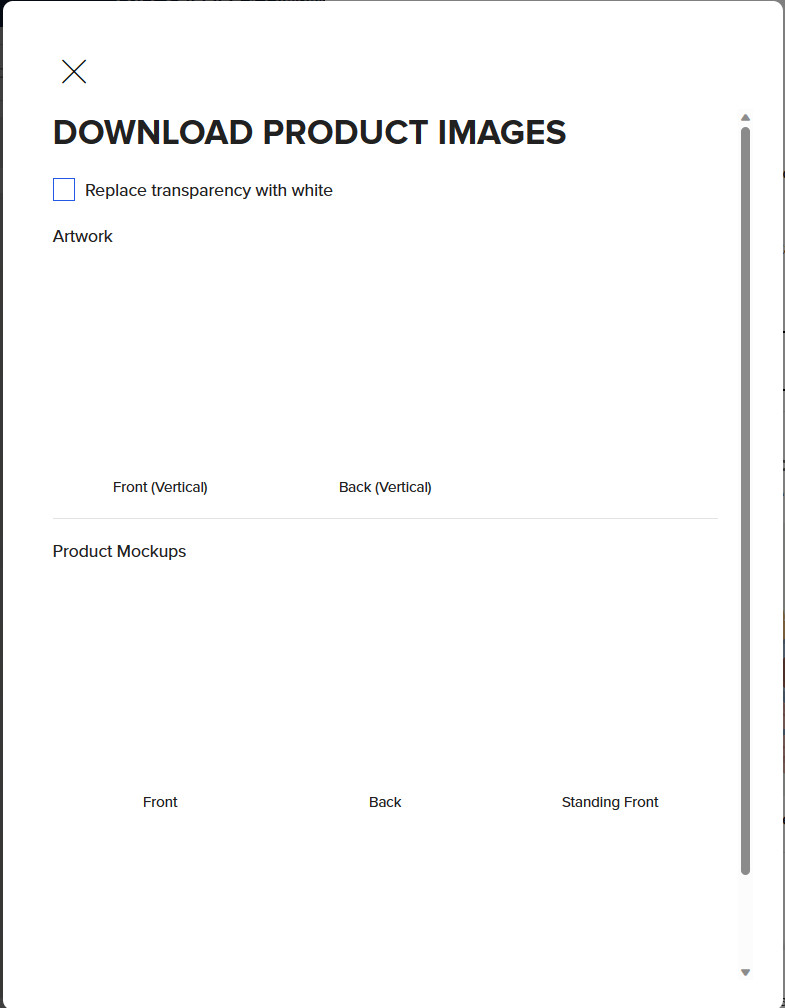
It usually takes around 2 minutes for it to populate so I can download mockups. At first I thought it was because it was a newly created product, but I tried with some older products and I get the same problem. It’s not impossible, but it just makes it that much more difficult to make covers.
It must have something to do with where you are, assuming your computer is otherwise fast, because, for me, it’s nearly instant.
2 Likes
Very strange. I have a gigabit connection, and a super fast gaming computer using Windows 11, so I don’t think the problem is on my end. Hmmmm…
1 Like
If it’s just that specific screen, I agree. Hmmmm… is right.
Thanks for sharing the tools you use Laura. I’ll check them out (might be a life saver!) as I’m on a quest to cut down on insane graphic creation work (when done manually, it takes a lot of time, time that is better spent elsewhere in the business I think)
1 Like
Thanks for this photo Pixelan. I was wondering about this…
I feel confused about this caption because in my mind this opportunity to tell people about the story of the design is already given in the product description. Are we supposed to repeat the product description here? How would the caption be different from the product description? Do you know? Thanks for your input 
Thank you for this idea
1 Like